I'm a big fan of Docker, especially with apps like Papermerge and Actual Budget.Over time, I've ditched some containers like Wallabag for alternatives that work better for me.While I use it for many different tasks, I often spin down containers for apps I'm not actively using at any given time.
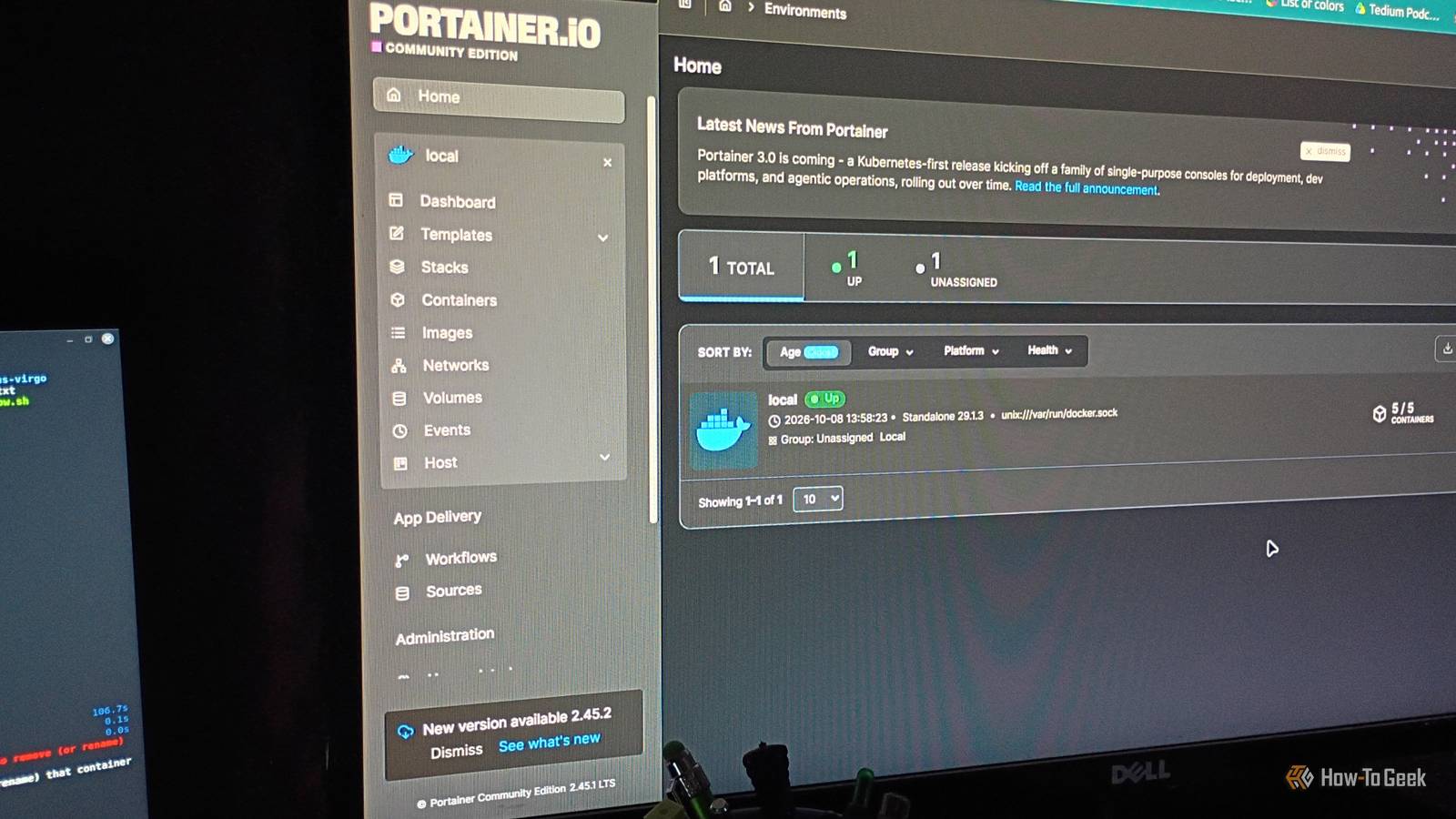
However, I run some apps 24/7 on one of my homelab laptops.These apps help me monitor, control, and manage my work every day.Portainer It's the star of the whole show The most important app I run 24/7 is pretty obvious.
It's the container management app, Portainer.In my experience, having a container manager is pretty vital to running Docker.I still haven't changed my mind about it, despite trying out similar apps.
Portainer makes managing the apps themselves simple and gives me a direct line of sight into what's going on with them.It's pretty much a necessity for my Docker workflow.Trilium, Stirling-PDF, Paperless-ngx, Linkwarden and Excalidraw My 5-app, constantly-running productivity stack Close Monitoring and taking control over your user experience are two things I take very seriously.
But not every app I run 24/7 in Docker is related to that stuff.I have a full suite of productivity apps I use daily.Unless I need to shut them down for updates, they stay up and on all the time for quick access.
The app I use most often (it's usually in the tab right next to the one I'm working on) is Trilium.It's great for quick notes and saving ideas.I've also been using it to keep track of projects, sort of like a Kanban board.
I still use Obsidian daily, but Trilium is a great augment to it.I can just pop into it when I complete a task or need to scribble something down in a hurry.Stirling-PDF has been very helpful in helping me organize music stuff (lyrics, charts, chords) and drawing instructions into single PDFs.
I'm learning to draw different types of ocean creatures, aircraft, and cartoons.I was into cartooning in my 20s but got away from it for a while.Organizing notes and diagrams into PDFs is so much better than lugging an entire library of physical books around.
Paperless-ngx and Excalidraw are both built for organization and productivity.Excalidraw is great for sketching ideas when inspiration hits, and I've been finding a lot of value with Paperless-ngx for keeping track of work documents and helping manage a very ambitious side project that I work on every day (at least for a little while).I also like to keep Linkwarden constantly active because I'm in the middle of saving all of my published work from across the web and, just in case I want to bookmark something for later (which I have a very bad habit of doing), Pocket-style.
AdGuard Home An anchor for local ad blocking I didn’t always despise ads the way I do now.I grew up watching syndicated television, complete with commercial breaks.I wrote and recorded ads when I worked in radio.
I was in marketing for seven years.I even get nostalgic sometimes about stuff like those old Reese’s commercials.But there’s just something about today’s ads that really gets on my nerves.
Maybe it’s how pervasive and invasive they are.Today's ads feel like a rodent infestation in your favorite apps.It’s gross.
I’m thoroughly convinced that in 2026, everyone needs a good ad blocker.I use them all the time as browser extensions, but I want to expand into something more comprehensive for my home network.I’ve looked into Pi-hole, but AdGuard Home is the one I've used for a while.
It’s a DNS sinkhole that works well for my small home network and home lab.It blocks ads, trackers, malicious domains, and all sorts of awful stuff at the DNS level.Setup can take a bit of time, but AdGuard basically gives you step-by-step instructions to get things up and running.
It works well when I'm at home on my local network.If I'm traveling, I use a browser extension called AdNauseum in Firefox on my devices.I may eventually give Pi-hole a shot, but for now AdGuard Home is working just fine.
I see no reason to shut it down at all.Running 24/7 Docker containers is all about versatility There are a lot of different options for running always-up/always-on containers, like Kubernetes or VMware (which I've used for other projects in the past), but I always find myself coming back to Docker.My current stack works great for my current projects.
But the best part is that it's flexible and can change depending on my needs.Related I never expected Docker to handle document management and AI chatbots, but here we are I discovered and use 2 premium-level apps that you wouldn't expect from Docker.Posts By David J.
Buck
Read More