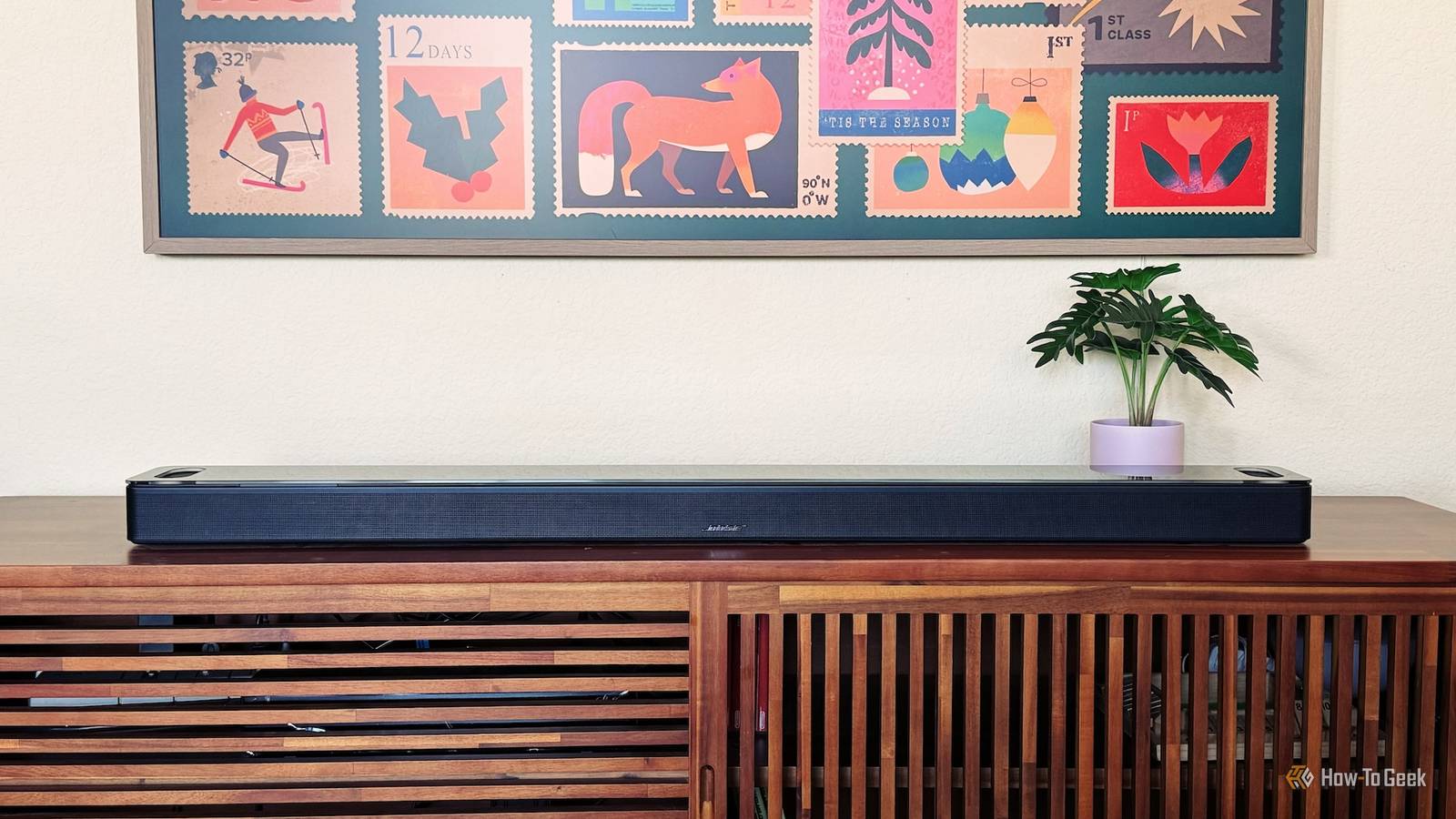
For months, dialogue on my soundbar sounded muddy and inconsistent, and I assumed the hardware was to blame.It wasn't.A small shift in placement solved almost the entire problem.
Why did this work? A few inches change how sound waves interact Close The fix came down to acoustics, not electronics.Soundbars, like any speaker or sound system, produce sound waves that travel outward and bounce off nearby surfaces, including walls, TV stands, and back panels.When a soundbar sits too close to a wall or is tucked into a recessed shelf, some of those reflected waves arrive back at your ears slightly out of sync with the direct sound.
This creates a phenomenon audio engineers call comb filtering, where certain frequencies reinforce each other and others cancel out.The practical result is exactly what I was hearing: dialogue that sounded thin or hollow in spots, bass that felt boomy in one part of the room and weak in another, and an overall sense that something was "off" even though the volume and settings were fine.My soundbar was pushed almost flush against the back wall, sitting inside a shallow media console cutout.
That tight boundary was reinforcing low frequencies unevenly and creating early reflections that muddied the midrange, which is where most speech lives.Pulling it forward by roughly six inches gave the sound waves more room to disperse before hitting the wall, which reduced those harsh reflections and let the direct sound reach my ears with less interference.This isn't unique to soundbars.
It's the same principle audio professionals account for when positioning bookshelf speakers or subwoofers away from corners and walls.Boundary interference is one of the most common and most overlooked causes of poor perceived audio quality in home setups, and it has nothing to do with the quality of the speaker itself.In my case, the soundbar hadn't changed at all.
The room's relationship to it had.Will it work for you? Results depend on your room and setup Whether this same adjustment helps you depends heavily on your specific room and how your soundbar is currently positioned.After all, we're talking acoustics here—soundbar positioning matters, but it's not the only thing.
If your soundbar is pressed directly against a wall, sitting inside a tight cabinet cutout, or surrounded closely on multiple sides by hard surfaces like glass or wood paneling, there's a reasonable chance you're dealing with a similar reflection problem.The symptoms tend to be similar too: dialogue that sounds unclear despite reasonable volume, bass that feels inconsistent depending on where you sit, or an overall sense that the sound is harsher or muddier than it should be for the hardware you own.That being said, this isn't a guaranteed fix for every audio complaint.
If your soundbar is already sitting in open space with a few inches of clearance on each side, moving it slightly may produce a smaller improvement, or none you can easily notice.Other issues, like a poorly configured audio mode, outdated firmware, a mismatched HDMI-ARC connection, or simply a lower-end speaker reaching its performance ceiling, won't be solved by repositioning alone.It's also worth considering the listening position itself.
If you sit well off-center or at an unusual angle relative to the soundbar, no amount of physical repositioning of the unit will fully correct that.The best way to know if this applies to you is to treat it as a quick experiment rather than a guaranteed solution.Try shifting the soundbar a few inches away from the nearest wall or out of a tight enclosure, then listen to the same piece of content you're used to.
Small, incremental adjustments tend to reveal whether reflections are contributing to the problem, and the test costs nothing but a few minutes.Other stuff you could do Small adjustments beyond simply relocating it If repositioning your soundbar doesn't fully resolve the issue, or you want to fine-tune things further, there are a few other adjustments worth trying before assuming you need new hardware.Angling the soundbar slightly, rather than just moving it, can also reduce reflections, particularly if it's flanked by furniture or a media cabinet with hard, reflective sides.
Even a slight toe-in or toe-out adjustment changes how sound waves interact with nearby surfaces.Elevation matters too.Soundbars placed well below or well above ear level, especially when mounted under a TV stand shelf, can end up firing sound at angles that bounce awkwardly off ceilings or countertops before reaching you.
Raising the unit slightly, or using stands designed to align it closer to ear height, can noticeably clean up clarity.It's also worth checking the audio processing settings built into the soundbar itself.Many models include room correction or calibration features that use a built-in microphone to measure how sound behaves in your specific space and adjust output accordingly.
If your soundbar has this feature, and you've never run it, doing, so after any physical repositioning can meaningfully improve results, since the calibration will reflect your speaker's new position rather than an old one.Cable management and rear port placement matter less for audio quality, but clearing physical clutter directly behind or beside the unit can still reduce unwanted reflections.Finally, if none of these adjustments help, it may be worth testing different audio modes, like dialogue enhancement or standard stereo versus surround simulation, since some processing modes handle a room's specific quirks better than others.
Positioning is often the biggest factor, but it's rarely the only one.A small move, a noticeably clearer sound Moving my soundbar six inches wasn't a workaround.It addressed the actual cause of the distortion: reflected sound waves interfering with direct audio.
Before assuming your speaker is at fault, it's worth testing whether placement is the real issue.
Read More