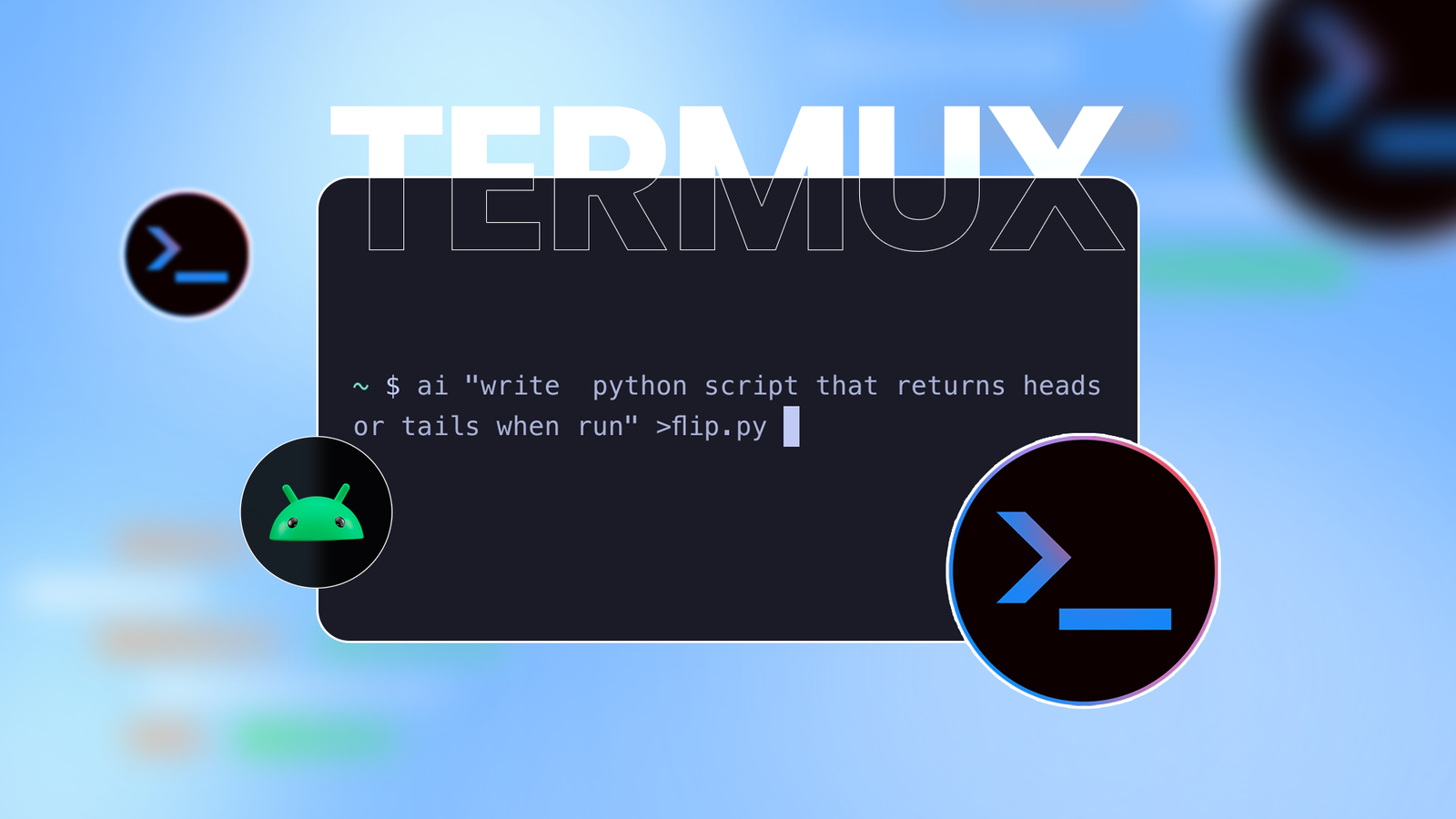
Termux is awesome, but the one thing that slowed me down (or at least slow me down) was having to look up documentation or commands.So I found a way to bring an AI assistant (not a coding agent) into Termux.Now I can look up commands and search for stuff on the fly without leaving the terminal.
How it works I installed a script that lets me use the command-line interface versions of Google Gemini or ChatGPT within Termux.Accessing it is as simple as type ai, followed by a query.For example, if I want to find out what command updates the repos and packages in Termux, I could give it a prompt like this.
The CLI tool prints just the commands I need.You can ask for similar commands to install any other package, too.You can ask this cli tool to give you curl or wget commands for loading scripts or configuration files.
For example, I could ask it for a script that personalizes the Termux theme.It also comes in handy if you want AI to write small scripts for you without spinning up a coding agent like Gemini CLI (which Termux can also do).Simply type ai, specify what you want the script to do, and what language you want it to be in.
Then type > and the script file name.When you press Enter, the new script will be created in the same directory.For example, you could ask the AI to write a Bash script for generating random passwords.
ai write a small bash script for generating a random password>pass.sh Then you can run it with the Bash command like so.bash pass.sh The scripts don't have to be that simple or trivial either.For example, you could whip up a Python script that scours Reddit or LinkedIn for job leads and produces the output in a CSV file.
When working with Termux, you'll inevitably come across scripts that other people have written and that you want to use.This handy tool can also help you understand those scripts, debug them, and even scan them for malicious code.All you have to do is cat that script and pipe it through to the ai prompt.
cat pass.sh | ai what does this script do? The cat command displays the contents of the file, and the pipe | hands off the output of cat to the ai command.You can do the same for error logs or configuration files, too.How to set up the AI assistant within Termux You'll need three things to make things work.
Termux.Install the Termux app from F-Droid or GitHub because the Play Store version is severely limited.An API key from Google Gemini or OpenAI.
The Gemini API key is free with some limited usage.The Git tool for fetching the installer script.Make sure you always examine a script before running it.
Once you've installed Termux, open the app and run this command to update the repositories and packages.pkg update && pkg upgrade -y Now we can install git.pkg install git We're ready to install the CLI assistant tool.
Here's the GitHub repo link for the tool.Let's start by making a new folder for it and jumping into it.mkdir aicd ai Next, we'll use the git tool to clone the repository.
git clone https://github.com/estiaksoyeb/termai Let's cd into this repo and run the installer.cd termaibash install.sh You should see a message that "termai" was successfully installed.The script automatically clears the cloned directories, so you don't need to worry about manual cleanup.
Just press "Y" and hit Enter when prompted.With the CLI tool installed globally, all we need now is the API key to activate it.Let's try using the ai command.
Subscribe to our newsletter for Termux + AI tips Explore deeper Termux + AI coverage by subscribing to the newsletter: curated setup walkthroughs, ready-to-use script templates, debugging prompts, and in-terminal examples you can adapt - subscribe to access more focused how-tos on this topic.Subscribe By subscribing, you agree to receive newsletter and marketing emails, and accept our Terms of Use and Privacy Policy.You can unsubscribe anytime.
ai hello On the first run, it'll ask which AI model you want to use.Press 1 for Gemini and 2 for OpenAI.Then open Google's AI Studio website and log in with a Google account.
Look for the "Get API Key" button and press it.Create a new project here and copy the API key.Go back to Termux and paste the Gemini API Key where requested.
As long as the API key is correct and you have free tokens, you can access Gemini within Termux.You can follow the query with or without quotes to get a response.If you want to change the API key later on or if you want to edit the system prompt, you can edit the configuration file with this command.
ai --config To remove the tool and its configuration files, you can run these three commands.rm $PREFIX/bin/airm -rf ~/.programs/termairm -rf ~/.local/share/termai You now have a handy little assistant to pull up commands and get help with errors.This tool can also help you understand scripts and error logs.
It can even write scripts.
Read More