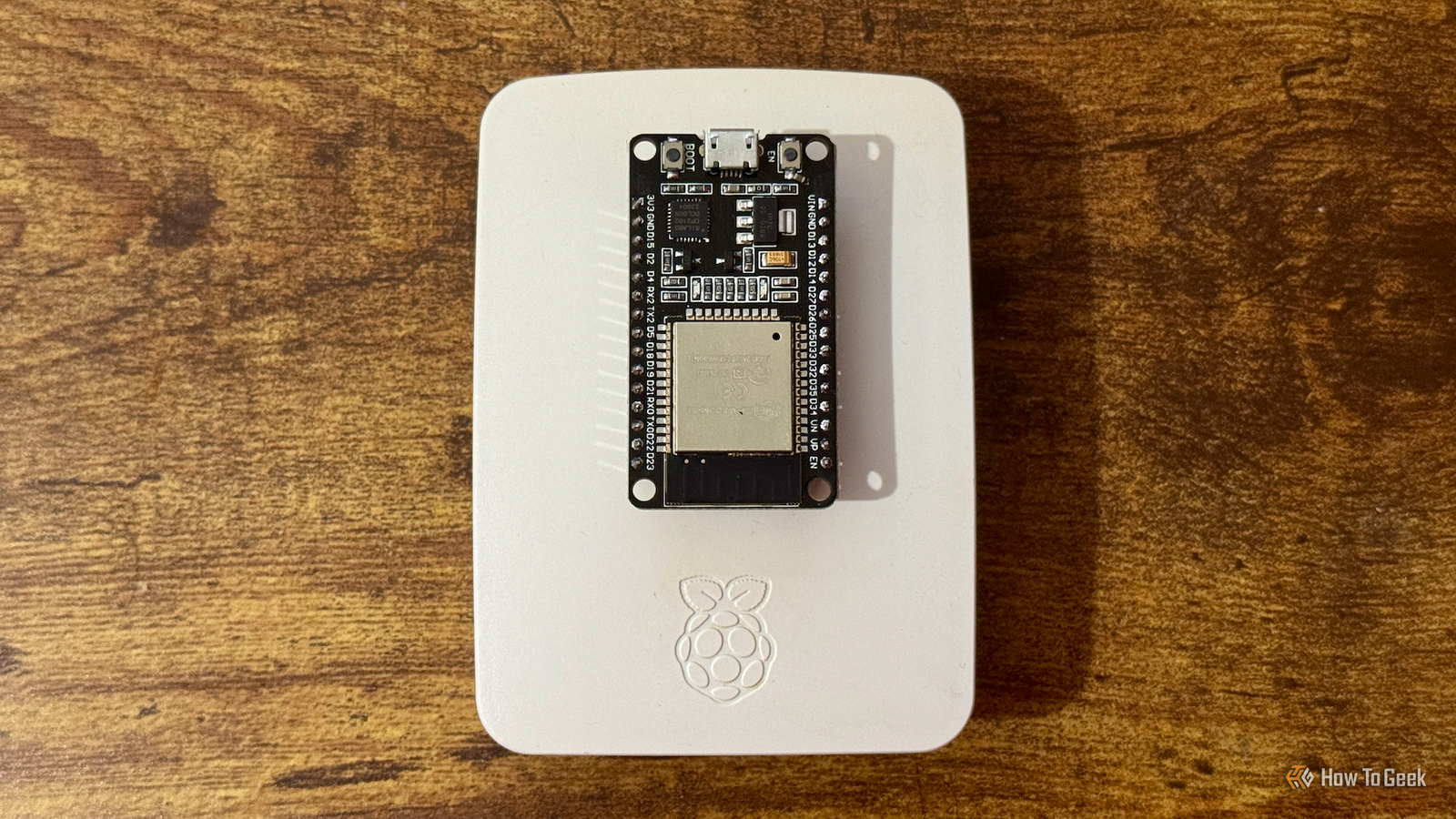
The Raspberry Pi is great for DIY projects, but it has a few limitations that become obvious once you start connecting sensors, motors, and other electronics.The ESP32 has its own limitations, especially when you want to run more demanding software.If you have been using either board for a while, you have probably run into situations where you wished it could do something the other handles easily.
Add How-To Geek on Google Add as Preferred Source Follow on Google Discover Fortunately, you can connect a Raspberry Pi and an ESP32 and have them work together on the same project.In fact, I think this is one of the better ways to build home automation systems, robots, and other DIY gadgets.You get the flexibility of Linux along with the ESP32’s dedicated microcontroller capabilities, and setting everything up is easier than you might expect.
Let the Raspberry Pi handle the heavy lifting Run Linux, web dashboards, and other demanding software Close One of the biggest advantages of a Raspberry Pi is that it runs a full operating system.You can install Raspberry Pi OS, run Python scripts, host web applications, manage databases, and even run Docker containers on supported models.That gives you a lot of flexibility when building projects that involve more than reading a sensor or turning something on and off.
For example, let’s say you are building a DIY weather station.You want to collect temperature, humidity, and air pressure readings, save historical data, and display everything on a dashboard.A Raspberry Pi can handle all of that using Python, a database, and something like Grafana.
However, having the Pi constantly read sensors and handle every little hardware interaction isn’t necessarily the best approach.Linux has plenty of other things going on in the background, and your scripts have to share system resources with everything else.That’s where the ESP32 comes in.
You can let the ESP32 collect sensor readings while the Raspberry Pi handles the database, dashboard, and other software.The Pi can also perform more demanding tasks, such as image processing or running a local web server, while receiving data from multiple ESP32 boards.I particularly like this setup for projects that you eventually want to expand.
You can start with a couple of sensors and gradually add more devices without constantly rewriting the software running on your Raspberry Pi.Use the ESP32 for real-time hardware control Linux isn’t always great at precise timing If you have ever tried controlling motors or generating precisely timed signals directly from a Raspberry Pi’s GPIO pins, you may have noticed that things don’t always behave as expected.The problem comes down to how Linux schedules tasks.
Your Python script might be running perfectly fine, but the operating system can interrupt it to handle something else.That isn’t a problem when you are checking the temperature every few seconds, but it can cause trouble when you are trying to generate precisely timed pulses or coordinate several motors.The ESP32 is better suited to these kinds of jobs.
It runs firmware designed for microcontroller hardware and includes peripherals for generating PWM signals, communicating with sensors, and responding to external events.Its hardware timers and peripheral controllers can handle many timing-sensitive operations without depending on Linux scheduling.Take a DIY robot, for example.
You could use the Raspberry Pi to process camera footage, calculate navigation routes, and decide where the robot should move.The ESP32 could then translate those instructions into motor control signals while monitoring wheel encoders and other sensors.I have seen makers use the same approach for a CNC controller, automated camera slider, or other project involving motors.
Add wireless sensors without running cables everywhere Use Wi-Fi and Bluetooth to expand your Raspberry Pi projects Another reason I like combining these boards is that you can place ESP32 devices throughout your house while keeping the Raspberry Pi in one location.If you are running Home Assistant on a Raspberry Pi in your home lab and want to monitor the temperature in your garage, detect when the basement gets too humid, or track whether a door has been left open, running wires from every sensor back to your Raspberry Pi would be a headache.Instead, you can connect those sensors to inexpensive ESP32 boards and have them send readings over Wi-Fi.
Your Raspberry Pi can collect the information, display it on a dashboard, and trigger automations based on the readings.You don’t even have to write all the firmware yourself.ESPHome lets you configure supported ESP32 boards using YAML files, and it integrates directly with Home Assistant.
For example, you can configure a temperature sensor, flash the firmware, and have its readings appear in Home Assistant.Related 7 Home Assistant features I wish I’d started using sooner Long time, no scene.Posts 1 By Adam Davidson You can also use MQTT if you prefer a more flexible setup.
Run an MQTT broker such as Mosquitto on the Raspberry Pi, then configure your ESP32 devices to publish sensor readings to different topics.The Pi can subscribe to those topics and process the data however you like.There is another interesting trick worth exploring.
With a compatible ESP32 board and the appropriate firmware, you can create a Bluetooth proxy for Home Assistant.This is useful when your Raspberry Pi is too far away from Bluetooth thermometers, sensors, or other devices.When using both boards is actually worth it Before you buy another development board, it’s worth considering whether your project really needs both.
If you are building a simple temperature monitor, an ESP32 can already read a sensor and host a basic web page by itself.Likewise, if you only need to control a couple of LEDs from a Python script, your Raspberry Pi is probably more than enough.Using both boards means managing two sets of software, handling communication between them, and dealing with additional wiring or network configuration.
There’s also the cost of powering and maintaining another device, but once your project involves a combination of Linux applications, multiple sensors, wireless devices, or timing-sensitive hardware, pairing the Raspberry Pi with an ESP32 starts to make a lot more sense.Seeed Studio XIAO ESP32-C6 Brand Seeed Studio The Seeed Studio XIAO ESP32C6 is the perfect microcontroller for your next smart home project.The built-in Zigbee and Thread radios compliments Matter support.
Plus, with Wi-Fi 6, it'll easily connect to modern wireless networks. $5 at Seeed Studio See at Amazon Expand Collapse
Read More