Queue depth is one of those SSD-related things that many people don't get or don't care about—but ignoring it isn't a great idea.It's the reason a drive can have some serious bragging rights in benchmarks, but still feel identical to an older generation in day-to-day use.Once you know how queue depth works and figure out when your SSD actually hits deep queues, you'll have an easier time picking an SSD for your needs ...
and you might steer clear of the fastest SSDs.Queue depth is the hidden trick up your SSD's sleeve For better or worse Let's start by unpacking what queue depth even is.Queue depth is just the number of storage requests your system has "in flight" all at once.
If queue depth is 1, the drive is basically only handling one request at a time.But if it sits at, let's say, 32, the drive has a backlog of work and can chew through multiple requests at the same time.This matters because modern NVMe SSDs are built for parallelism.
In fact, that's where they thrive.NVMes can accept of outstanding commands and keep the controller and NAND busy without slowing down.That's what gets you those huge benchmark numbers on sequential read speeds, by the way, but it's not what fully determines your SSD's day-to-day performance.
At low queue depth, the SSD doesn't really get to stretch its legs, and benchmark numbers are far less impressive.But it's not just benchmarks where this is visible; it also shows up in daily work, and makes the difference between a fast PCIe Gen 5 SSD and a Gen 3 drive a lot less noticeable than you'd think.I'm mostly talking about NVMe SSDs here, as their parallelism skills are, well, unparalleled (I'm sorry).
But HDDs have queue depth too.On SATA HDDs, it shows up through Native Command Queueing, where the drive can reorder requests to reduce head movement.It helps, but spinning rust is still limited by mechanical latency, so deeper queues do not turn an HDD into an SSD.
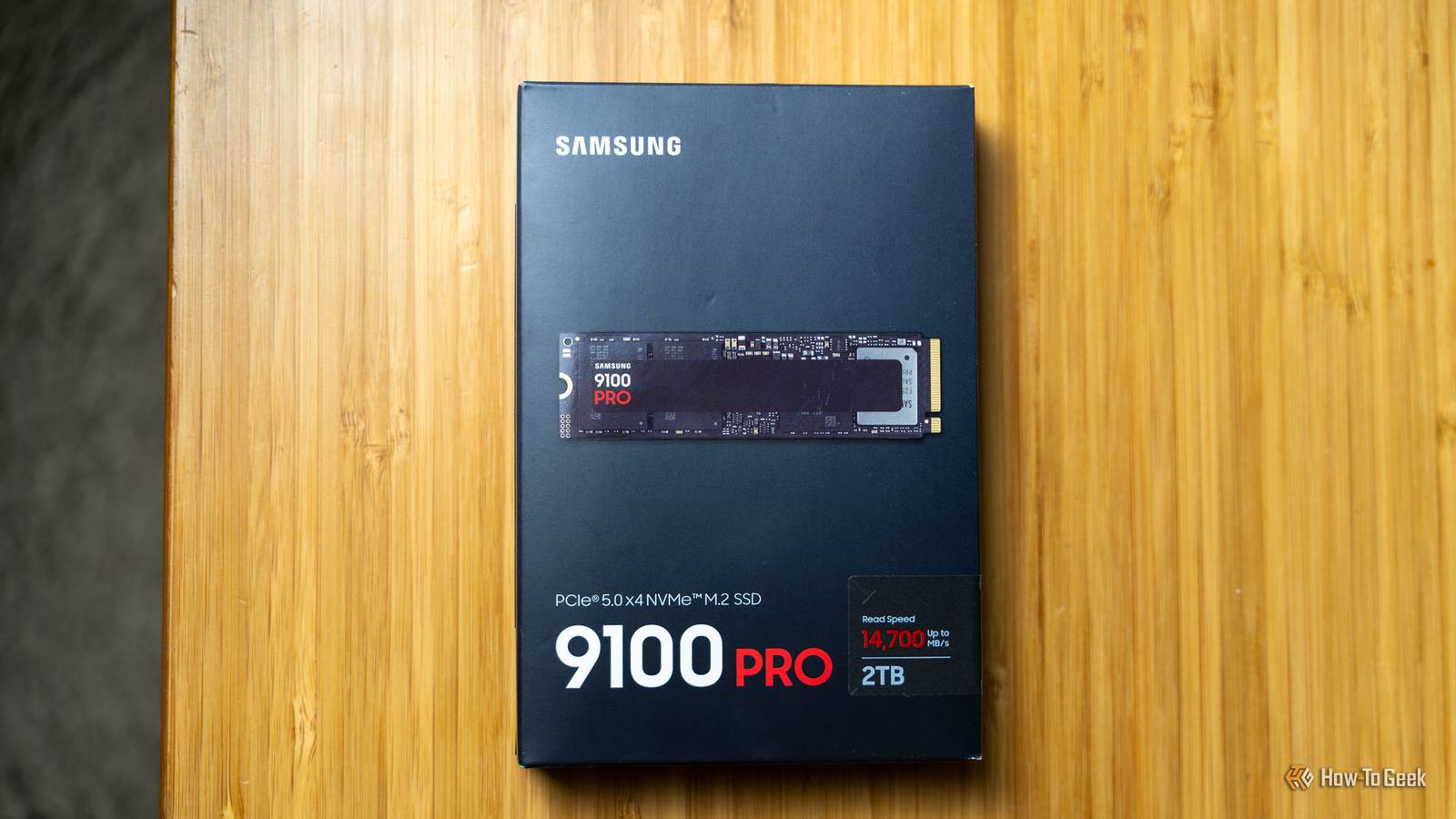
Why wild SSD speeds hardly even matter That's why you don't need to buy PCIe Gen 5 drives Queue depth is also why read speed can be a misleading spec.Sequential read speed is usually measured as one long, orderly stream, which is great for copying a huge file, but it does not describe lots of small, scattered reads happening at once, and that's what happens more often in regular use.Queue depth is about concurrency, and higher queue depth tends to boost IOPS and throughput on mixed or random workloads, while QD1 is where latency and responsiveness are the whole story.
Most everyday PC tasks don't generate deep queues.Opening apps, booting the OS, using the browser, and pulling lots of game assets all at once are more on the bursty, latency-sensitive side, with the system waiting on a request to finish before it throws a dozen more at the drive.That means a drive that's technically twice as fast at QD32 might feel basically the same when you're at low queue depth.
Even if you do move loads and loads of data, your SSD is rarely the only factor and the only bottleneck in how fast that can feel.Gaming is a good example.Your SSD is constantly hammering away in the background, but it's not alone; a lot of the workload involves communicating with the CPU and the GPU, decompression, shader compilation, etc., but the reality is that a lot of the loading time is really just your system preparing assets that have already been read.
And on Windows, you have a whole lot of caching, so repeated reads can come from RAM instead of the SSD—which is exactly why unstable RAM can cause corrupted data, too.This is why PCIe Gen 5 drives are so easy to oversell.They look incredible in the tests that keep them constantly fed and queued, but most people don’t spend their day doing sustained, deep-queue I/O.
The workloads where deep queues and high-end SSDs actually pay off Do you actually need a good SSD? Deep queues show up when you're doing work that creates a huge pile of simultaneous I/O.Multitasking central, really, plus lots of small files or apps that spin up multiple threads.In those situations, a faster controller, better NAND, and higher QD-IOPS can actually matter.
Long story short, all that fun stuff that costs extra money (and it's not like SSDs are cheap right now to begin with).Content creation is probably one of the most obvious use cases for these expensive SSDs with deep QDs.If you're scrubbing high bitrate footage or working on high-res photo catalogs, that difference can stand out.
Most users hardly notice, though.The other big "worth it" is workstation-style workloads that behave more like a server.VMs, Docker containers, local databases, big code compiles, and heavy data processing ...
all of those can really make those storage requests stack up.What are the specs that actually matter? If you're actually buying an SSD in this economy, make it count Honestly, I know that many people are choosing not to buy an SSD right now, and that's completely fair.But in case you want to buy one, or you're reading this in the future when SSD prices have normalized (fingers crossed), here are the specs that you should actually care about.
Subscribe to the newsletter for SSD buying clarity Make smarter SSD choices by subscribing to the newsletter for practical coverage of real-world performance.Learn how queue depth, low-QD responsiveness, sustained write behavior, and endurance affect everyday feel so you can pick a drive that truly fits your workload.Get Updates By subscribing, you agree to receive newsletter and marketing emails, and accept our Terms of Use and Privacy Policy.
You can unsubscribe anytime.If you just want an SSD that feels good day to day, don't obsess over peak sequential read speed.Read reviews to find out the low-queue performance and consistency.
Rreviews that include random performance at QD1, or other low-QD tests, are worth their weight in gold.Beyond that, look at sustained write behavior to learn more about how snappy an SSD is going to be on a daily basis as opposed to topping a vendor-specific benchmark.Next, it's what you'd expect: capacity, warranty, and endurance.
In reality, most users look at capacity first and everything else second, and that's the way it should be.You don't need a better SSD If your SSD works fine, you probably don't need a faster drive.If your workloads call for high QDs and blazing fast speeds, fair enough.
But most of us don't need to overinvest, which is good news, because buying an SSD is a pain right now.Lexar NM790 SSD Lexar's SSD is a fast PCIe Gen 4 drive that'll be good enough for most people.With speeds up to 7,400MB/s, it's more than anyone really needs, outside of some highly specific workloads.
$390 at Newegg Expand Collapse
Read More