Much like a fire extinguisher or home insurance, a panic button is something that could mitigate disaster, but that I really hope I never need to use.I set up a panic button for my smart home, and it's comforting to know it's there should the worst happen.Related Here’s how cheap contact sensors gave my smart home superpowers Open sesame.
Posts 22 By Tim Brookes Why set up a panic button? Be prepared if the worst happens There are a number of reasons why I wanted to set up a panic button.A common reason for setting one up is to have a way to immediately call for help if you hear intruders in your home or if there's another emergency, such as a fire.While my panic button can be used for these reasons, it wasn't the main reason I wanted one.
The biggest reason for me was that I wanted a way for my kids to be able to call for help should anything happen to my wife or me when we're at home.When I was a kid, I was taught how to call emergency services from the landline phone, but we don't have a landline, and if something did happen, our kids might not be able to get to our phones.A panic button is something that even our youngest child would be able to use in an emergency.
While the thought of my wife or me being incapacitated and leaving my kids to call for help is a horrible one, the thought of them not being able to do so is even worse.What a good panic button should do Make sure alerts aren't missed Since the predominant reason for setting up a panic button was as something that my kids could use, the most important thing that I wanted the panic button to do was call for help.Let's be clear: a panic button isn't a replacement for calling the emergency services, but if my kids weren't able to do so, then I wanted to be sure they could alert someone who could.
There are a few ways to do this.You can use a Home Assistant integration, such as the Twilio integration, to call someone's phone or send an SMS, but my concern with this was that if phones are in silent mode, calls and messages are easy to miss.I ended up using the Pushover notification app instead.
By installing the app on their phones and sharing their user keys, it's possible for me to send critical notifications to neighbors and nearby family members.These notifications will play a notification sound at full volume even if phones are silent or in Do Not Disturb mode, and I've set them up to repeat every 60 seconds until the recipient acknowledges them.As well as immediately alerting neighbors and family members, I added additional features to the panic button automation.
It turns on all the lights to full brightness, repeatedly flashes exterior lights, and plays loud repeated announcements on smart speakers.It also unlocks the front door in some scenarios, so that neighbors or emergency responders can get in.Choosing a button and its placement The right button depends on your setup There are plenty of smart buttons out there you can buy, and while you could spend hours researching the very best one for your needs, many can do the job.
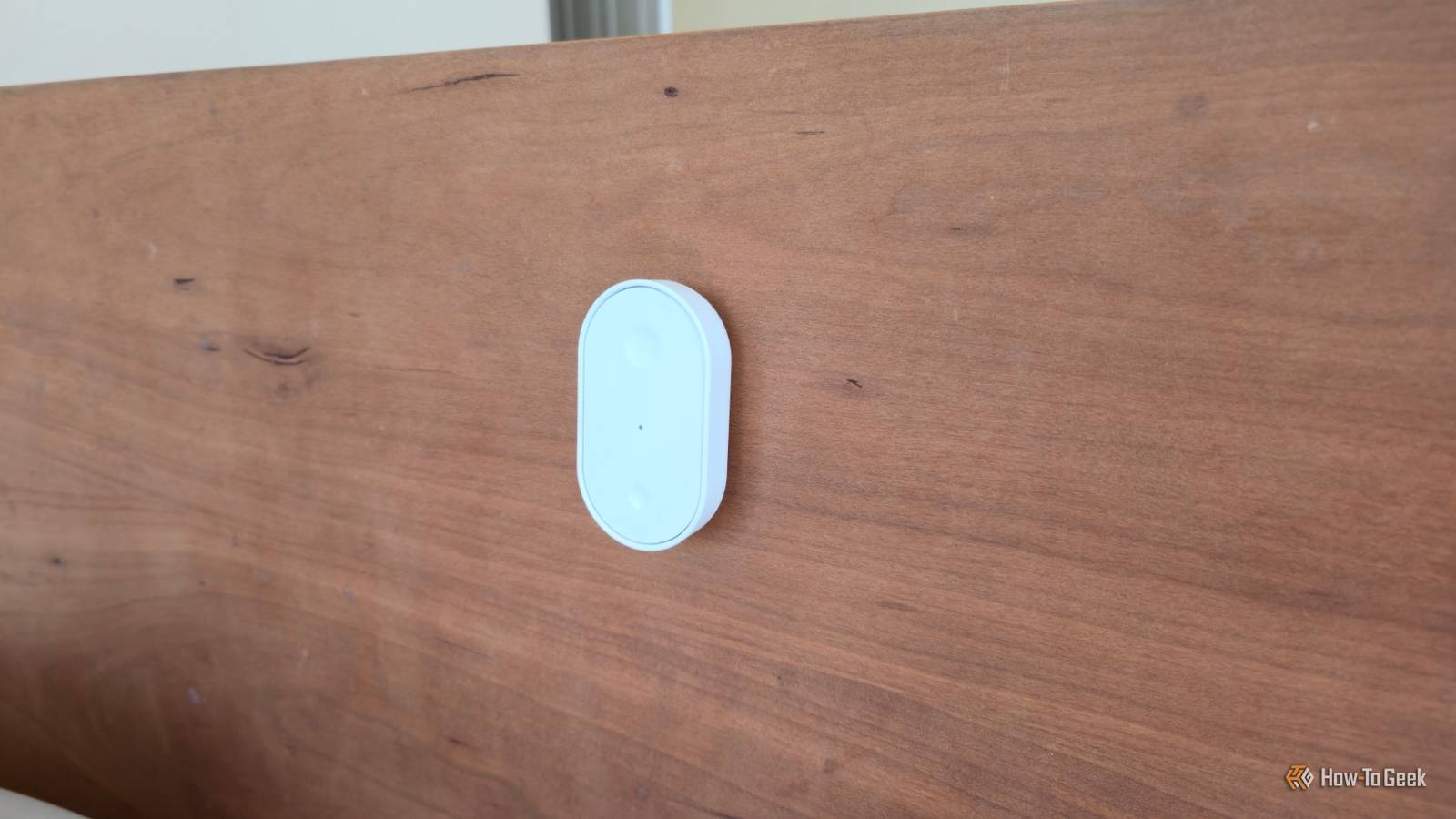
The type of button you use will depend on your smart home setup.A Z-Wave button, such as the Zooz 800 Series long-range remote, will offer good reliability, but you need a Z-Wave controller.If you use Zigbee, there are plenty of options, such as the Aqara Wireless Mini Switch, or you can go for an option such as the Flic Duo, which uses Bluetooth, although this has a limited range.
If Matter over Thread is your preference, something like the IKEA Bilresa remote control can do the job.Ideally, you will want more than one button.It's no good having a panic button in the living room if you wake up in the night to hear intruders in that very room.
Having one near your bed is a good idea, and for my personal setup, it was important to place buttons in locations where the kids could access them easily.I ended up with a button by our bed, one in the living room, one in the kitchen, and one in the hallway outside both of the kids' bedrooms.They're placed so that they're relatively easy to fumble for, even in low light, without being too easy to bump into.
Setting up a panic button Protect against false alarms One of the key things with panic buttons is that you don't want them to go off accidentally.This was especially important if the kids were going to be able to use them.Some smart buttons have multi-tap support or support long presses, so you can set them up to only trigger the emergency automation when the button has been pressed three times or for at least a second, for example.
If your button doesn't support this, you'll need to create the logic yourself.This isn't easy in typical smart home ecosystems such as Google Home and Alexa, but with Home Assistant, I can include a counter for each button press and only have the actions run once the counter reaches three, for example.You then need to create your automation.
You can add as much or as little to it as you want, but there are some things you should take into consideration.For example, if you hear intruders attempting to enter your home, you don't want your panic button to unlock the front door.If there's a fire, however, you do.
Subscribe for Practical Smart-Home Safety Insights and Guides Get more by subscribing to the newsletter: deeper smart-home safety insights, practical how-tos, device reviews, and troubleshooting to grow your emergency-automation expertise, plus other smart-home topics.Get Updates By subscribing, you agree to receive newsletter and marketing emails, and accept our Terms of Use and Privacy Policy.You can unsubscribe anytime.
I set up different automations depending on how many times the button is pressed; if the kids press it three times, as they've been told to do, the emergency automation triggers, and the front door unlocks.If we do two long presses, most of the same emergency automation actions run, but the door stays firmly shut.Testing your panic button Don't let it fail when you need it most The other important thing is to test your panic button.
The last thing you want is for it to fail during a real emergency, and there may be situations that you haven't considered when setting up the automation.If you have kids, you should walk them through using it, so they know what it does and what to expect.You also need to consider what might cause it to fail.
Some features of my panic button rely on the internet, such as the Pushover notifications.Since the internet going down would stop these from working, I invested in a router with a cellular failover, so if the internet fails, my home network switches to a cellular connection instead, which should keep the panic button working.The thought of needing to use a panic button isn't a very pleasant one, but the idea of something happening and the button not existing is even worse.
It wasn't the most fun I've had setting up an automation, but I'm glad that I did it.If you don't have one in your smart home, you might want to consider setting one up that's suited to your needs.
Read More