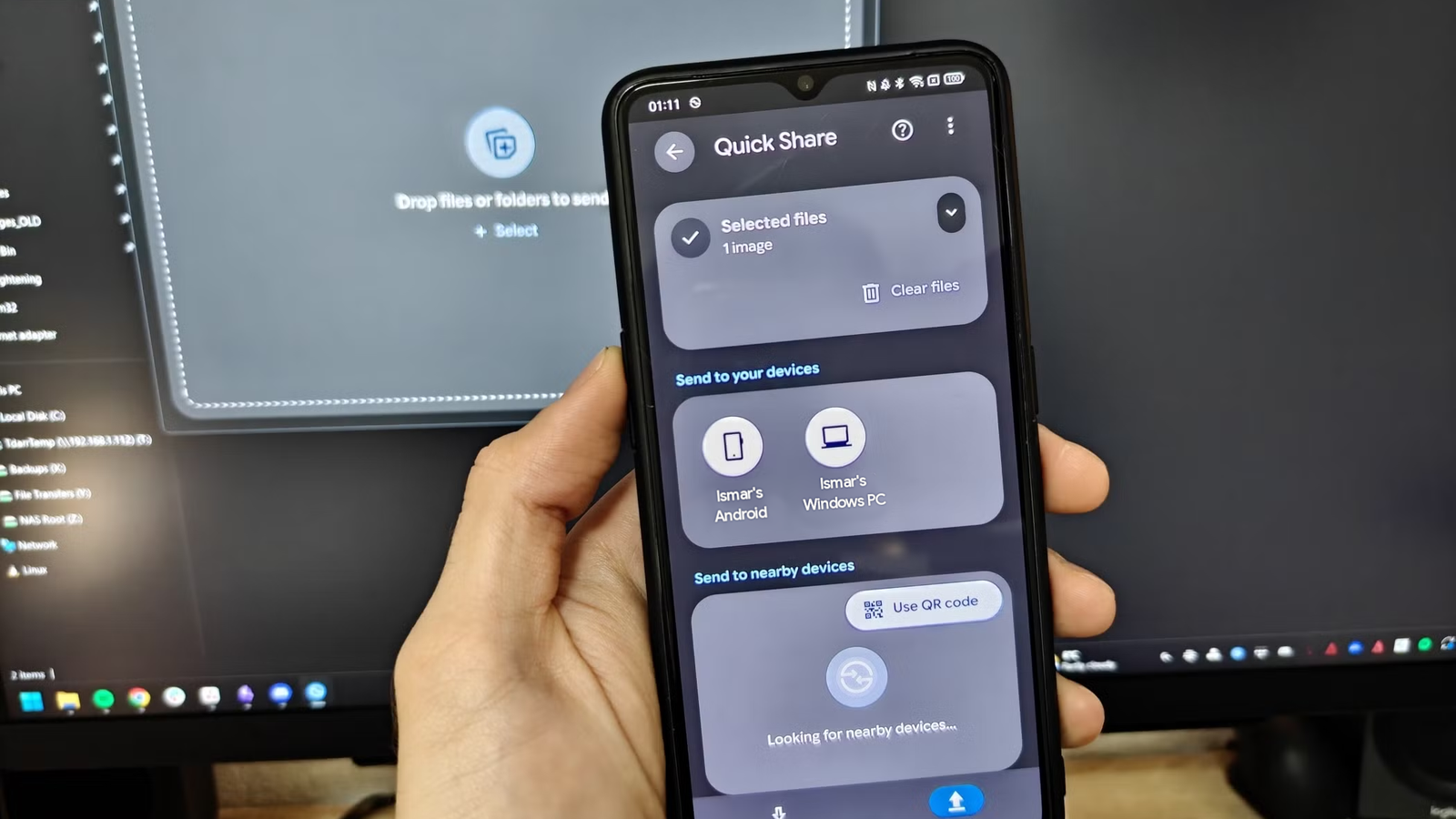
Running out of phone storage is bad enough, and paying for a cloud subscription to fix it is an expensive habit.Now, your Windows PC will soon offer a much simpler alternative.Google is building an automatic backup feature into Quick Share that copies your photos and videos on Android phones straight to a computer.
There’s no subscription or storage plan attached.Add How-To Geek on Google Add as Preferred Source Follow on Google Discover Your Android phone turns your PC into a free backup drive No monthly bill or storage limits Quick Share has been primarily about sending files wirelessly between Android devices and Windows PCs.The new functionality stretches this idea, making it considerably more useful.
Instead of sending files one batch at a time, automatic backups allow your computer to keep a copy of your photos and videos stored on your phone.This eliminates the need to transfer them manually—whether that’s over wired or wireless connectivity.It also makes the Android-Windows ecosystem feel more connected.
The ability to back up Android photos to a Windows PC automatically is included in Google Play Services version 26.43.The rollout is happening in a phased manner, so it could take some time to reach eligible devices.It is also recommended to update the Quick Share app to the latest version on a Windows PC.
The backups also happen locally, so they don’t travel through Google’s cloud servers and consume your Google account storage.And that matters if you aren’t keen on paying Google or any other cloud storage provider every month after maxing out the free storage allowance.A PC with spare disk space is often just sitting there.
How Android-to-Windows photo backups will work What you need and who may be left out The setup starts on the Quick Share app on a Windows PC.Both the phone and the computer need to be signed in to the same account, switched on, connected to the same Wi-Fi network, and close to each other.Once configured, the selected media files are backed up to the PC.
Deleting a file on the phone won’t remove it from the computer it is backed up on.As per early findings, Samsung phones and PCs might not support the automatic backup feature.However, Google’s official release notes don’t mention any such restrictions.
Related How to Set Up Quick Share on Windows for Painless File Transfers Sharing files has never been faster or more effortless! Posts 14 By Aman Kumar For anyone tired of storage warnings on Android phones and cloud storage services, your PC could become the simplest free solution.The feature arrives months after Google Drive for desktop ended Google Photos backups, giving Windows users another option to keep their media files backed up locally without relying on the cloud.Source: Google Support via Android Authority
Read More