Building a homelab can get expensive quickly.A spare PC turns into a virtualization host, which leads to a dedicated NAS, a managed switch, and eventually a rack full of equipment that consumes electricity around the clock.For many homelabbers, the challenge is finding ways to keep experimenting without spending money on new hardware every few months.
Add How-To Geek on Google Add as Preferred Source Follow on Google Discover Fortunately, saving money does not always mean settling for less capable equipment.From reselling hardware to fixing power-management issues, there are several ways to get more out of a homelab while keeping costs under control.Buy hardware with an exit strategy Sell your old equipment to fund your next upgrade Close One of the most overlooked aspects of homelab spending is resale value.
Hardware does not have to be a permanent purchase.You can buy a server or mini PC, use it for a year or two, and sell it when your workloads change.The money you recover can go toward your next upgrade.
The trick is to buy equipment at a price that leaves room for resale.Older business desktops, enterprise servers, and used networking equipment can be good candidates, provided you research their market prices before purchasing them.Keep the original accessories, document the hardware configuration, and avoid modifications that make the equipment harder to sell.
Of course, this is not a guaranteed way to make money because older enterprise hardware can depreciate quickly, and shipping or repair costs can eat into the resale value.Put servers to sleep when nobody needs them Schedule downtime for services that do not need to run continuously Not every homelab service needs to operate 24 hours a day.Development environments, test virtual machines, game servers, and machines used for occasional experiments can often remain offline when nobody needs them.
For example, consider scheduling a development server to shut down overnight and start again before the workday begins.Depending on the hardware and operating system, you can use scheduled tasks, systemd timers, virtualization management tools, or Wake-on-LAN to automate the process.Wake-on-LAN can also let you start a supported machine remotely without leaving it running all day.
The savings depend on the system’s power consumption and how long it remains switched off.A machine drawing 100W for eight hours consumes 0.8kWh during that period, so shutting it down for those hours can reduce its daily electricity use by that amount.Stop paying the idle-power tax on enterprise networking Check what your switches and servers consume when idle Older enterprise equipment can be inexpensive to buy, but its electricity consumption deserves closer attention.
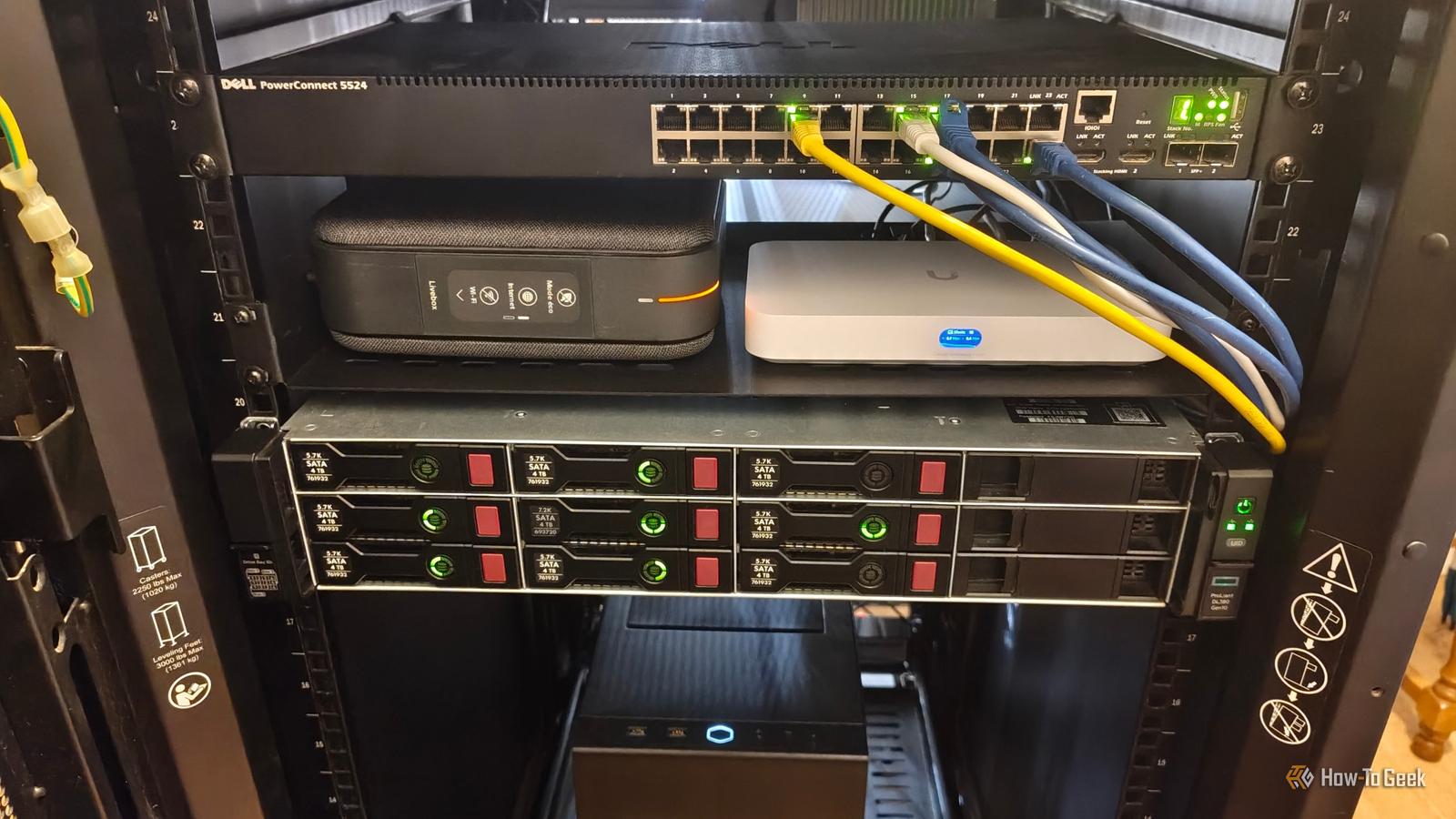
A used rack server might offer plenty of processing power, while an older managed switch may provide more ports and features than a small homelab actually needs.Start by measuring power consumption rather than assuming that a machine is expensive to run.A plug-in power meter can help you establish how much an individual server or switch draws at idle and under load.
For equipment connected directly to a rack PDU, an appropriately rated power meter or metered PDU can provide similar information.Then look for equipment that performs little useful work.An oversized switch with many unused ports, for example, might be unnecessary for a small network.
Disabling unused ports can help with network administration and security, although it will not necessarily produce meaningful electricity savings on every switch.Ask businesses for retired equipment Find hardware before it reaches the secondhand market Buying used equipment is common advice, but there is another option worth exploring.Businesses regularly replace desktops, laptops, network switches, and servers as part of their hardware refresh cycles.
Some of that equipment may still be perfectly suitable for a homelab.Start with local computer repair shops, small businesses, IT service providers, and organizations that regularly replace their computers.Explain that you are interested in older equipment they no longer need.
Depending on the organization, you might be able to purchase retired hardware cheaply or receive equipment that would otherwise be discarded.However, don’t assume that free hardware is always a good deal.A retired server may need proprietary power supplies, expensive replacement drives, or additional memory before it becomes useful.
The best finds are machines that meet a specific need without requiring a large investment to get running.Related I built my entire home network out of e-waste, and it saved me hundreds One person's e-waste is another person's homelab.Posts By Nick Lewis Resist building a cluster when one machine can do the job Consolidate your workloads before adding another node It is tempting to build a multi-node Proxmox cluster or a Kubernetes setup as soon as you start experimenting with virtualization and containers.
These projects can be useful learning experiences, but they can also introduce additional hardware costs, power consumption, and maintenance work.Check whether a single machine has enough CPU capacity, memory, and storage to handle the services you want to run.Several lightweight containers and virtual machines can share a reasonably capable host, provided their combined workloads fit within its resources.
For example, a single virtualization host might run a home automation platform, a monitoring stack, a development environment, and a few utility services.A separate NAS can provide storage and backups when needed.You do not necessarily need a dedicated physical machine for each service.
There are legitimate reasons to run multiple nodes.You might want to learn distributed storage, test failover, or maintain services during host maintenance.A cluster can also help reproduce production environments but build one when those requirements justify the extra cost, rather than buying several mini PCs simply because a cluster looks interesting.
Related My NAS wasn't fast enough for my most-used files, so I came up with a better solution Turns out, having more storage doesn't automatically make your PC less annoying Posts By Umair Khurshid Measure power consumption before spending money on upgrades Fix inefficient settings before replacing hardware Sometimes, the hardware you already own is capable of doing the job more efficiently than its current configuration suggests.Firmware settings, power-management features, and devices that prevent the system from entering low-power states can all affect idle consumption.Record the system’s idle power draw and measure it again under a representative workload.
Then check the BIOS or UEFI settings, operating system power-management configuration, and hardware monitoring tools for opportunities to reduce unnecessary consumption.On Linux, tools such as powertop can help identify power-management issues, while CPU frequency scaling and supported processor C-states can reduce consumption under suitable conditions.A few configuration changes may be enough to reduce the electricity bill, and even modest savings accumulate when a server runs throughout the year.
P3 International Kill a Watt Meter If it plugs into a regular outlet, you can measure it with this handy little watt meter.$48 at amazon Expand Collapse Work together with other homelabbers There is another way to save money, and that is by working together on projects that are too expensive or difficult to tackle alone.For example, you can share the cost of a 10GbE network tester, an optical fiber fusion splicer, a thermal camera for diagnosing hardware problems, or specialized tools for repairing circuit boards.
Sometimes, buying hardware in bulk is also cheaper than purchasing individual components.You and a few other homelabbers could split the cost of a lot of used enterprise SSDs, networking cards, or SFP+ transceivers.Communities and local homelab groups can help you find people with complementary equipment and skills, so you do not have to buy everything yourself.
However, there is one problem with this approach.We often have strong (reaaallly strong) opinions about our hardware, software choices, and the way things should be done, and not everyone gets along.I think that is worth keeping in mind before sharing expensive equipment or committing to a joint purchase.
If you find a few people you trust and can work with, though, collaborating can help you save money on equipment that would otherwise be too expensive to justify.
Read More