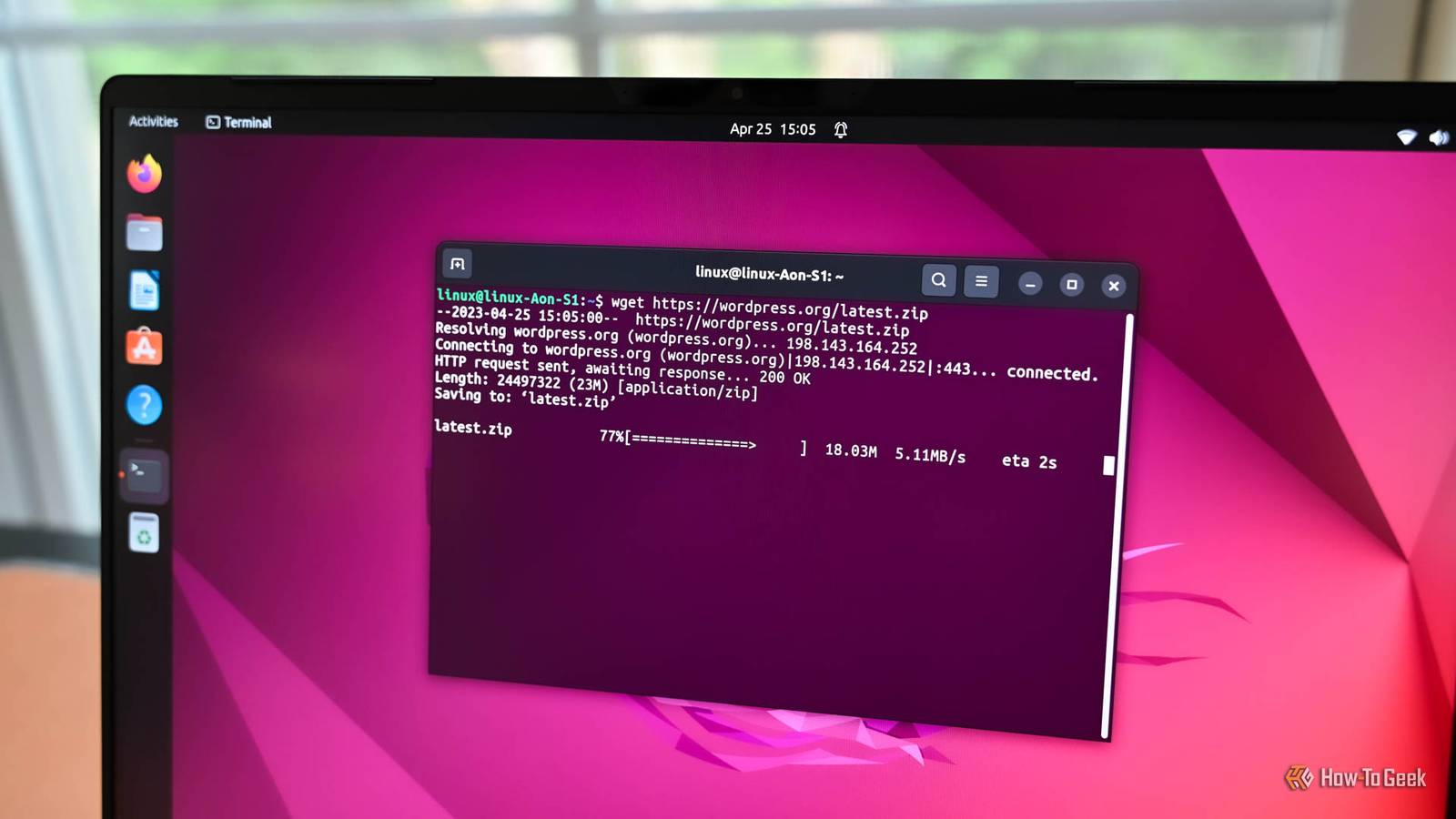
If you use Linux, chances are you're familiar with the command line.The shell is a powerful command-line interface, but you can think of running commands as a kind of programming.Here's why.
The same commands you use on the command line can be used in scripts When you start learning the Linux command line, you'll start by learning a few basic commands, such as ls, pwd, and others.While you may find yourself wandering the directory tree and entering commands, soon enough, you'll want to learn how to create a shell script so you can save time that you're wasting by typing out all those commands.One reason that interactive use and scripting are so naturally related is that the commands that you use in scripts are the same ones that you'd type on the command line.
The command-line programs are installed on your system are effectively an API that you can use in your scripts.That means any command-line program, with any option, and Linux command-line programs tend to have lots of options.You can just look up the manpage of a tool you're using and see what kinds of things you can do with it.
It's one of the reasons that Linux shell scripting is so powerful.You can go from interactive use straight to scripting.You can use control flow on the command line One thing that makes using Linux shells so great is not only can you use the standard control flow operations like if statements and for loops to define the logic in your script, you can also use these options on the command line to save typing there as well.
You might be familiar with "globbing" or wildcard operations.If you wanted to see all the Python files in the current directory, you would type something like this: ls *.py Suppose wanted to edit several Python files in one go with Vim to save time.You can use a for loop in most Bourne-style shells, such as zsh or Bash: for file in *.py; do vim $file;done What this loop does is take the list of filenames generated by Bash, sets each filename to the environment variable $file, and then sends it to Vim to execute.
This shows that there's still no real difference between scripting and programming at the command line, as I'll mention later.Another practical use of this idea is that you can casually try out an idea for a bit of code right in the command line.If you were working on a script, you might do this to see what effect it would have before your committed it to the editor for your script.
There's no real difference between command lines and scripting The powerful idea of using the command line is that there is ultimately no division between using the command line and writing "real" scripts.A common pattern, as mentioned earlier, is writing a script to save time when you notice that you run some action repeatedly.It's annoying to constantly retype things.
You can use shell history and command-line editing to modify and reexecute commands you previously wrote.Programmers tend to prefer to rely on computer memory and storage rather than just try to remember everything they do.For a common task, it's just easier to put it down into a script and then run it when they need it.
It's easy to go from using the command line to scripting because you can drop in commands that you've already been using and you can test things in the shell in turn before you put them in a script.The control-flow operations are the same on the command-line as in a script.You can easily go between the two.
If you don't have much experience in programming, using the shell is a good motivator.Your time is too valuable to waste running the same commands all the time.Unless you just want to exercise your fingers, you can dump commonly used operations into a script.
At the Linux command line are the program One thing I realized after all of these years using the command line is that the shell isn't really the program that's running.You are.You're determining how the shell session will go.
The shell has an event loop that's listening to your commands, but it's ultimately just a faithful servant that tries to respond to your requests or tell you why it couldn't be done through error messages.That's why there's ultimately no difference between command-line use and scripting.A lot of scripts are just automations of things you've already been doing at the command line.
It's why shell programming is easy to pick up.It's why shell scripts still compete against "real" programming languages like Python for automating simple tasks.A shell script seems like a natural extension of your own activity.
A lot of the scripts I've written have been to automate repetitive operations or "wrappers" for existing programs for common tasks.What makes Linux such a powerful environment for learning to code is that ulimately the shell and shell scripting are the same.
Read More