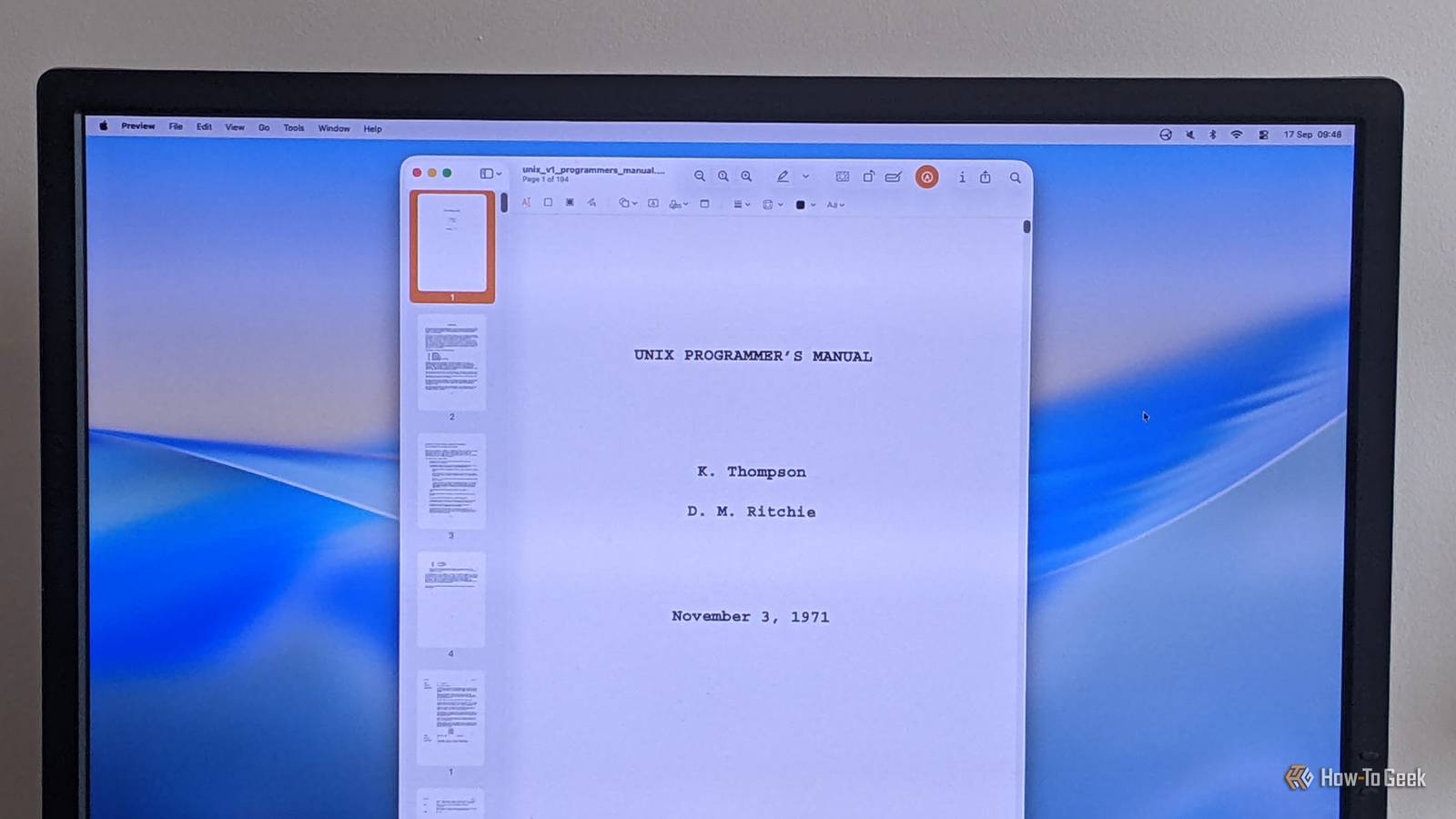
Many Linux commands we still use every day originated with Version 1 Unix, all the way back in 1971.Some still outperform their modern equivalents, either in pure processing speed or in other measures like availability and flexibility.Come with me on a trip through the ages, from the very early days of Unix, to see which tools endure, even in the face of stiff competition.
cat (1971) So simple that nothing else can compete! The oldest command on this list is, naturally, the simplest.In fact, cat is so simple that it’s nearly impossible to improve upon, which is why it’s remained a core Unix command for 55 years.Given a single filename, cat just prints the contents of that file — a useful enough task, although one that is strictly unnecessary, often giving rise to criticisms of a “useless use of cat.” Instead of cat filename | command, you can use shell redirection: command ‹ filename.
This utility’s name derives from the word “concatenate,” meaning to join two things together, and it’s most useful for merging files, although it can do other things too.For more powerful file viewing, there are many different pagers, like less, more, and bat.The bat command (2018) does many things that cat cannot, so it’s probably a better choice for most interactive uses, but for simple text files and use in scripts, nothing can beat the sheer speed—and availability—of cat.
Make (1976) Awkward syntax cannot detract from this tool’s ubiquity Close OK, so Make is unlikely to be anyone’s favorite tool: its treatment of whitespace makes it highly error-prone, and many of its underlying concepts are tricky to grasp, to say the least.But, for what it does, Make is still a very solid option.Fundamentally, Make exists to avoid pointless recompilation of files.
Typically, this means C source code, but Make can handle any predictable file-processing, like converting Markdown to PDF or updating a database schema.It does this using — ideally — simple logic that, for example, declares that you don’t need to recompile something if its source code hasn’t changed.This may sound obvious, but in complex systems, with hundreds or even thousands of files with various dependencies, Make can significantly speed up a build process.
Make is available on nearly every Unix or Linux system you’ll come across.Although alternatives exist, especially language-specific ones, Make still dominates as a general-purpose build system, and remains the standard for most C/C++ projects.AWK (1977) A powerful processing language that’s anything but awkward! AWK is probably the Unix tool with the greatest utility/popularity ratio; it’s very powerful but pretty niche nowadays.
In the 1980s, it was commonly used to filter, process, and report on data, in a similar way that tools such as grep are used today.But the biggest impact on AWK’s popularity came in the 1990s, with the widespread adoption of Perl, a more general-purpose programming language.While AWK programs process text data as a stream, taking each line as it comes, similar modern programs tend to operate on more structured data, like jq, which processes JSON data.
This approach has the disadvantage that it’s much less performant, since it loads the entire data structure into memory before any processing can take place.xargs (1980) Enabling parallel file processing decades before we all had multi-cores Many classic Unix commands are single-threaded, meaning they run on a single core rather than using all available cores.For more resource-intensive tasks, this incurs a sizable performance hit.
Fortunately, there’s a solution: xargs.The xargs command is a wonderful bit of command-line magic.It lets you run another command with a dynamic set of parameters by piping a list of values: find .
-name "*.png" -print0 | xargs -0 tar -cvzf images.tar.gz This command runs tar with the "-cvzf" and "images.tar.gz" parameters, followed by the filenames piped in from the find command.So, if find found two images (a.png and b.png), it would run tar -cvzf images.tar.gz a.png b.png.The -print0 and -0 options, to find and xargs respectively, ensure files with spaces or other special characters are handled correctly.
What’s even better is that xargs has a -P option which lets you specify a number of parallel processes to run, potentially across cores.What actually happens depends on what the underlying kernel scheduler decides to do, but this option gives it the best chance of running a complex command efficiently.You can use the nproc command in conjunction with -P to automatically run one process per core, e.g.: find .
-type f -print0 | xargs -0 -P $(nproc) -n 1 command.cURL (1996) Still the de facto standard for command-line web work If you need to download a file, fetch data from a web API, or even just check your IP address, cURL is the tool of choice.This incredibly powerful command lets you do pretty much anything possible with a URL, and its underlying library is the backbone of huge swathes of software.
A relative newcomer at only 30 years old, cURL has nonetheless attracted competition.Many modern alternatives, like Hurl, are API clients first and foremost, while cURL’s general-purpose, low-level approach remains unrivaled.HTTPie is a great alternative, but its Python code is slower to start up, and its nicer interface has associated parsing costs.
(Some of) the old tools are the best The Linux ecosystem is a vibrant one, with open-source development encouraging both innovation and continued support of stable, mature programs.New, exciting tools emerge all the time, as languages like Rust appear and interest in alternative interfaces, like TUIs, develops.Look out for dependable utilities from the past, and combine them with modern programs for a well-rounded toolset.
Read More