For years, I kept self-hosting in the “sounds cool, but not for me” category.I wasn’t into Linux or servers, and I assumed it required too much time and too much knowledge just to get started.It wasn’t until I built my own NAS/media server using an old laptop that I realized that my excuses didn't match reality at all.
If you're also having doubts about getting into self-hosting, this is exactly what I used to think, too—and why each of those assumptions didn't hold up.It's too hard to set up The real barrier is mental Back when I was a teenager, there were a lot of memes about Linux being incredibly difficult to use.The general idea was that if you weren’t comfortable with the terminal or coding, you simply weren’t meant to use it—especially for things like headless servers managed remotely.
Admittedly, when I actually tried setting up Ubuntu Server on an old, broken laptop, I ran into some initial challenges.I was switching between HDMI and a USB-C Ethernet adapter just to get it running and set up remote access.I also had to do a bit of basic startup configuration, like handling display settings and a few other small tweaks.
But once I got past that initial setup phase, things moved quickly.With the help of online guides and some ChatGPT for good measure, I had everything running in a few hours.That included choosing a Linux distribution, setting up Docker for easier app management, installing a few starter services, and configuring them.
The hardware costs a fortune Price always feels like the biggest obstacle The anxiety of potential difficulties during setup aside, the main reason I procrastinated on trying self-hosting for so long was that I thought I needed decent hardware to run powerful apps.When you hear the term "server," you probably imagine prohibitively expensive rack-mounted machines packed with hundreds of gigabytes of RAM, petabytes of storage, and dozens of cables running out the back.However, for a basic home server and self-hosting apps for your household, that just isn’t true.
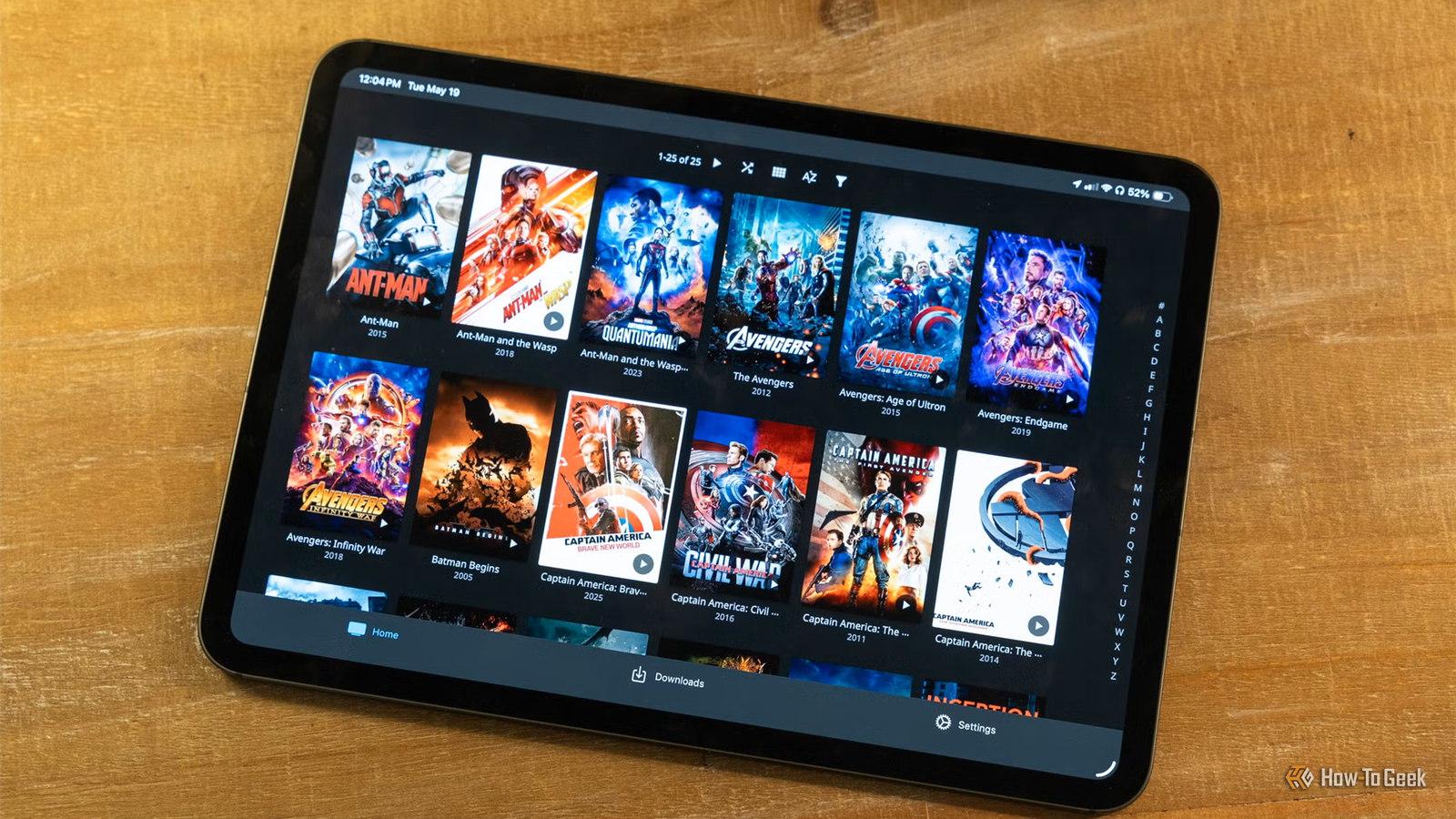
All I needed to start my server was an old laptop I hadn’t used in years, a cheap Ethernet dongle, and a 6TB external hard drive to store media for my multi-purpose Jellyfin server.Seagate Expansion 6TB External Hard Drive HDD Storage Capacity 6TB Brand Seagate The Seagate Expansion 6TB external hard drive is an excellent starting point if you are building a laptop NAS, offering plenty of capacity for backups and media.It is affordable, easy to set up, and fast enough over USB 3.0 for most home server use cases.
$203 at Amazon Expand Collapse You don’t even need that much to get started.A simple Raspberry Pi makes for an excellent starter device.It’s good enough to self-host everything from Home Assistant to Nextcloud—though, admittedly, it’s not the most powerful or necessarily the cheapest option, especially when compared to a used laptop or mini PC.
My electricity bill would skyrocket Running costs seemed out of control Another concern I had about running a home server 24/7 was that my power bill would quadruple.While having several homelab devices can affect your electricity bill if you go overboard, that moment never came for me—or if it did, I didn’t notice any meaningful difference.The simple truth is that, unless you’re hosting services for several people outside your home network, your home server will spend most of its time idle.
Even with always-on self-hosted services running in the background, like my AdGuard Home DNS sinkhole, the power draw just isn’t a major concern.Self-hosted apps are subpar compared to commercial solutions Quality was my main doubt Most self-hosted apps beloved by enthusiasts are free and open-source.These words can seem intimidating if you don’t usually stray too far from mainstream software.
However, after trying some self-hosted alternatives to commercial services and using them for a few months, I can confidently say that self-hosted apps are just as good, if not better, than anything proprietary.To give you a real example, I’ve replaced Google Photos with Immich, and I don’t miss Google’s service at all.Home Assistant is another excellent example of a self-hosted app that’s leaps and bounds ahead of many other smart home solutions on the market.
It lets you integrate almost any device from almost any brand, and your imagination is the only limit when it comes to what you can automate.Everything would fall apart if something went wrong Reliability felt like a massive risk Self-hosting your own services starts sounding incredibly daunting when you realize you might accidentally break something important or lose data if you make a small mistake.It can feel like you’re only one click away from wiping years of organized backups, which doesn’t seem as forgiving as commercial solutions with built-in safeguards.
However, unless you’re actively tinkering with your home server for hours every day, it’s unlikely you’re going to break anything—and even less likely that you’ll cause irreversible damage.I’ve broken my Docker Compose YAML file more times than I can count, and I’ve been able to restore and fix it every single time.I'd have to become my own full-time sysadmin Maybe servers don't require regular maintenance Aside from my home server potentially falling apart, I was under the impression that self-hosting your own services requires regular check-ins to make sure everything is working correctly.
But once your self-hosted apps are set up, you don’t actually need to constantly deal with updates and troubleshooting.As long as everything is running properly and you don't expose your device to the internet, most apps can run for long periods without much attention—assuming you don’t care about the latest features or bug fixes.I only update my apps when I randomly remember to do so, or when I’m adding something new, usually as a “while I’m at it” task.
As for fixing issues, after ironing out a few initial problems in the first weeks of setup, I haven’t really run into any major issues since.Self-hosting turned out to be way easier than I expected When you're looking at people's self-hosting projects from the outside, they can seem impossibly difficult to replicate.However, the truth is that self-hosting is surprisingly approachable.
Start small, focus on replacing one or two services you use every day with self-hosted alternatives, and let your curiosity guide you from there.Related I tried to ditch cloud storage for self-hosting.Three drives and a mini PC later, I gave up There are time sucks, and then there are time sucks.
Posts 23 By Bertel King
Read More