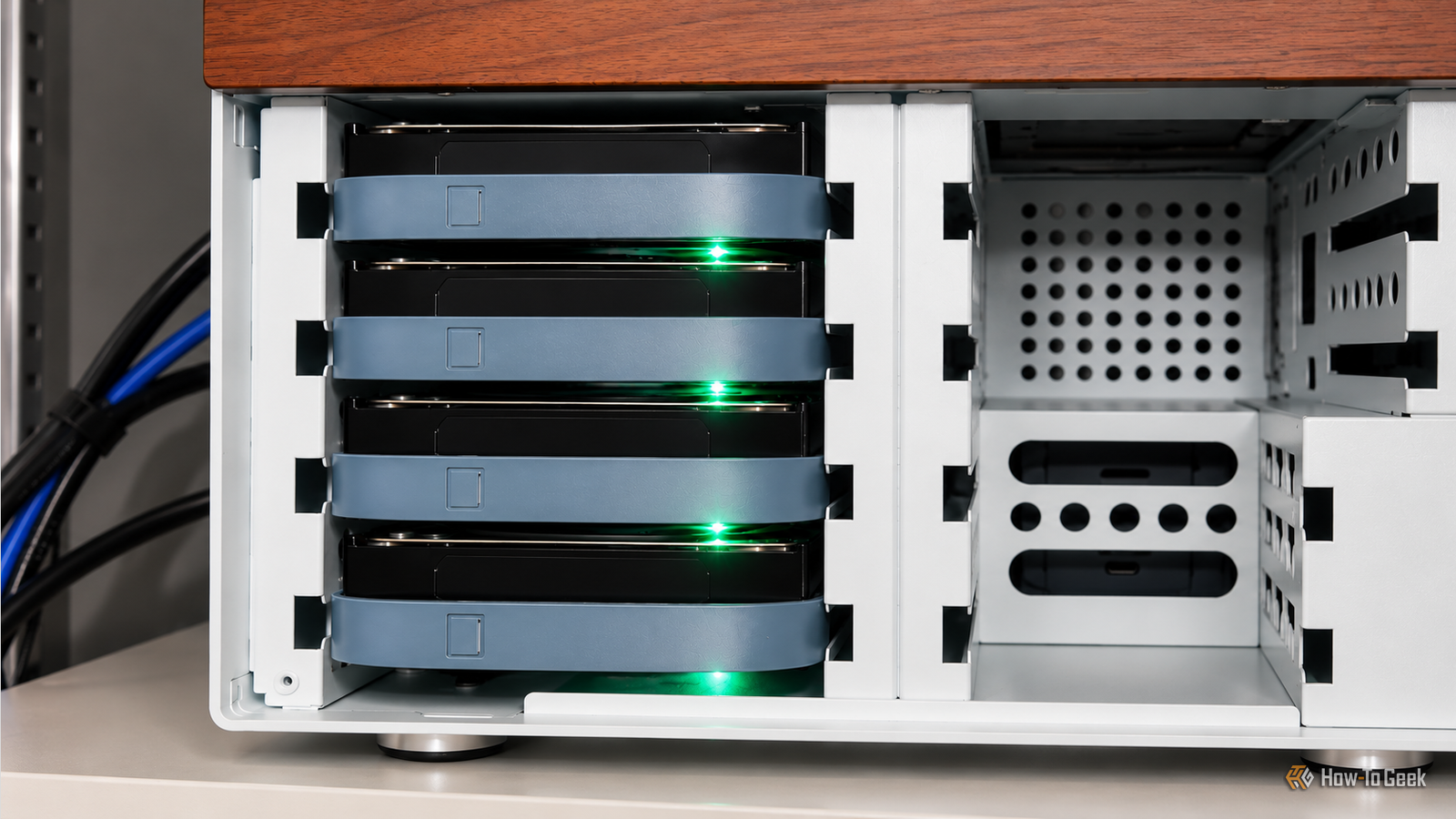
I recently rebuilt my NAS around an Intel N100 motherboard.I also have a DAS and another NAS for storing my files.Despite having several storage options, I found that accessing my most frequently used files over the network wasn’t as fast as I wanted.
Instead of upgrading everything or replacing my existing storage hardware, I started looking at how I could organize my files differently.My NAS had plenty of storage, but it wasn’t fast enough for my workflow Network storage isn’t always ideal for active work Close My N100 NAS gives me plenty of room to store files.Along with my DAS and second NAS, I have enough flexibility to organize large collections of data without keeping everything on my laptop or PC.
However, my workload requires more than storage capacity for documents and backups.I regularly work with large virtual machines, datasets, and media files.These workloads involve substantial amounts of data, repeated reads and writes, and frequent access to files that I need throughout the day.
VMs continuously read from and write to their virtual disk images while running, and working with large datasets can involve repeated access to substantial amounts of data.Media editing can be equally demanding, particularly when working with high-bitrate HDR footage that requires consistent storage performance for smooth playback, timeline scrubbing, and rendering.Editing HDR footage directly from a NAS can be frustrating and sometimes almost impossible when the underlying storage can’t keep up with the demands of the workload.
My NAS has plenty of capacity, but that doesn’t automatically make it the best place to run VM or keep every actively used dataset.I first tried to determine whether my network was responsible for the slow file access.I tested a few things and experimented with my network setup, but the improvements weren’t enough to solve the problem.
There is still a network bottleneck, and I might revisit it in the future, but I realized that storage performance was the bigger limitation for my workload.Moving to an all-SSD NAS is something I would like to experiment with eventually, but with storage prices as they are, replacing my existing setup with an all-flash system is difficult to justify right now.Instead, I decided to make better use of the hardware I already own by keeping my most frequently accessed files on local SSD storage and using my NAS for centralized storage and archiving.
I keep my most-used files on a local SSD Working locally reduces network overhead Local SSD storage gives my PC fast access to the files I use throughout the day, making it a practical location for active projects and frequently accessed data.I don’t need every archived file to be immediately accessible at the lowest possible latency.I need that responsiveness for the files I’m actively working with.
Instead of opening active projects directly from a NAS share, I keep a working copy on my PC's SSD.Applications can access these files locally, avoiding the network round trips involved in reading and writing data over a shared folder.This is particularly useful for workloads that repeatedly access the same files.
Development projects, for example, can contain thousands of source files, configuration files, and supporting assets.Applications also need to inspect these files frequently, and the overhead of accessing them over a network can accumulate.Related This forgotten SATA trick made my cheap old SSD feel brand new Your SSD has been asking for some breathing room this whole time! Posts 12 By Umair Khurshid Large files can also benefit from local storage when I need to open, modify, or process them repeatedly.
An SSD connected directly to my PC can deliver higher throughput than a hard-drive NAS limited by a slower network connection.The actual improvement depends on the SSD, the NAS configuration, the network, and the workload.I already have a 1TB Samsung 990 EVO SSD that I can use for my active files.
I archive completed projects on the NAS A simple folder structure keeps my workflow organized I keep active projects in a dedicated directory on my PC's SSD, with working files, research materials, and supporting assets grouped by project.To keep the NAS archive up to date, I use rsync to copy new and modified files to network storage regularly while I continue working locally.Related These 3 apps and tools are wearing out your SSD without telling you Wearing your SSD to death is pretty hard, but these practices can get you closer faster than you think.
Posts 7 By Arol Wright Rsync transfers only the files that have changed since the previous run, making repeated synchronization more efficient than copying an entire project each time.I can run it manually after a work session or schedule it to run at regular intervals, ensuring the NAS has an updated copy of my work if I need to recover files or access them from another device.When I finish a project, I make sure the latest files have been synchronized to the NAS and verify that the archived copy is accessible before removing the local working copy.
I organize archived projects by year and project name, which makes it easier to find older work when I need to revisit it.Projects that remain active for weeks or months can stay on the SSD until I no longer need frequent access to them.Rsync can keep a NAS copy up to date, but if you overwrite or delete a file locally, a later synchronization can propagate that change.
Keep snapshots or versioned backups if you want to recover older versions.Related The storage format that costs $5 per terabyte—but requires a $10,000 drive This is the storage format every datahoarder wants to use (but can't) Posts By Sydney Butler I don’t need to upgrade my entire storage setup For my setup, the main idea is to use the storage I already have more effectively.My NAS and DAS provide capacity and flexibility, while a local SSD gives frequently accessed files a faster working environment.
A NAS remains an important part of my setup, but it is no longer the place where I perform every task.Keeping active files on a local SSD and archiving them to network storage gives me a practical balance between performance, capacity, and cost.
Read More