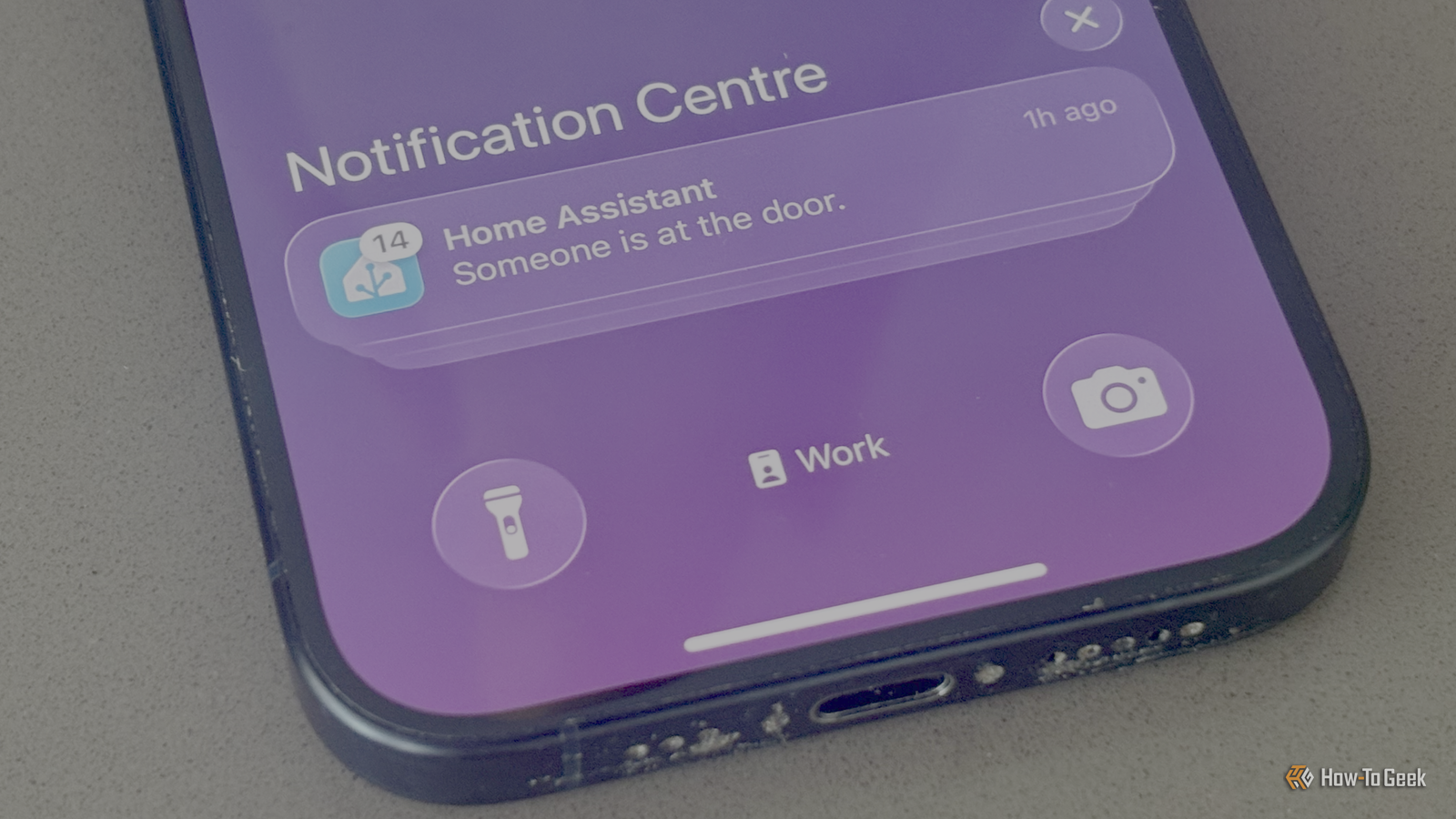
Smart video doorbells are one of the best examples of a dumb device that has been improved enormously by adding smart features.You can use one to see who is at the door even if you're on the other side of the world, you can talk to visitors through the doorbell, and you can get notifications when someone is detected on the doorbell's camera.Sometimes, that last feature can get out of hand, with an endless stream of notifications.
One simple automation can solve this problem.My video doorbell was spamming my phone After a while, you start to ignore the notifications My first video doorbell was a Ring, and while it did its job well enough, I wasn't happy about having to pay a monthly subscription to access the more useful features.I also wasn't too happy about all the video from my doorbell being sent to the cloud, since Ring doesn't have the best reputation for privacy.
I ended up replacing the Ring doorbell with a Reolink Video Doorbell.I can store recordings locally on a microSD card, it integrates well with Home Assistant, and there are no subscriptions required to use all the best features.One of the features is person detection.
When motion is detected, the doorbell can determine whether it was caused by a person or something else, such as a passing car or the neighbor's cat.In Home Assistant, I set up an automation to send me a notification whenever a person was detected at the front door.The problem is that the automation gets triggered a lot.
When someone appears outside my door, I get a notification, which is exactly what I want.I often get another notification when they leave, and sometimes more notifications if they wait at the door for us to answer or leave a package in the porch.It's even worse when my kids are playing outside.
They frequently run in and out of the house fetching drinks or getting toys and I'm bombarded with notifications.With so many notifications arriving, I start to tune them out and they effectively become pointless.Reolink Video Doorbell (Battery) Resolution 2K Power Source Battery Reolink's battery-powered Wi-Fi video doorbell is a great way to know who's outside.
With a 2K resolution and a 150°x150° head-to-toe view, this video doorbell can be powered either over battery or wired, depending on your existing setup.Connectivity Wi-Fi $120 at Amazon $120 at reolink Expand Collapse A simple cooldown automation changed everything You only need to know when someone is first spotted Solving this problem was simple to do.The issue was that my original automation would send notifications no matter how recently it had sent the previous one.
When someone arrived at the door, I could get three or four notifications in quick succession, when I only needed the first one.All that was required was a cooldown timer that would send the first notification but then suppress any subsequent notifications for a set period of time.This would mean that no further notifications would come through until the cooldown period had elapsed.
There are multiple ways of doing this.I opted to create a timer helper.I went to Settings > Devices & services and clicked the Helpers tab at the top of the screen.
I clicked the Create helper button, searched for and selected the Timer helper, and gave it a name and a duration.When the automation is triggered, there is a condition that checks the state of the doorbell timer.Only if the timer is idle will the automation run, sending a notification and starting the timer.
If the timer is running, the condition fails, and the automation doesn't run, so even if motion is detected during that time, no notifications are sent.Related 6 Smart Doorbell Automations You Should Be Using These doorbell automation ideas will inspire you to create your own.Posts By Brent Dirks There's plenty of room for improvement Sometimes you miss new arrivals The automation works well; it has significantly reduced the number of notifications that I get telling me that a person has been detected by my video doorbell.
It's not perfect, however.I experimented with different cooldown times and ended up opting for three minutes.However, if two different people visit within the space of three minutes, I won't be notified about the second arrival, since the cooldown timer will still be running.
On the flip side, when my kids are running back and forth, I still get hit with notifications every three minutes as the timer runs out and the automation runs again.My next plan is to set up an automation using Frigate to compare the faces of people that the doorbell detects to library of family faces.I can then set up the automation so that it isn't triggered by me or the rest of my family.
This should stop most of the spam from my kids running around while still notifying me when there's a genuine visitor.For now, however, just adding a simple cooldown timer has been enough to stop the constant bombardment of notifications.With fewer notifications, I take far more notice when one comes through than I did when I was receiving too many of them.
The solution can often be simple Sometimes, solving a Home Assistant problem can lead you down a rabbit hole and eat up hours of your time.Other times, however, the solution can be simple but effective.It took just a couple of minutes to turn a frustrating automation into a far more useful one.
Read More