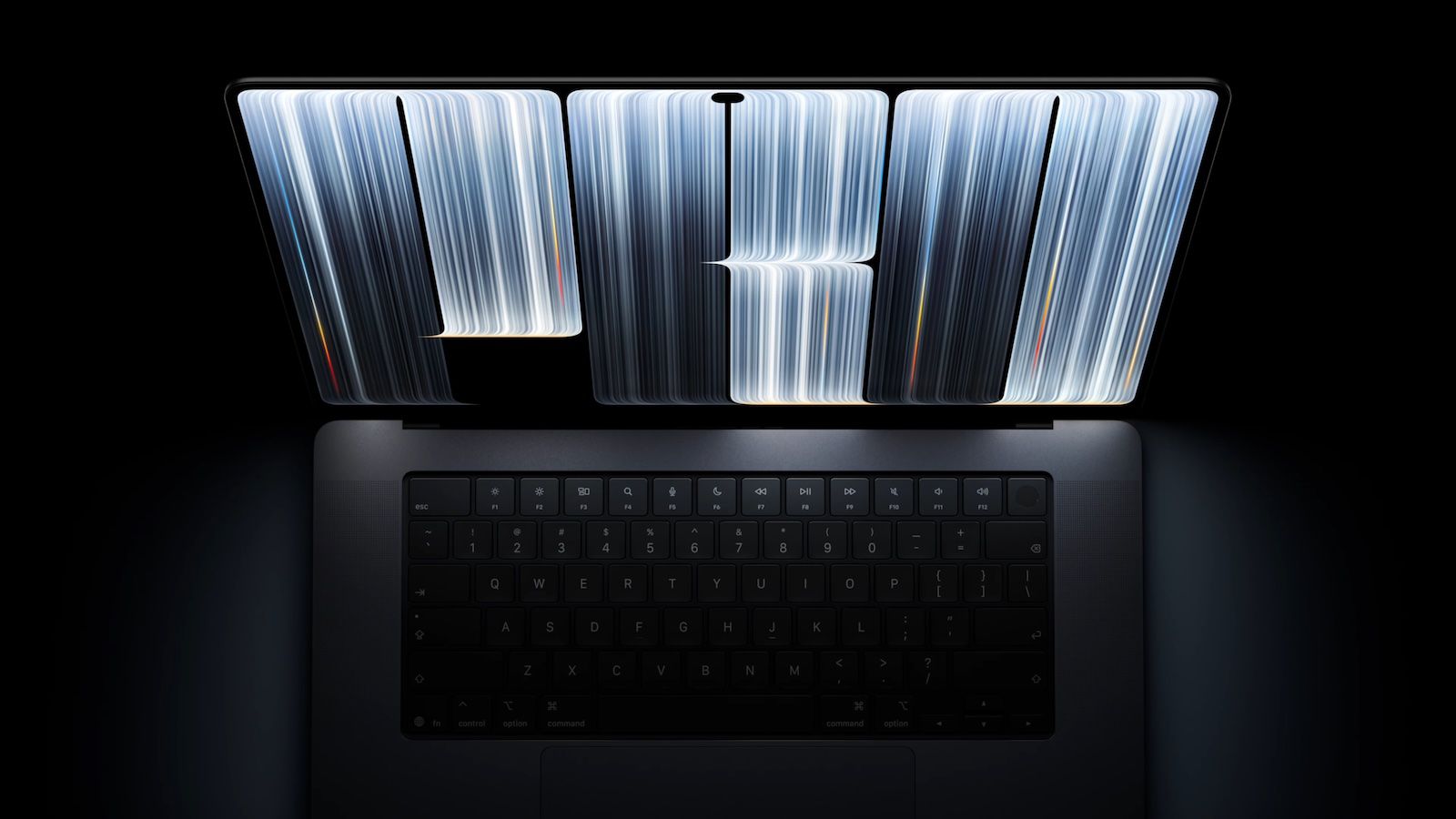
Apple on Wednesday unveiled new 14-inch and 16-inch MacBook Pro models with touch-enabled OLED displays, and more details about them continue to be shared by tech reporters who were invited to Apple's hands-on experience in Los Angeles.Nicolas Lellouche of the French website shared 15 details about the new MacBook Pro models in an article and a social media post.Some of this information has already surfaced, but he provided a useful summary: Apple said the keyboard and trackpad remain the primary input methods, with touch input available as an additional option for those who want it.
Apple said there is now a generation of young creators who grew up using touchscreens, so it felt the timing was right to bring the functionality to the Mac.Apple said music creators prefer touch over trackpads for controlling virtual instruments."Traffic light" controls in the top-left corner of macOS windows expand when pressed.
Items in a list become more spaced out when touched.A swipe up from the bottom of the screen brings up the Dock.A swipe down from the top of the screen brings up Spotlight/Siri AI.
A long press is equivalent to a right click.Holding a window and quickly moving it left or right triggers Split View.If you close your Mac while your finger is touching the display, touch input is temporarily deactivated to prevent accidental touches.
The camera is stabilized so it does not shake on video calls when you touch the screen.You cannot wake the MacBook Pro by touching the screen.Multi-touch supports up to 10 fingers at the same time.
No word yet on toes (kidding).Live Activities from iPhone apps can appear in the Dynamic Island.There are settings that allow you to turn off touch input and the illuminated Apple logo on the MacBook Pro's lid.
The new MacBook Pro models can be pre-ordered now and launch Friday, November 6.
Read More