Home Assistant is packed with helpers; there are so many different types that it's easy to miss some of the most useful ones.It's often the case that the right helper can make setting up automations far easier.Add How-To Geek on Google Add as Preferred Source Follow on Google Discover Sometimes, however, even the long list of standard Home Assistant helpers isn't enough.
There's a really useful helper that's part of the awesome Spook integration which can solve a frustrating Home Assistant problem.Home Assistant has a problem with remembering time A last_changed timestamp may not be accurate It's helpful to know not just what happens in your smart home, but also when it happens.If a window's state is open, that's useful information, but it's not as useful as knowing how long it's been open.
Home Assistant has some useful state object properties that can help.The last_changed property records the last time that the main state value of an entity changed, such as a light's state going from on to off.If you change the brightness, for example, but not the power state, then last_changed stays unchanged.
The last_updated property does a similar job, but it changes when either the primary state changes or any of the other attributes change.If you turn on a light at 1 PM and change the brightness at 2 PM, last_changed will show 1 PM, but last_updated will show 2 PM.So far, so good.
The problems arise when Home Assistant restarts.When this happens, instead of retaining the previous values, both last_changed and last_updated can reset to the time that the entities become available again once Home Assistant has restarted.The same thing happens when a device goes offline temporarily.
When the state changes to unavailable and then returns, both last_changed and last_updated get replaced with the time at which the device becomes available again.Related 7 Home Assistant features I wish I’d started using sooner Long time, no scene.Posts 1 By Adam Davidson Spook has a helper that doesn't forget Time in State survives restarts and connection problems Thankfully, there is a solution to this problem.
It's found in the awesome Spook integration.If you're not already using Spook, you should be.It's an incredible kit of tools that can make Home Assistant even better.
It was created by the legendary Frenck, a developer who started as a voluntary contributor to Home Assistant and is now the project lead.Spook is packed with features, such as finding and reporting potential issues in your home setup, including orphaned or non-existant entities.It can also add new entities to existing integrations and add new features to existing automation actions.
Spook also offers additional helpers that go beyond what the core Home Assistant software offers.These include a Calibration helper that can offset the values of devices that are reading slightly out, and an Inverse helper that flips the behavior of a switch or binary sensor, so on becomes off and vice versa.The third helper is the one that can solve the problem outlined above.
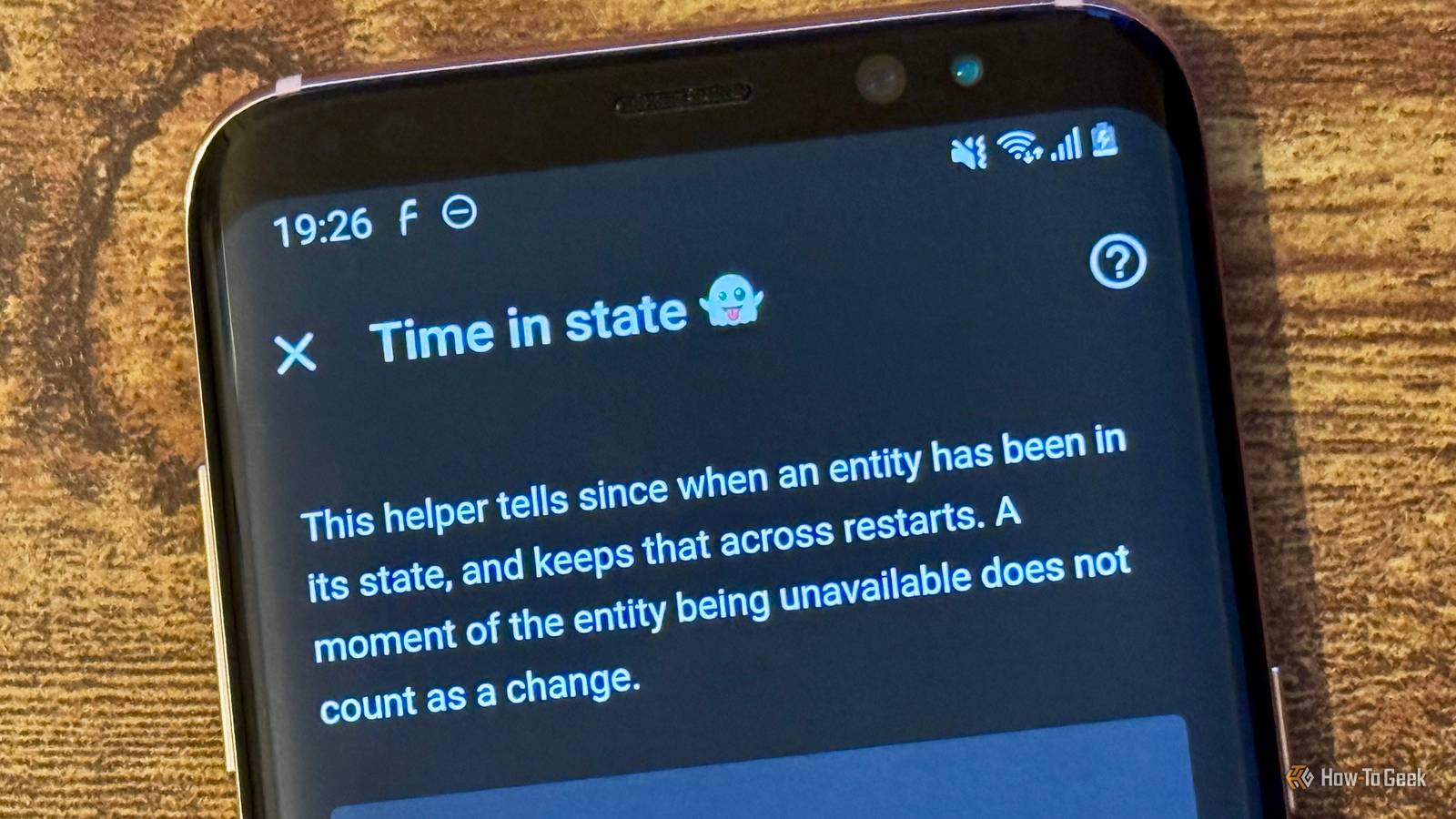
It's called the Time in State helper, and unlike last_changed and last_updated, the Time in State helper can survive through restarts or devices becoming unavailable.It creates a timestamp sensor that stores when the entity entered its current state.Once you've installed the latest version of Spook, you can find the helper listed with all the others in Home Assistant.
All you need to do is select the entity that you want to track, and give the helper a name.The helper can fix some annoying automation issues Knowing when something happened can be very useful Close Using this helper can stop your automations from falling down when Home Assistant restarts or a device drops off the system for a moment.If you're just using last_changed or last_updated, there are automations that can easily break.
For example, I have an automation that sends me an alert when opening the windows in my home would help to reduce the indoor humidity, based on the indoor and outdoor dew points.It then logs when the windows have been opened using a window sensor and is supposed to remind me to close them again after a set period of time.The problem is that sometimes the window sensor can become unavailable temporarily.
When this happens, the last_changed time resets to the time that the sensor comes back online.This means that my windows end up being open for far longer than they need to be, but using the Time in State helper solves this problem.There are still things Home Assistant doesn't know It can't completely solve missed observations While the Time in State helper is incredibly useful, you may have spotted something that it still can't fix.
The helper ensures that the time an entity has been in a specific state persists even through reboots or dropouts, but what it can't do is tell if the state changed while Home Assistant or the device was offline.For example, if I shut my window while the window sensor is offline, Home Assistant won't register the change of state, and neither will the Time in State helper.However, the observed attribute can help.
It registers true when the helper saw the change of state, and false when the change wasn't seen, such as when Home Assistant is offline.If observed is false, then the Time in State helper timestamp is the time that the helper first noticed that the state had changed, rather than the time it actually happened.Often this isn't hugely different from the actual time of the change, although this depends on how long the device was offline or Home Assistant was down.
If the state changes and then changes back again while the device is still offline, however, the helper won't be aware of this happening at all.Sometimes even Home Assistant helpers need some help This helper has been really useful in making automations that rely on knowing when something happened more stable.If you've not checked out Spook, it's definitely worth a look as there are plenty of other equally useful tools.
Read More