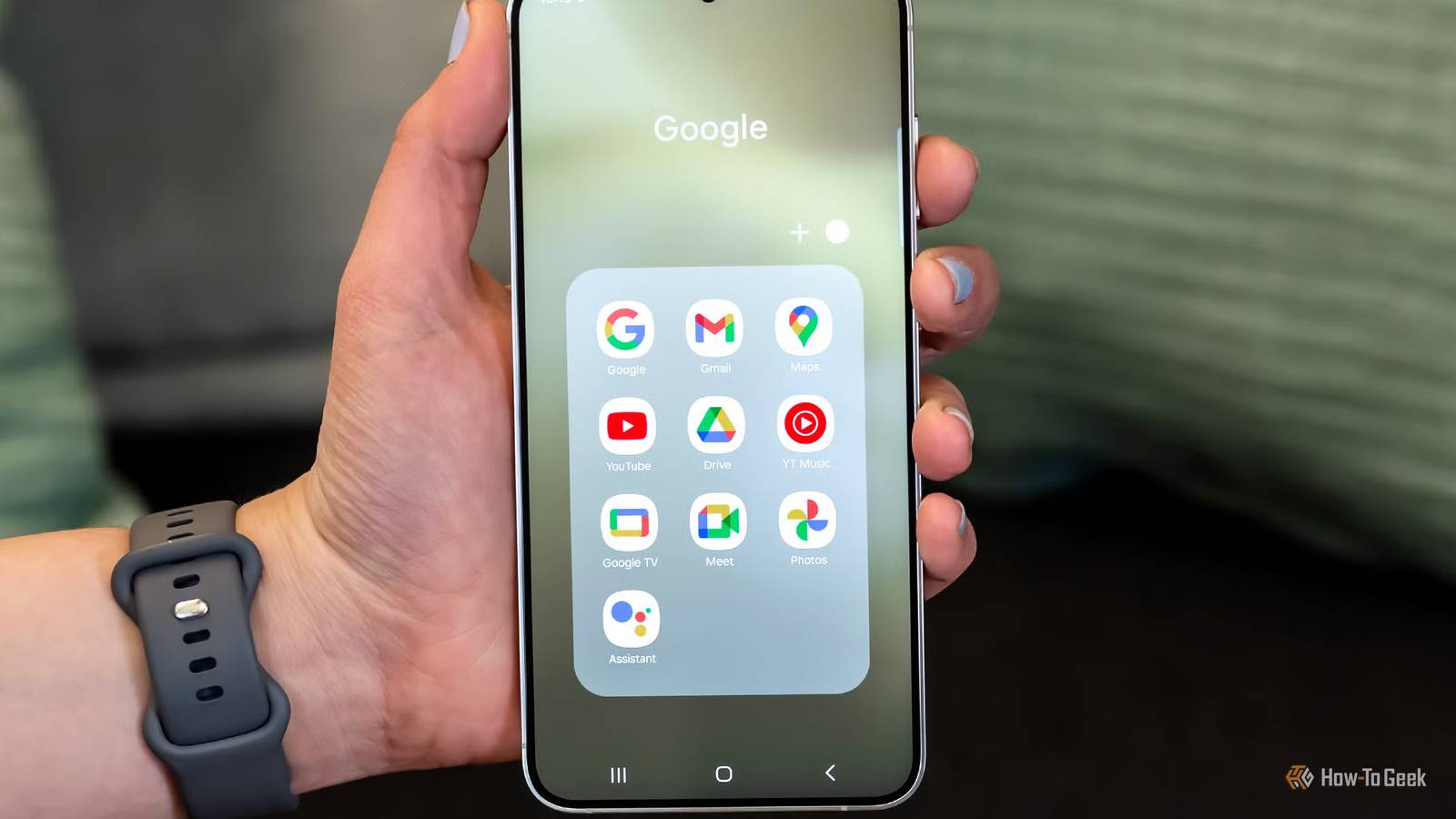
Whenever someone gets a new Android phone, the usual advice is to install a bunch of useful apps to make the most of it.But I think there’s another side to setting up a new phone that doesn’t get talked about as much: figuring out which preinstalled apps you don’t need and removing them.Add How-To Geek on Google Add as Preferred Source Follow on Google Discover I uninstall five Google apps whenever I set up a new Android phone: Google Meet, Google TV, Gboard, Google Home, and Google One.
Some have alternatives I prefer, while others simply add nothing to my daily routine.Read on to find out why I don’t bother keeping them around.Google Meet I prefer attending work calls on my PC Who attends work calls from their phone? Me neither.
I prefer using my computer for work meetings because a phone is too small to do everything comfortably.I can’t see all the participants properly, read the entire chat, or multitask.On my computer, I have everything open without constantly switching between screens or squinting at tiny windows.
I use WhatsApp calls to connect with family and friends on my phone, not to attend work meetings.I rarely have a reason to open Google Meet on my phone, so it’s one of the first apps I uninstall when setting up a new Android device.Of course, I might need it when I’m traveling without my laptop, but reinstalling it takes just a minute.
I’d rather uninstall it now than keep an app I hardly use.Google TV I prefer opening streaming apps directly I personally don’t like Google TV on my phone.The app brings together movies and TV shows from different streaming services, offers personalized recommendations, and lets me manage my watchlist.
But I prefer opening Netflix, Prime Video, or YouTube directly when I want to binge-watch.I know which app to open, so why would I need another app to tell me what to watch? Honestly, most of what Google TV offers feels pretty useless unless you actually own an Android TV or Google TV device.If you do, then this app works amazingly.
Since I don’t use it for that either, I see no reason to keep it installed.Gboard Samsung Keyboard works better for me Gboard has never been my favorite keyboard.One thing that frustrates me is its autocorrect, which sometimes changes words I have typed correctly or suggests replacements I don’t want.
I feel frustrated when I have to go back and fix words after typing a whole sentence.I’ve also seen users complain about unpredictable word suggestions and autocorrect becoming too aggressive.Of course, Gboard gets plenty of things right, particularly its voice typing and swipe typing, but I don’t find its overall experience compelling enough to keep it.
I prefer the Samsung Keyboard because it integrates better with my Galaxy phone and gives me more customization options through Good Lock’s Keys Café.Its clipboard integration is another useful addition.I know Samsung Keyboard isn’t perfect either when it comes to word prediction, but I find it more comfortable to use.
I feel like my fingers just align better with this keyboard.Google One I can manage my Google storage without the app Close Google One lets me check how much storage I’m using across Gmail, Google Drive, and Google Photos, find large files I can delete, manage my storage plan, and access membership benefits.I use this Android phone backup feature personally.
I like having backups of my contacts, call history, messages, apps, app data, and device settings.These are useful features, but I don’t need to open a separate app every time I want to manage my Google account.I can access my files through their respective Google apps.
I can manage my storage through the Google One website, and for the phone backups, I can simply head to Settings -> Google -> Backup.Uninstalling Google One doesn’t cancel my subscriptions or delete my existing cloud files and backups.It also doesn’t automatically turn off device backup.
If I need the app’s extra features later, I can always reinstall it.Google Home I don’t have enough smart home gadgets to need it.I don’t have enough smart home devices to make Google Home a must-have app on my phone.
It lets me set up and control compatible smart devices, including lights, speakers, displays, cameras, thermostats, smart plugs, and locks.I can also create automations, manage connected devices, check camera feeds, and adjust settings from one place.But I rarely use these features, so I don’t see a reason to keep the app installed.
If you’re all-in on Nest cameras, compatible locks, thermostats, and speakers, this falls squarely into the essential category, and you should keep it on your phone.For me, it’s just dead weight.Related I swapped 5 Samsung Galaxy apps for better alternatives, and I'm not going back Galaxy's built-in apps aren't always the best tool for the job.
Posts 10 By Tyler Dupont A new Android phone deserves a little decluttering Don’t get me wrong.I’m not someone who dislikes Google apps.I do keep quite a few on my phone, including Google Keep for notes and shopping lists, Google Photos to edit my photos, Google Maps for navigation, and Gmail for managing my emails.
These apps have earned their place because I genuinely use them regularly.A new Android phone is a good opportunity to get rid of some clutter and make room for apps that fit into my daily routine.Related I finally cleared years of Gmail clutter using Gemini and 3 built-in tools My inbox needed a serious cleanup.
Posts By Sanya Shah
Read More