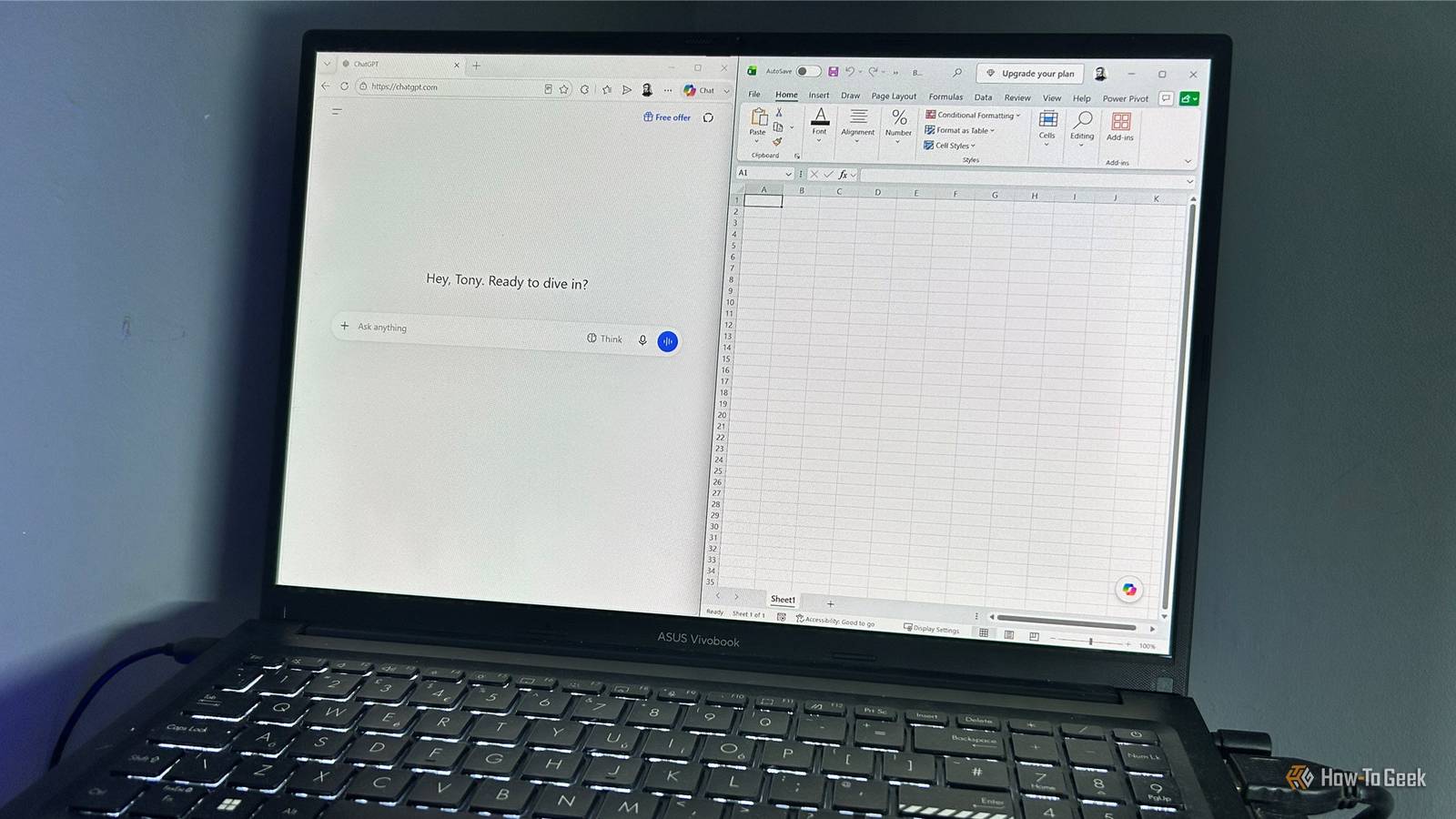
I've watched Excel go from a program where I had to know exactly what to type to one where I can describe what I want and have AI build it for me.After some resistance at first, I've embraced it.But there are still times when I look at what AI has produced and think, "I'd rather just let Excel handle this." I use AI when I need help figuring something out, but when I already know the rule I want to apply, I'd rather have Excel apply it.
A formula gives me something I can inspect, reproduce, and run again when the data changes.When I already know the rule Sometimes the best solution isn't AI—it's a standard Excel function.If I need to sum a column or calculate a margin, I don't need AI to calculate it for me.
I want to give Excel the rule and let it run the math, updating the result whenever the underlying data changes.The same applies to straightforward operations on my data.Say I've got a spreadsheet of expenses and want to pull the category associated with each transaction from another table.
I could ask AI to perform the lookup and return the category for each transaction.But I'd much rather use XLOOKUP and let Excel handle it.Close The reason is that I already know the rule: find this transaction ID in that table and return the corresponding category.
XLOOKUP can apply that rule consistently to every row.If I add another 500 transactions tomorrow, the formula keeps working.For that kind of job, asking AI to perform the operation feels like adding a go-between to something Excel can already do consistently and reproducibly for me.
This is also why I find AI useful for helping me write formulas, rather than relying on it to produce the result for me.I recently asked ChatGPT, Claude, and Gemini for the "best" formula for the same Excel problem, and all three gave me workable answers.The catch was that they disagreed on what "best" meant, leaving me to decide which formula I'd actually want to maintain six months from now.
Close When the answer depends on information I don't have No prompt can compensate for missing information AI can only reliably determine an answer from the information it has access to.If the answer depends on something outside the workbook, that missing information can change the result completely.Related AI prompts for Excel can take forever, so I built this 7-step shortcut From describing your workbook to checking assumptions, a few simple prompt-building habits can make AI far more useful.
Posts 2 By Tony Phillips Imagine I ask why two figures in a workbook don't match.The spreadsheet might show the numbers and the formulas that produced them, but the discrepancy could depend on something that happened outside the workbook.AI can suggest possible explanations, but it can't reliably determine which one is correct if that information is missing.
It may still produce an answer that sounds perfectly reasonable, which is what makes the limitation so easy to overlook.When I need to verify the result An answer isn't the same as verification Even when AI has all the information it needs, there's still another question: is the answer actually correct? That's where a formula in Excel has an advantage.I can inspect it, trace its inputs, check the source data, and reproduce the calculation.
I can also add checks to the workbook to make sure the result ties back to something else I know to be correct.I saw this when I asked ChatGPT and Gemini to build a dashboard.Gemini produced a convincing-looking workbook with KPI cards and charts that reflected the underlying data.
Some of the formulas worked correctly, but I found that others were hardcoded in the processing layer where I'd specifically asked for dynamic formulas.Worse, some of the formulas that work were pointing to those hardcoded values.The dashboard looked finished, but I only caught the problem because I checked how the workbook had been built rather than assuming the finished-looking dashboard was correct.
Close That's why I don't treat a finished-looking workbook as proof that the underlying work is correct.AI can explain an answer, but I still need to verify the underlying work for myself.The higher the stakes, the more important that verification becomes.
I'm seeing this firsthand while processing a mortgage application.I created an Excel spreadsheet to work out my regular outgoings and make sure I understood what I could afford.If I got those figures wrong, I could end up taking on more debt than I can comfortably afford, so this isn't something I'd want to hand over to AI and simply trust the result.
I want to be able to check every figure and understand exactly how the total was calculated.Related I turned my Excel sheet into an offline app without writing any code A simple CSV export and a detailed AI prompt were enough to turn my spreadsheet into a surprisingly capable offline app.Posts 10 By Tony Phillips AI is useful precisely because I don't use it for everything If I'm stuck on a formula, unfamiliar with a function, or wondering whether there's a better way to approach something, AI is often the first place I turn.
The better AI gets at Excel, the more important it becomes to know when Excel is still the better tool.
Read More