All too often, we treat formatting our PC as the first step when something goes wrong.I get it: chances are that'll fix it, and spending hours troubleshooting is no fun.But if it's your SSD or your filesystem that's causing you trouble, I'm here to tell you that formatting the PC might not fix it.
It's time to stop treating "format and reinstall" as a universal fix.Let's talk about what formatting really does at the file system level (and what it doesn't do).Formatting Windows rebuilds the file system, not the SSD It works in a very specific way When you format a drive in Windows, you're mostly rebuilding the file system scaffolding.
That means that you're essentially creating a fresh set of structures, and their job is to tell Windows how to store and track files, including volume metadata, allocation maps, and indexes.Those things make it possible for the OS to figure out where each file belongs to.These days, most people end up doing quick formats, especially during a reinstall.
That wipes and recreates the filesystem metadata, then marks the rest of the space as available.As a result, your previous data isn't gone-gone, destroyed, deleted, unrecoverable at that point, at least not yet.It's just no longer being referenced by the filesystem, and it'll eventually get overwritten.
A full format is, obviously, a lot more extensive.Windows also writes across the volume and checks for bad sectors.That makes the whole process lengthy and tedious, but it's also useful.
While SMART health checks may not always surface SSD problems, this test might; although, this is still just Windows doing Windows things, and it's not performing some magic reset of the SSD itself.The moral of the story here is that formatting is only a fix for a very specific type of problem.If you're dealing with a corrupted file system metadata issue, weird, forgotten, legacy permissions, etc., a clean slate can absolutely help.
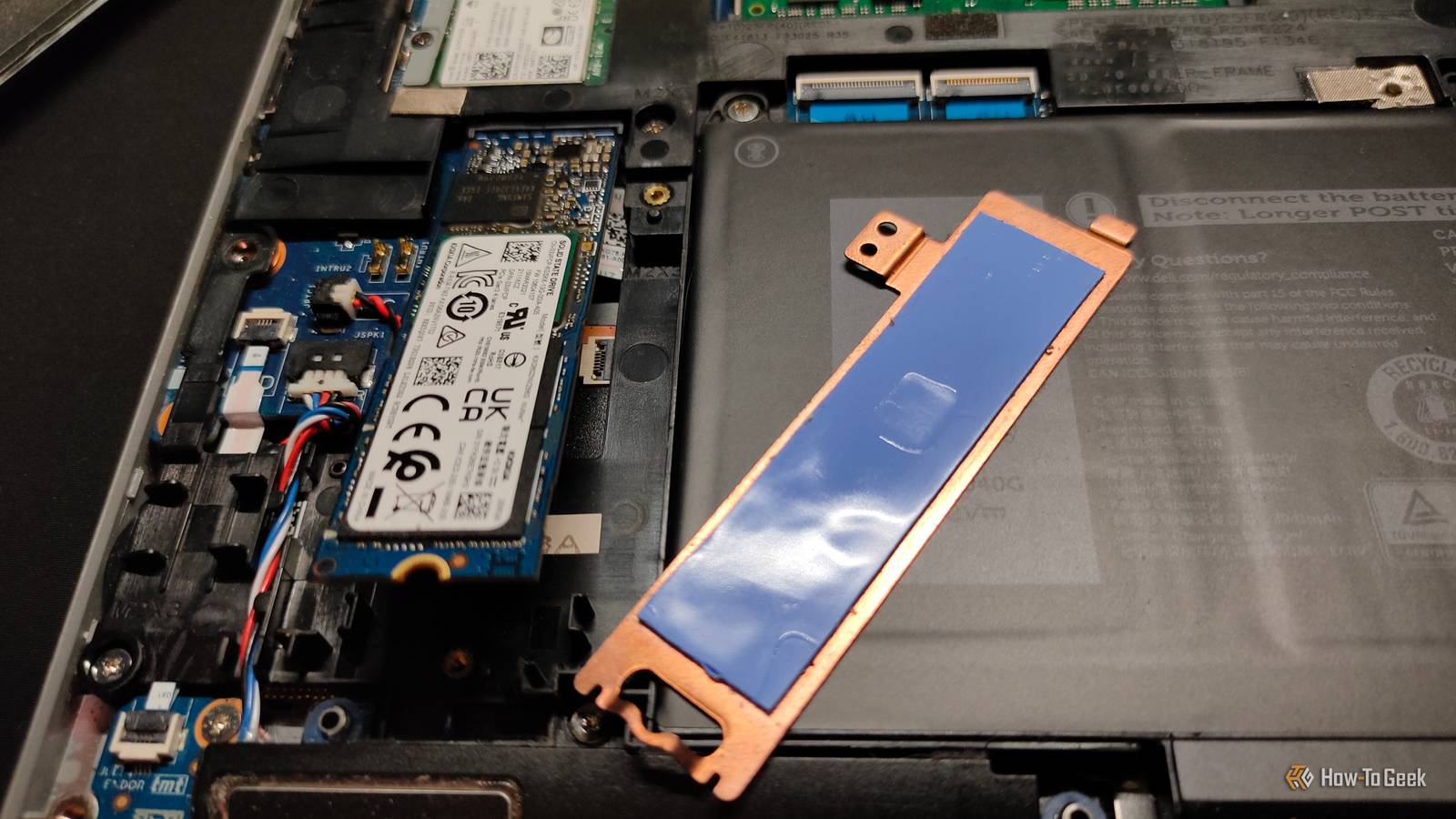
But it's not going to fix everything, and if the symptoms come right back, that means the formatting likely wasn't needed in the first place.Your SSD controller keeps state that a format cannot wipe The SSD has memory of its own, and Windows has nothing to do with it Your SSD is more than just a stick (or a semi-square if you're still using SATA SSDs, which are not as obsolete as they may seem).It's a proper little computer with a controller that deals with flash translation, wear leveling, garbage collection, bad blocks, and all sorts of other things that we never even notice.
SSDs are quick, which is why we never have to think about any of these tasks; they take place in the background while we use our PCs as usual.When you format your SSD, your OS will change its perception of what lives on the drive.But that doesn't rewrite the SSD's internal history, as that's entirely different from your actual PC.
Your SSD keeps track of lots of things, including lifetime counters, wear indicators, and error information, and all of that secret intel comes from the controller.Keeping that data helps it manage the flash safely over time.If your SSD's been logging warnings or unsafe shutdowns, those things won't magically vanish just because you rebuilt the filesystem on top.
This also exposes why reinstalling your OS might feel like it fixed the problem for a bit, but the problems may still return.That's because you're not going to be hitting the same data patterns right away.A fresh OS install writes a predictable set of files and uses a relatively small portion of the drive at first, so you may not trigger the same weak spots until you've used it for some time.
When does formatting actually help? It can be little more than a distraction While formatting can't fix everything, it can help when it's your filesystem that's struggling.If your OS keeps giving you errors or you're experiencing various crashes due to file corruption, or you're running into errors in CHKDSK, reinstalling your OS might be just the thing that gets you operational again.But when symptoms look more like unstable storage, formatting won't help.
If anything, it might stress your (already struggling) SSD with the number of large reads and writes it'll have to deal with when you're reinstalling everything.The tell-tale signs of problems that a format won't fix include random freezes, file copies that fail halfway through, and losing the connection to the SSD.What actually changes the drive state Serious troubleshooting shouldn't always start with formatting If you want to actually change the state of the drive while you troubleshoot, skip past the filesystem fixes and test the SSD and its storage path head-on.
Subscribe to the newsletter for SSD and storage troubleshooting Looking for deeper storage know-how? Subscribe to the newsletter for hands-on diagnostics, reproducible tests, hardware-focused troubleshooting steps, and practical checklists that help you diagnose SSD and filesystem problems with confidence.Get Updates By subscribing, you agree to receive newsletter and marketing emails, and accept our Terms of Use and Privacy Policy.You can unsubscribe anytime.
Start with the easy stuff that you can rule out quickly.Reseat your SSD in a different M.2 slot if available.Update your BIOS.
Get your chipset and storage drivers ...I could go on.Basically, do everything in your power to make sure that the external factors, such as M.2 slots or an older BIOS, cannot interfere with your SSD.
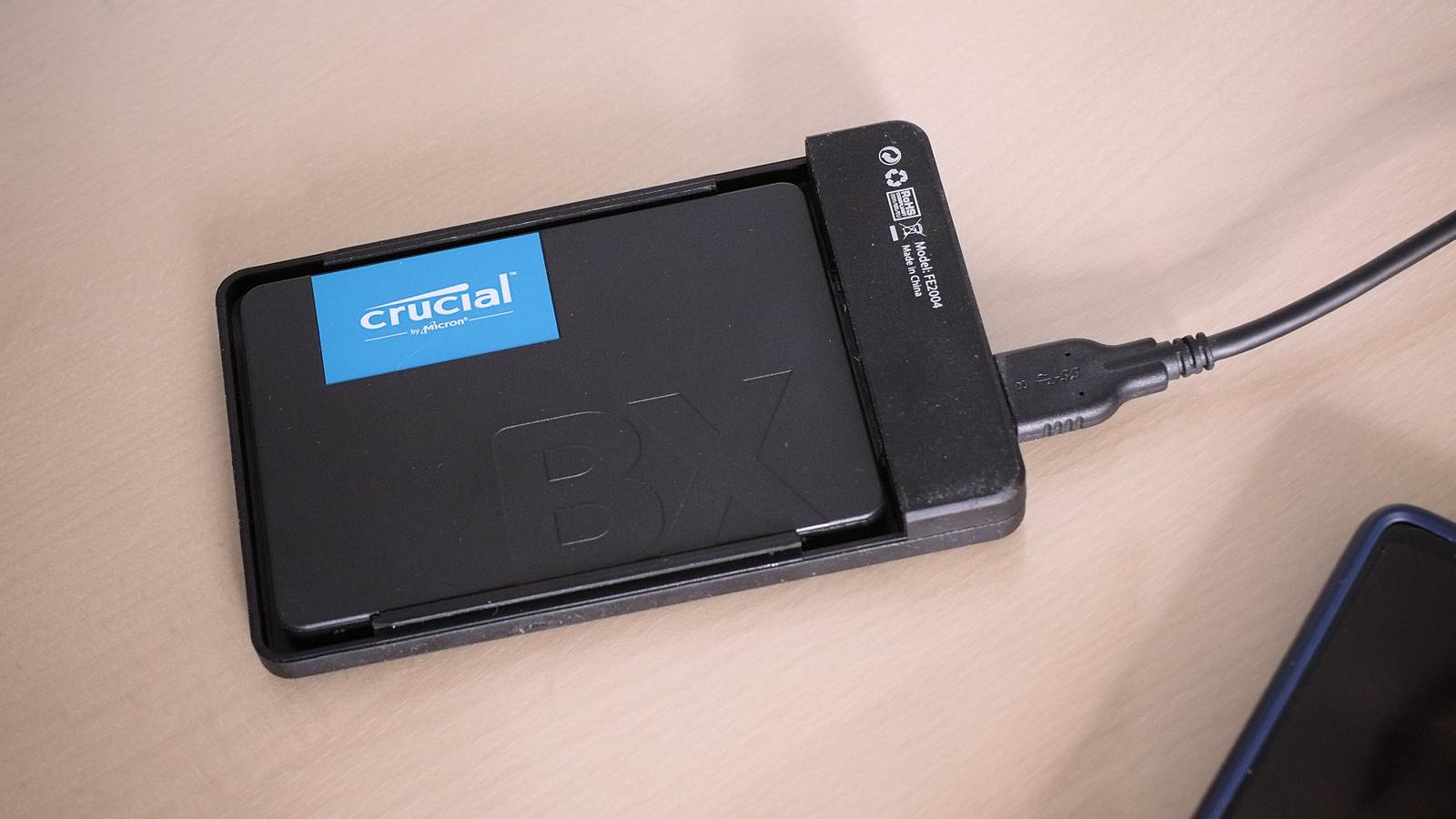
If the issue only shows up on an external drive, there are even more things to swap out.Enclosure (if applicable), cable, USB port, even unstable RAM—all of those can cause SSD problems.Next, use a test that forces the drive to prove it can behave under sustained load.
A controlled, full-drive write-and-read verification on non-critical data, or at least a long sequential write followed by a full read, can reveal instability that a quick copy won't.Reinstalling Windows isn't a bad thing Ultimately, there's often little harm in reinstalling Windows for any reason.If you feel like it might help, go for it.
But there's always a chance that it won't fix your SSD problems, so be ready to keep on troubleshooting, and backup your files with the 3-2-1 rule if they're important to you.Samsung 990 Evo The Samsung 990 Evo is one of the most popular 2TB SSDs you can buy.It's not cheap, but it's a reliable drive for backups and daily use.
Buy on Amazon Expand Collapse
Read More