Open-source applications are a great way to cut a few subscriptions and save yourself some money, especially if you own an old PC that you can put to work as a server.There are hundreds, if not thousands of different open-source projects out there, but these are 5 of my favorites that aren't common.None of these are "high maintenance" programs either—you can set them up and reasonably expect them to keep running on their own.
Joplin A markdown-based note and to-do app with end-to-end encrypted sync Joplin is a markdown-based note and to-do app organized into notebooks and tags.It works on Windows, macOS, Linux, iOS, and Android, and even offers a terminal client if you're attached to a command-line interface.It also allows you to use the web clipper browser extensions to save pieces from the web directly to Joplin.
Joplin is easy to use, lightweight, and minimalist, but the ultimate reason I picked it was because of control.Joplin stores your notes in a database, but within that database it is just Markdown, which means you're not stuck with proprietary formats.Critically, that database can be stored locally on your device on a server that you set up and run yourself.
If you don't want to host it yourself, you can use Dropbox, OneDrive, or pay for Joplin's own cloud storage.Whatever you choose, your data is protected by end-to-end encryption, which means you don't need to worry that someone is going to train an AI on your notes or that your data will leak if the cloud storage provider is compromised.It is a great choice for anyone that values control, privacy, and a minimalist interface.
Paperless-ngx A document management system that will index all your paperwork Paperless-ngx is the successor to the original Paperless project that runs on your home server.It is designed to organize PDFs and scanned images (or photographs) and runs optical character recognition (OCR) so that you can just search through them using text.It uses auto-tagging and correspondent tracking to organize files as you enter them into the system.
I started self-hosting Paperless-ngx because I got tired of the never-ending deluge of important paperwork taking up space, but the ability to those documents has proven to be more useful than I anticipated.Once set up, the entire process is very hands-off.ntfy DIY push notifications for all of your self-hosted services ntfy is a notification service that allows you to send custom alerts to your phone or desktop.
It can notify you about most anything you want, whether that is a backup notification or a warning that your service is down.I mostly use it while I'm hosting game servers so that I get notified if something crashes.You don't need any accounts or third-party apps from the app store.
The server itself is small (about 30mb) and runs on almost anything, including a Raspberry Pi Zero 2 W.Raspberry Pi Zero 2 W Brand Raspberry Pi CPU Quad-core 64-bit ARM Cortex-A53 Memory 512MB of SDRAM The Raspberry Pi Zero 2 W is super tiny and super affordable, but it packs enough computing power for a variety of DIY projects.You can use it to create a handheld retro gaming console, for Klipper/Mainsail, a super compact home or media server, and more. $40 at Amazon $19 at adafruit $16 at CanaKit Expand Collapse Vaultwarden A lightweight, self-hosted server compatible with Bitwarden clients Vaultwarden is a version of the Bitwarden password manager server written in Rust.
It is designed to run on lightweight hardware without breaking compatibility with the official Bitwarden apps and browser extensions.You get the full Bitwarden feature set—passwords, passkeys, and secure notes—on hardware you control completely.There are two big drawbacks you should keep an eye on.
There isn't commercial support—which makes troubleshooting harder—and are responsible for backups.Your passwords are locally cached by default, but taking ownership of storing of your passwords is still a tall order.Internet-pi A Raspberry Pi project that monitors your internet connection over time Manual speed tests are essentially useless because they only provide a snapshot of a single moment.
If you want to prove to your ISP that they are underdelivering or to identify intermittent outages that happen while you're not actively testing your network, you need data collection.Related This open-source app revealed my ISP was ripping me off Don't pay for service you aren't getting.Posts 16 By Nick Lewis Internet-pi is an Ansible project that turns a Raspberry Pi into a dedicated network monitor.
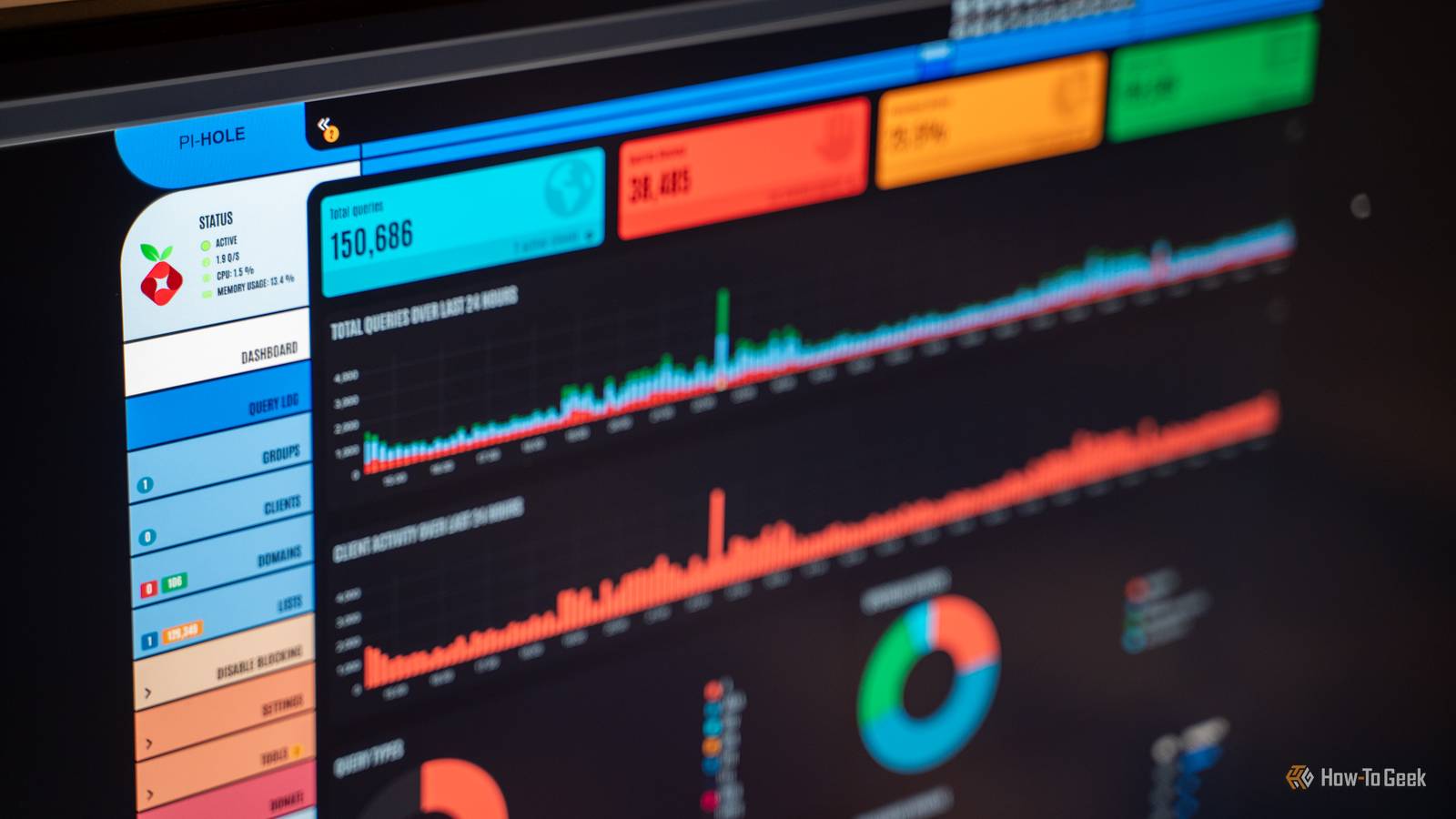
It installs Prometheus and Grafana to run scheduled speed tests and HTTP checks, gives you dashboards that show uptime, ping statistics, and speed trends over months or even years.You can also bundle it with Pi-hole.Just be careful if you're on a metered plan.
Frequent speed tests can consume enough bandwidth to make a dent in your quota.Additionally, be sure to use a Pi with a physical Ethernet port—the wireless adapter on the Pi Zero 2 W is going to top out at about a hundred megabits per second.Try Docker if you're just starting out Most of these programs can be installed multiple ways, though I'd recommend sticking with Docker if you are just starting out self-hosting open-source apps.
In most situations, you won't lose much performance, since the overhead is minimal, and Docker scripts are usually very user-friendly.
Read More