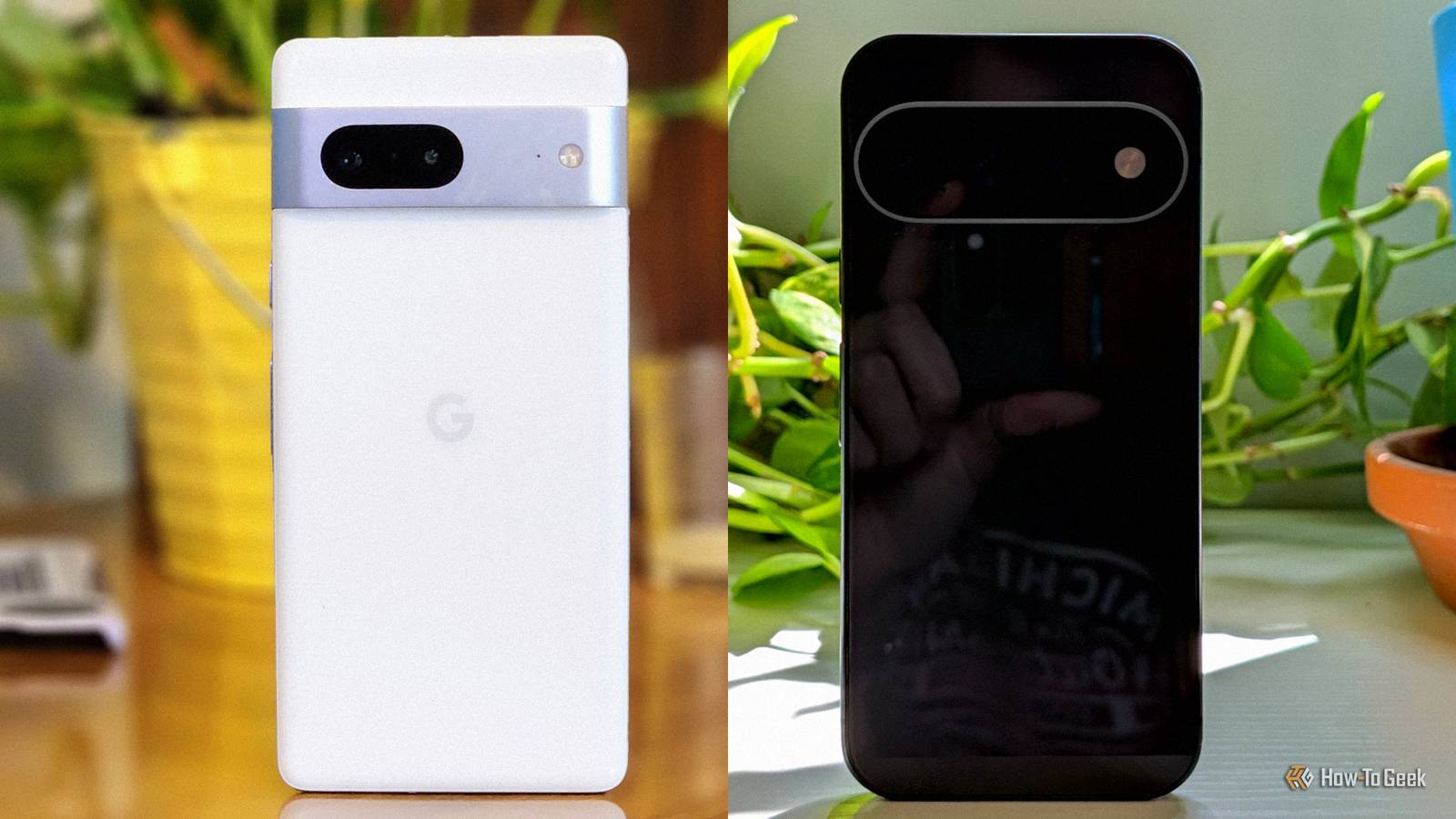
Every year, Google announces a new Pixel phone with a handful of new features.Some of these goodies never make their way to old models as recent as the Pixel 8.You have options when it comes to bringing your Pixel up to date with the latest and greatest.
All things considered, Google does a pretty solid job of keeping older Pixel phones updated.However, receiving the latest version of Android doesn't necessarily mean you'll get the latest features, too.That's the fine print of "7 years of software support." Let's do something about it.
Rambler (Pixel 11 only) An underrated gem One of the Pixel 11's most under-the-radar new features is "Rambler." It's part of Gboard, and it radically changes how voice-to-text dictation works.Rather than seeing a real-time read-out as you talk, it analyzes your full speech, filters out "ums" and "ahhs," then spits out the text.It's shockingly good.
Now, this isn't the first time I was surprised by voice dictation in a keyboard.That happened when I tried Wispr Flow earlier this year.After receiving tons of buzz for the iPhone, it launched on Android.
Like Rambler, it uses AI to transcribe speech.Download the app and upgrade your Pixel's voice-to-text abilities without buying a new phone.Close Quick Tap (Pixel 5 and later) Add an extra button to your Pixel All the way back in 2020, the Pixel 5 launched with a feature called "Quick Tap." It simply allows you to perform actions by physically tapping the back of the phone.
The feature has stuck around, but it doesn't receive much attention anymore.That's a shame, because it's genuinely useful.The good news is Quick Tap is very easy to replicate on older Pixel phones — or any Android phone, in general.
All you need is a free, open-source app called "Tap, Tap" (available from GitHub).It adds the standard double-tap gesture, plus a triple-tap option.To be honest, Tap, Tap is much more powerful than Google's built-in feature.
Related 7 Years of Android Updates Isn’t as Good as It Sounds Longer phone support is great, but are these promises too good to be true? Posts By Cory Gunther Gemini Nano (Pixel 8 and later) Bring your own private, on-device LLM Every Pixel phone has access to the cloud-based Gemini experience.It's what pops up when you say "Hey Google" or hold the power button.However, since the Pixel 9, new models have also included "Gemini Nano." This is a small AI model that runs locally on the device.
It's used for things like summarizing Recorder transcripts, Pixel Screenshots, Call Notes, Gboard Smart Reply, and Pixel Weather.Google brought Gemini Nano back to the Pixel 8, but it didn't go further than that.The good news is that it is entirely possible to download your own on an older Pixel phone — even from Google directly.
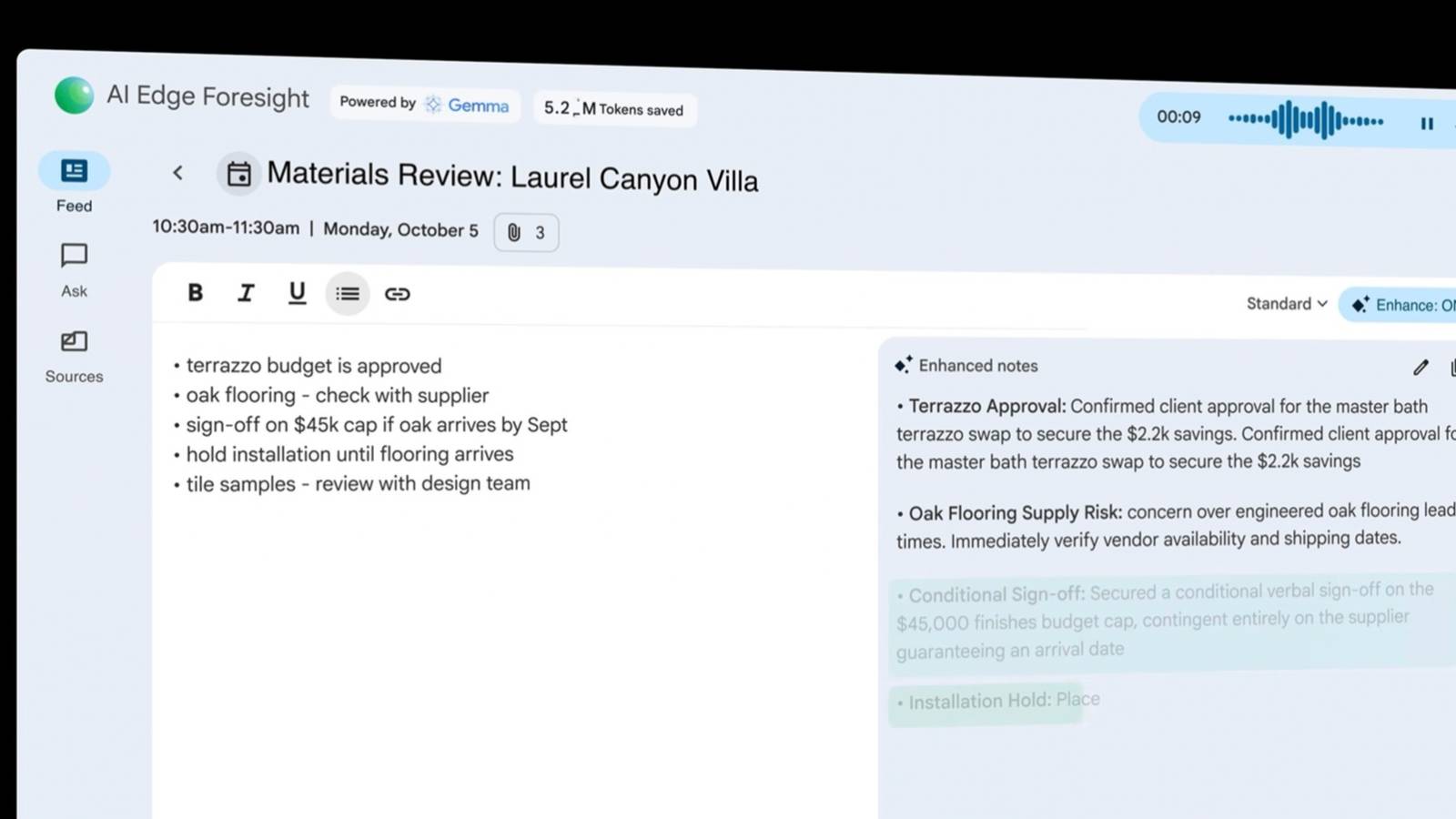
For example, Google's "AI Edge Gallery" app lets you play with various on-device LLMs.Close One of the most useful phone tasks is Gemma-3n-E4B-it.You can give it a voice recording transcript and receive a summary.
It can also analyze and pull out info from screenshots.There's a "Mobile Actions" LLM as well, which can do things like turn on the flashlight, create contacts, send emails, open device settings, etc.So, if you're interested in using AI without being connected to the internet, you have options to explore.
Google Camera features (Various models) The Pixel's bread and butter If there's one thing that Pixel phones are known for, it's having great cameras.Every year, Google adds some sort of new feature to beef up the experience.Sadly, the list of camera features that aren't available on old Pixel phones is pretty long.
I'm talking about features such as "Camera Coach" (Pixel 10), "Add Me" (Pixel 9), "Video Boost" (Pixel 8), "Night Sight Video" (Pixel 8), "Best Take" (Pixel 8), Pro controls (Pixel 8), "Macro Focus" (Pixel 7), and more.The good news is there's a huge community of people working to bring as many camera features as possible to the entire Pixel family.The Google Camera app has been modified and ported to a wide variety of devices — they're known as "Gcam mods." Not every feature I mentioned above is guaranteed to work on an old Pixel, but you can probably knock out a few of them.
The best places to find these mods are the XDA Forums and Celso Azevedo portal.Don't let exclusive features stop you from using a perfectly good phone The reality is that new features are often held back from old phones purely to drive sales to new devices.We all know this.
Occasionally, there are legitimate hardware limitations.Thankfully, Android and its community have a long history of bringing features to more devices.The Pixel series is no exception.
Read More