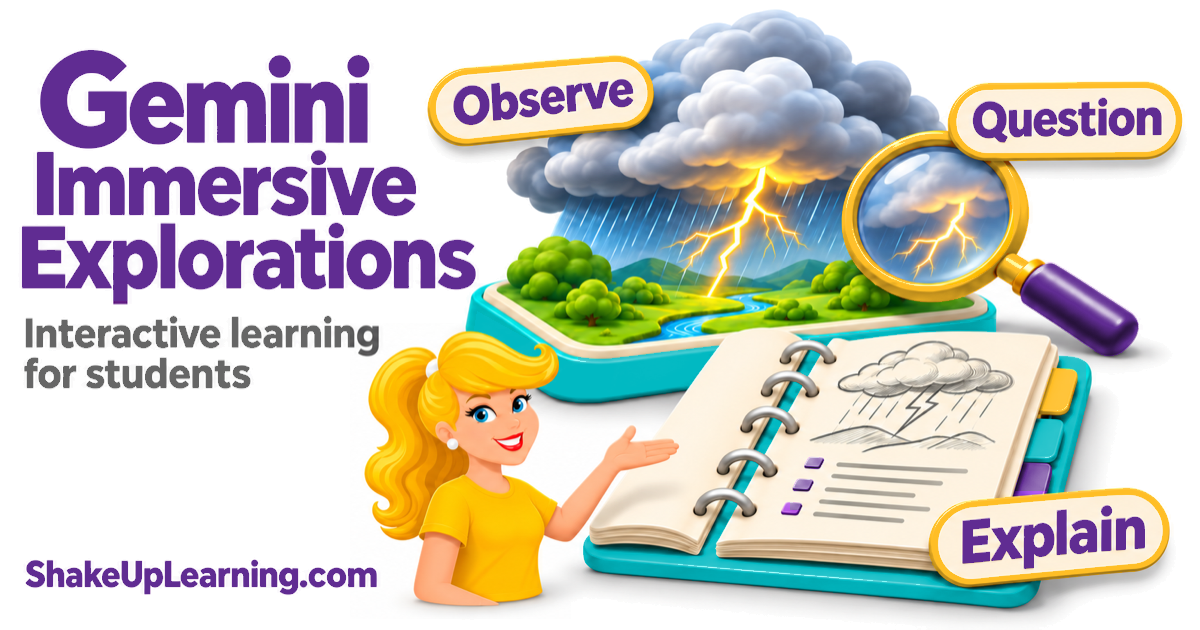
What if your students could learn and interact in immersive experiences, exploring how things work and making connections as they go? That’s the idea behind Gemini Immersive Explorations.These ready-made learning experiences inside Gemini, Google’s AI assistant, let students explore a topic through interactive visuals and explanations.They can investigate how lightning forms, how a jet engine works, or how trade routes connected people along the Silk Road.
And yes, it’s included in all three Google Workspace for Education tiers: Fundamentals, Standard, and Plus.You don’t need a paid AI upgrade.Your school does need to have Gemini enabled.
Think about a concept your students struggle to understand.What could they investigate? Which connections could they explain? Let’s look at how to use these experiences to get students asking questions, exploring ideas, and sharing what they learn.What Are Gemini Immersive Explorations? Gemini Immersive Explorations gives students a visual way to investigate a topic.
They interact with parts of a scene to open explanations, explore details, and work out how those details connect.For a lesson about lightning, for example, the learning question might be, “How does a lightning flash happen?” Students can explore with that question in mind, then use what they find to explain the process.The explorations are already built.
You don’t have to write a prompt, create a game, or know how to code.Open the library and choose a topic that connects to your lesson.You can use the library on a computer or mobile device.
See Google’s announcement for the feature details.*Related: How to Publish Gemini Activities in Google Sites Which Experience Fits Your Lesson? Google highlights lightning, jet engines, and the Silk Road in its announcement.Here are suggested starting points for teaching with those topics.
The grade bands below are teaching recommendations, not Google age ratings.Preview the experience and adjust for your students’ reading levels and prior knowledge.Lightning: Grades 6–8 science, with extensions for high school physics.
Use it to investigate how a lightning flash forms.Students can explore the explanations, revise an annotated drawing, and use details from the experience and a class science source to explain their changes.For younger learners, consider a teacher-guided weather discussion rather than assigning independent exploration.
Jet engine: Grades 8–12 physical science, physics, engineering, or CTE.Use it to investigate how parts work together in a system.Ask students to select two connected parts, explain each part’s role using the available explanations, and sketch their relationship.
Compare their explanation with a diagram or reading from your course.Choose the specific parts only after previewing what the experience includes.Silk Road: Grades 6–10 world history or geography.
Use it to investigate how trade routes connected places and people.Students can trace a route shown in the experience, connect it to a class map, and explain a connection using evidence from both.Extend the lesson into ELA by having students write a short explanation for a younger audience.
Start With a Question Worth Investigating Start with what you want students to understand.Then give them a question to investigate as they interact with the exploration.Leave room for their own questions, too.
Something they discover may send them back to explore a different part or rethink their first explanation.Try this simple routine: predict, explore, collect evidence, explain.1.
Predict Before Opening the Exploration Ask students what they think before they open the exploration.A quick sketch, a sentence, or a partner conversation is enough to get started.For lightning, ask, “What do you think causes a lightning flash?” For the Silk Road, try, “Why would people travel so far to trade?” 2.
Explore With One Question in Mind As students interact with the exploration, ask them to connect a detail to the question they’re investigating.How does it help explain what happens or why? Have them talk it through with a partner and decide what they still need to explore.Working with a partner? Let one student navigate while the other records a detail or asks a question.
Switch roles partway through so both students have to explain what they notice.3.Find Details That Help Explain Ask students to choose two details that help answer the question.
Have them write or draw what they found and explain why they chose it.Try this sentence starter: “This helped me understand ___ because ___.” If they still have questions, have them write those down, too.4.
Explain What Changed Go back to their first ideas.Would they change anything? Can they add something they couldn’t explain before? An easy exit ticket is: “At first I thought ___.Now I think ___ because ___.
I still wonder ___.” Use your class reading or another trusted source to check the explanation together.Classroom Example: Investigate Lightning Teaching about weather or electricity? Have students draw what they think happens when lightning forms.They can add labels or a few sentences to explain their thinking.
Then have students investigate their ideas using the lightning exploration.Ask them to use two details from the experience to explain how lightning forms and revise their drawings.They could use a different color to show what they added or changed.
Have partners compare their before-and-after drawings.What changed? What helped them understand? Bring in your class science text or diagram to check their explanations.For high school students, add another question: “What does this model leave out?” Have them use a second source to find something the exploration doesn’t explain.
Preview the exploration first so your questions match the details it actually shows.Classroom Example: Investigate How Trade Connects People Studying trade or cultural exchange? Use the Silk Road exploration alongside a map or reading you already use in class.Ask, “How could trade connect people who never met each other?” Let students talk through their ideas, then look for details in the exploration and your class materials that help explain those connections.
Have students sketch the connections they find.They can add notes showing which details came from the exploration and which came from the map or reading.To wrap up, ask each pair to explain one connection using both sources.
What did the visual help them see? What did the reading help them understand? You could also use this in an English language arts lesson about explaining ideas.Have students compare a visual explanation with a written one, then write their own explanation for someone who hasn’t studied the topic.*Related: Top 20+ AI Tools for Teachers A Simple Evidence Organizer Copy these prompts into a Google Doc, a slide, or a paper handout.
Students can write, draw, or give a brief oral response, depending on the lesson.Our question: ____________________________________ My first idea or sketch: ____________________________ Detail 1: What did I notice or read? Where did I find it? How does that detail help answer our question? Detail 2: What did I notice or read? Where did I find it? How does that detail help answer our question? My revised explanation: ____________________________ What did another trusted source confirm, challenge, or add? One question I still have: ___________________________ A useful teacher follow-up is, “Show me what made you say that.” It invites students to connect their answer to evidence instead of guessing what you want to hear.How to Open Gemini Immersive Explorations Open the Immersive Explorations library with your school-approved Google account.
You can also select Students in the Gemini app menu, then try immersive explorations.Choose a topic and try it before assigning it.Check that the explanations fit your students and that the controls and text work on their devices.
The student hub is available to Education users of all ages, though some Gemini features have age restrictions.Check student access through your school’s approved process.Being able to open it as a teacher doesn’t guarantee your students can open it, too.
Google lists support for English, Indonesian, Hindi, Brazilian Portuguese, French, and simplified Chinese.Other language settings receive English.Check that the language and reading supports work for your students; audio narration is not yet available.
If it’s blocked, check with your school’s administrator rather than switching students to personal accounts.Google’s Education account guidance has more information.No Student Access? Make It a Class Investigation You don’t need every student on a device to use this in a lesson.
If your school allows teacher access, open an exploration on your classroom display and work through it together.Students can sketch, take notes, and discuss what they notice.Let students help guide the investigation.
Ask, “What do we need to understand next? Which part could help us figure that out?” Give them time to discuss their ideas with a partner, then explore their questions together.Keep a reading, diagram, or another accessible way to explore the same question available for students who need it.Try It With a Lesson You Already Teach Choose one learning goal and an exploration that supports it.
Give students time to investigate, ask their own questions, and explain the connections they find.Their drawings, conversations, and explanations can help you decide what to teach next.What could they explain more clearly after exploring? That’s the question to keep coming back to.
Keep Learning With ALL ACCESS Want more practical ways to use Google and AI tools in your teaching? Explore the ALL ACCESS Teacher Membership for professional learning and classroom resources you can use at your own pace.Shake Up Learning 2025.Unauthorized use and/or duplication of this material without express and written permission from this blog’s author and/or owner is strictly prohibited.
Excerpts and links may be used, provided that full and clear credit is given to Kasey Bell and Shake Up Learning with appropriate and specific direction to the original content on ShakeUpLearning.com.See: Copyright Policy.
Read More