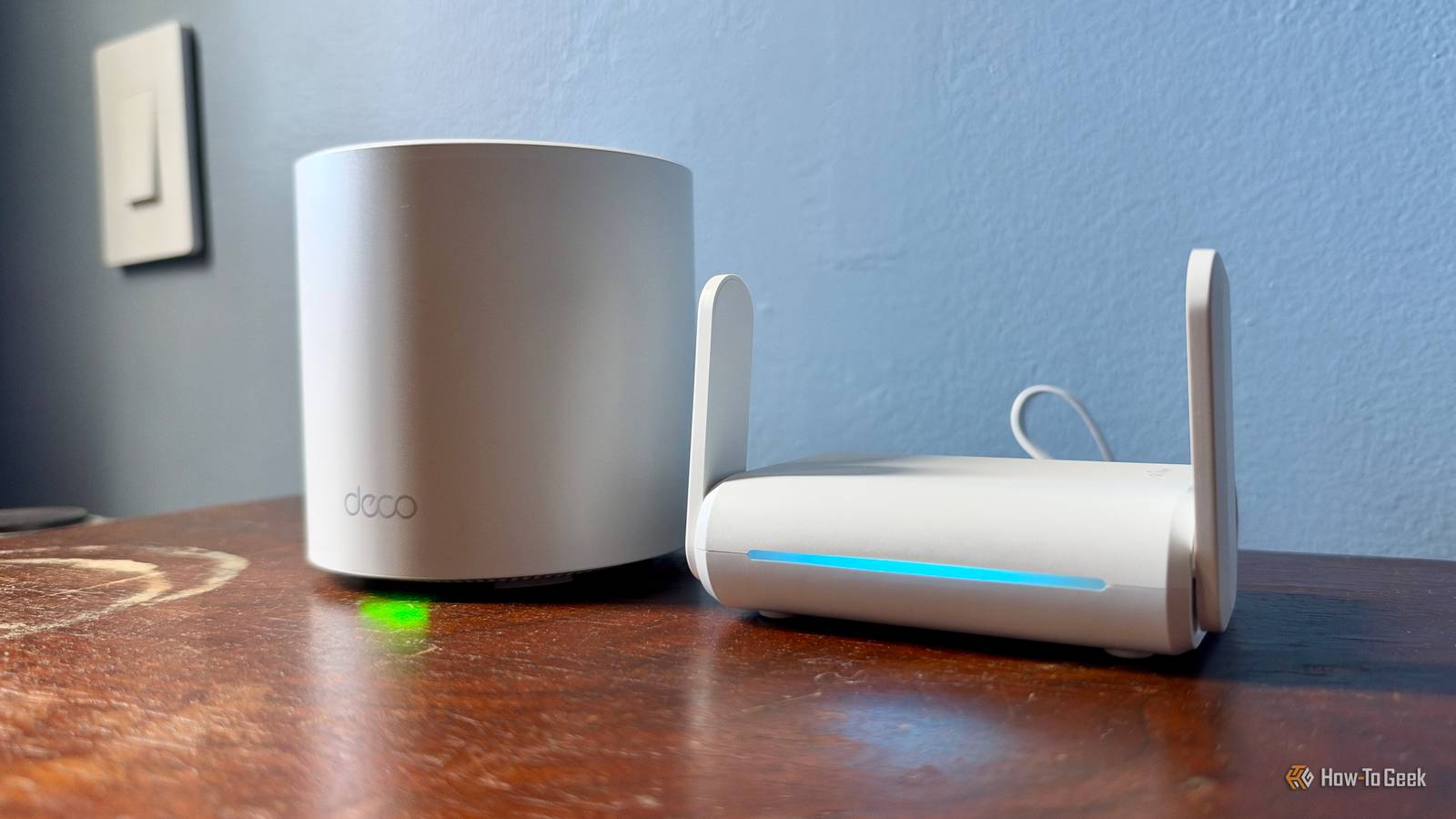
When guests come over, I like to give them the Wi-Fi information so they have a more pleasant visit.However, sharing long passwords is a hassle — and the risk of harmful software unknown to the people coming over makes me wary of sharing my main router credentials.For this reason, I decided to set up a guest network, but not the traditional way.
Thanks to my cheap travel router, I created a no-hassle guest network that's easy to share and turn on and off with a single plug.What a travel router is The router that comes with you If you don’t travel often, or don’t mind using whatever Wi-Fi is available on the road and logging into their portal when needed, you probably haven’t heard of a travel router.Personally, I didn’t for a while either, since the only router I knew was the one stationed in my home office.
These little travel devices let you connect to a public area’s Wi-Fi via Ethernet, for example, in a hotel room, and create your own access point.These offer multiple benefits, such as bypassing limits on how many devices can connect to a hotel's Wi-Fi, improving public Wi-Fi security, and turning a wired connection into a wireless one — just to name a few.Essentially, you create a separate network on the same Wi-Fi, like a guest network.
The source is the same, but you access it differently.Additionally, like connecting to your home Wi-Fi in the Settings app with a single tap, a travel router works the same way, without making you jump through extra hoops.When you’re done, just unplug the Ethernet cable.
It’s that simple: no app unpairing or configuration needed, just unplug and go on with your day.With that in mind, I decided to keep my travel router at home as a guest network when needed, thanks to the easy setup and disconnection.Setting up my detachable guest Wi-Fi Converting my travel router into my guest network For my travel router, I didn’t want to spend a fortune, especially since I wouldn’t be using it all the time.
On the other hand, I didn’t want a piece of trash that worked for a day or two and then stopped working.I ultimately went with the GL.iNet GL-SFT1200 Opal Travel Router, which only set me back around $40.Again, it’s not the cheapest unit, but it’s also not the most expensive, with some models from the same company reaching well over $100.
Setup was simple: I connected the unit to my router and followed the manual's instructions.This is in addition to the steps I took on my phone after selecting the Wi-Fi to reset the factory-set password.Now, when I set up my Wi-Fi extenders, I usually keep the same password as my main router for easier connection.
However, with the travel router, I gave it a specific password to increase the privacy and security of my main router.After setting everything up, which took at most ten minutes, the router was ready to get to work as my easily unpluggable guest network.Picking a travel router over a guest network The reason why I picked one over the other Guest Wi-Fi networks offer many benefits, mainly for privacy and security.
For one, it lets you isolate guest devices in case they have spyware or malware.Now, do I think the guests coming over have that on their devices? No, but you can never be too careful; it’s better to be safe now than sorry later.Another reason is better privacy, like keeping my files, printers, and personal smart gadgets hidden from anyone outside my household.
Even though these are strong reasons, the main one — for me at least — is that passwords can be shorter and simpler.I no longer have to enter a long password with numbers, letters, and special symbols; now I can use a simple, easy-to-type one.This is all good, but it also consists of multiple steps to set up and turn off.
This includes going to my phone, opening the app I use for my Wi-Fi router — the Deco app — logging into my account if needed, going into the settings menu, and then turning the guest network on or off.Even though this is straightforward, it still takes multiple steps, and when I’m setting up for people to come over or after a long hangout, it can feel like a lot.Furthermore, the app sometimes cannot connect to my router, so I have to come back later and hope it connects.
With my travel router, all of that goes out the window after the initial setup.No app is needed to activate anything; it just plugs in, and everything is ready to go.The same can be done when turning it off, which can be done with the same steps, but instead of plugging it in, you just unplug it.
One silly mistake I made was unplugging the Ethernet cable instead of the power cable.This will keep the Wi-Fi showing and devices can still connect, but it won't provide an internet connection.The real-world family visit test When my family visited recently, it was a hectic time preparing before everyone arrived.
Between cooking, cleaning, and finalizing details, I barely had time to breathe.Previously, enabling the guest network required multiple steps.Now, with the travel router as the hub, I simply plugged it in and kept going with my tasks.
ExpressVPN Aircove Go Wi-Fi 6 Router 7 Range Up to 750 sq.ft.Brand ExpressVPN Exclusively developed by ExpressVPN, Aircove Go is a portable Wi-Fi 6 router with built-in VPN (when used with an active ExpressVPN subscription, sold separately).
So in every new hotel room, holiday rental, or co-working space, you’ll enjoy the performance and stability you’re used to having at home. See at Amazon $170 at ExpressVPN Expand Collapse After everyone left, I easily unplugged the router to disable the network, even though I was exhausted.This is essential because disconnecting the guest network when I'm not using it improves security and prevents unauthorized access.
Always staying out While I still plan to use my travel router on trips and vacations — since I won’t be using it when I’m not home — I keep it out so I can easily enable my guest network if anyone comes over.This router will no longer be stuck in a bag collecting dust until my next trip; now I can enable or disable the network with a pull of a wire, no thought required.
Read More