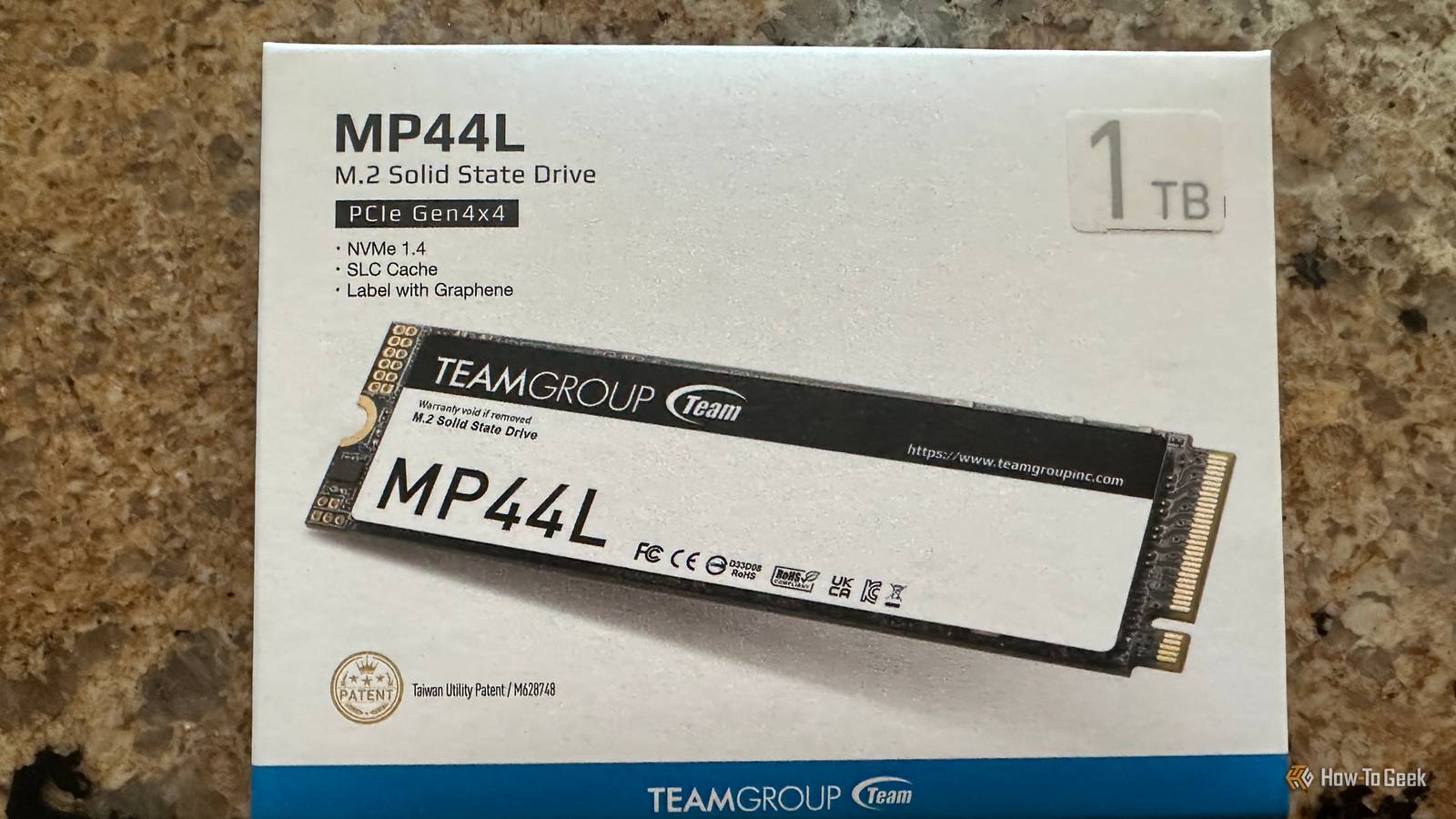
Formatting an SSD seems like the obvious thing to do if you want to sell it, give it away, or even just give it a new job doing something else.I'm not here to dispute that, but I think that many people are unaware that formatting isn't the 100% fail-proof solution some think it is.Even if the drive looks empty from your operating system's perspective, old data may not have fully been overwritten or erased.
It can remain outside of the normal filesystem's view.That could be good or bad, depending on what your goal is at this stage.SSDs make the old overwrite advice surprisingly unreliable Wear leveling means Windows doesn't control every NAND cell Close The reason why formatting an SSD doesn't mean you're neatly getting rid of all your data and forgetting it ever existed comes down to the fact that SSDs don't work like hard drives (thankfully).
On HDDs, the operating system could more or less overwrite the same physical sector and call it a day.But SSDs rely on a flash translation layer, wear leveling, garbage collection, and spare capacity to constantly shuffle data around the NAND (which is why you shouldn't fill one up to 100%).As a result, when Windows writes data, the controller may put that new data somewhere else instead of overwriting the exact physical cells that held the old version.
As far as the OS knows, the overwrite happened, but the NAND may have its own version of the story.A format isn't designed to chase down every one of those physical locations in the first place, and even if you follow the old advice of overwriting the entire drive several times, you may not be able to solve that problem on an SSD.Some old data may linger in remapped or overprovisioned areas, and it's going to be a lot harder to do anything with it.
TRIM can make recovery harder, but I still wouldn't trust it If you want your files gone, you need more than a "maybe" That doesn't mean that those leftover NAND cells are destined to preserve your old files forever.There's a reason why I constantly stress the importance of following the 3-2-1 rule of backups: it's easier to lose your files than it might seem.But, on the other end of that spectrum, there'll be times when you want all those files to go away so you can sell your SSD and cash in your prize money for selling a hot commodity during the RAM-pocalypse.
When that time comes, you want to know that those files are truly gone-gone.For that, TRIM can help.When the OS no longer needs certain logical blocks, it can tell the SSD that they're free to be discarded.
The drive's controller can then clean them up later through garbage collection, eventually erasing the underlying NAND and making whatever used to live there much harder to recover.That's one reason recovering deleted data from an SSD can be a lot trickier than doing the same thing with an HDD.Although ...
you don't want your entire "my data is gone" thing to hinge on just believing that TRIM did its job.If you're selling an SSD and handing it to a stranger, you have to remember that it's possible that not all of the data is gone, and while TRIM helps SSD performance, it doesn't guarantee privacy.Using the drive's own erase function might be your best bet Secure Erase and Sanitize operate below the filesystem If you want your SSD to leave your possession for good, or you just want to put it away knowing it's 100% clean, the key lies within the drive itself.
Most modern SSDs support some form of Secure Erase, Sanitize, or cryptographic erase.Those functions operate below the filesystem level, which means you're not going to ask Windows (nicely) to overwrite some logical blocks and hope the controller actually does the rest, you're telling the SSD's own controller to get rid of the user data it already manages internally.That process is just better suited to flash storage.
The exact method depends on the drive, so check what you've got and do some digging for the steps.Many SSDs have some kind of proprietary software, such as Samsung Magician, and some motherboards may also include an NVMe Secure Erase feature in the BIOS.Sometimes, you may be better off just keeping the drive Data sensitivity should decide how far you go SSDs are expensive now, so it makes sense to sell your old one and put that money toward just about anything else, including an upgrade to a better SSD.
But sometimes, I prefer to just keep my old drives, and it's not just because I have the weird and mildly useless skill of finding a job for every drive I own, even the tiniest.It comes down to data sensitivity.If your drive held some data that's truly important to you and you'd hate for anyone else to be able to view it, then you have to ask yourself what's more important.
Realistically, what are the odds of some random buyer off of FB Marketplace not only knowing how to recover your data, but wanting to do it? Low, super low.That's why the choice is ultimately yours.Always better safe than sorry I wouldn't call myself paranoid, and I don't have a lot of data that I'd be devastated to share with the world.
I'm sure that hackers aren't all that interested in the thousands of pictures of my dog that clog up my drives.With that said, I always think it's better to be safe than sorry, and I never dispose of an SSD.If I ever sell one, I jump through a lot of hoops to make sure it's 100% clean, because formatting it isn't a guarantee.
Related Half of failed hard drives die in year one—here is the one thing you must do before trusting yours Your new hard drive is hiding a fatal flaw, and SMART data won't save you Posts 25 By Monica J.White
Read More