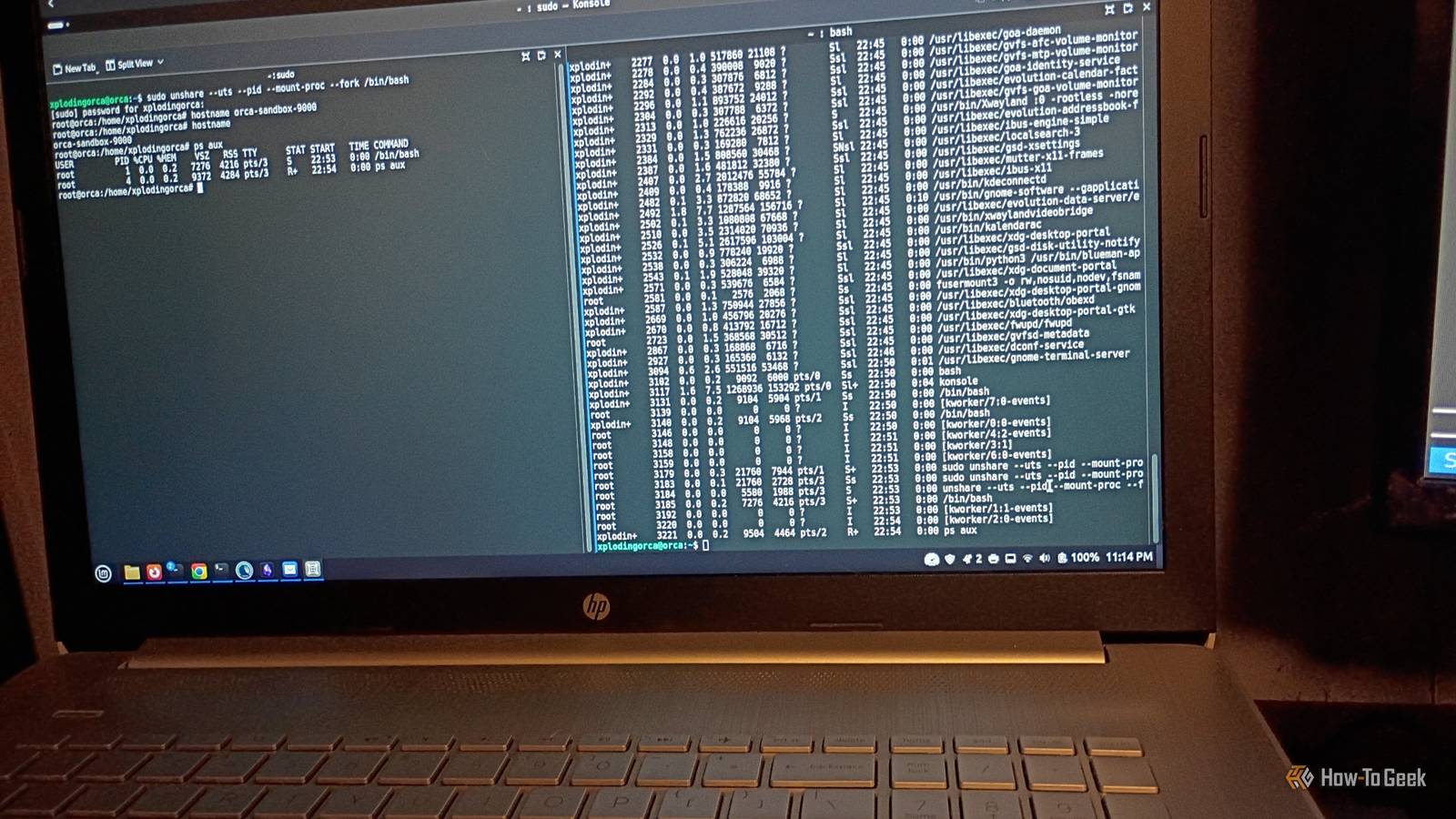
If you're new to Linux, you might wonder whether you really need to use the terminal.While Linux comes with modern desktop environments, you can benefit from knowing the Linux terminal.It's easier than you think.
Just a few simple steps, and you'll be a pro in no time.Why care about the terminal? The terminal tames the desktop chaos Modern Linux distributions typically come with attractive and usable desktop environments that rival Windows or macOS.That's also the problem.
Unlike in Windows or macOS, where there's one desktop, there are many different environments.The two most common desktops are GNOME and KDE Plasma.Other desktops, such as Xfce, my favorite, are also common on distros intended for older or slower machines.
And then there are the minimal window managers for power users.The result of the proliferation of different user interfaces that work in different ways is that Linux has no single graphical interface.If you needed help with macOS or Windows, there would be a setting in the Control Panel or Settings menu that an expert could point you toward.
Command-line fixes are so popular in Linux because the command line is a common denominator across different systems.No matter what user interface your distro comes with, you'll be able to execute shell commands.This is an artifact of the way Unix, which Linux has inherited a lot from, was designed in the '60s, '70s, and '80s.
It would be nice if novice users could do everything graphically, but that's the reality of using Linux today, and that seems unlikely to change.Another reason to care about the terminal if you're a more technical computer user or aspiring to be, whether you're a first-year computer science student or just a computer enthusiast, is that it'll give you access to a lot of fun and useful tools.Editors, compilers, servers, and more all work from the command line, so if you're serious about computing, working knowledge of the Linux command line is essential Try doing as much as you can in the terminal The only way to learn is to use it Using the Linux shell is like learning a new language.
And one of the best ways to learn a new language is to immerse yourself in it.If you wanted to learn French, the best way would be to spend a few days, weeks, or months in Paris going through everyday life and picking up new words.Soon enough, you would feel confident ordering your morning and croissant from your favorite café.
It's the same way with the terminal.Find a tutorial on basic terminal commands, and use it to manipulate files and navigate the directory tree.It might seem scary at first, but you'll soon get over it and be able to learn more commands.
Look for text-based alternatives to apps you use You can do more with the terminal than you think Close One way to stay motivated in learning the Linux command line is to do useful things.One thing you'll do frequently in Linux is edit text, whether that's configuration files or your own scripts and programs.You should feel comfortable with a few basic commands in an editor like Nano, Vim, or Emacs to start with.
As with other things on Linux, you'll learn as you go.You can do a lot of other things that you would normally do in a graphical program in the terminal.You can surf the web in terminal-based browsers like Lynx.
The disadvantage is that you won't be able to see any images.There would be some upsides, too.If you find yourself getting distracted by social media or the web, this might be an invitation to not spend so much time surfing.
More practically, you can test the accessibility of a website, since many people who are blind or have low vision can only rely on text via screen readers.You can also use IRC chat and play games, among other things.IRC is still a great way to connect with open-source developers, and sometimes you also just need a break.
A lot of terminal-based games hold up today, such as those in the famous BSD games collection.Repeat things you do frequently Do it again, and again, and again...I consider myself a fluent command-line user, though using it for over 20 years, plus cutting my computing teeth on MS-DOS, probably helped.
Drilling commands like an athlete will help you get comfortable.This might sound silly, but I like to imagine running the "ls" command in my head whenever I feel stressed.I suppose the command is like an electronic "worry stone." Repeatedly running commands will build up muscle memory so you won't have to think about the basic commands.
You'll be able to see patterns and things you can automate in a shell script.Use your terminal as a desk calculator Don't fumble with the mouse! A terminal makes a handy desk calculator, even though your desktop comes with a graphical calculator.The problem is that they emulate handheld calculators too well.
I find it tedious to click on all the buttons.Using a keyboard is a lot quicker for me.You can use command-line programs like dc or bc, but my favorite tool is interactive Python with IPython.
I can just start a terminal and leave it running, and when I want a calculation, I can just type it in.Plus, I can tap into powerful libraries like NumPy or SymPy.I like having a desk calculator that can do calculus or linear algebra.
You might get so good at the terminal that you dream in it The best way to learn to use the terminal is to use the terminal.The Linux command line might seem scary if you're used to desktop and mobile interfaces, but if you stick with it, you could do it in your sleep.I've been doing this for over 20 years, and I've had actual dreams about it, so that isn't hyperbole.
Read More