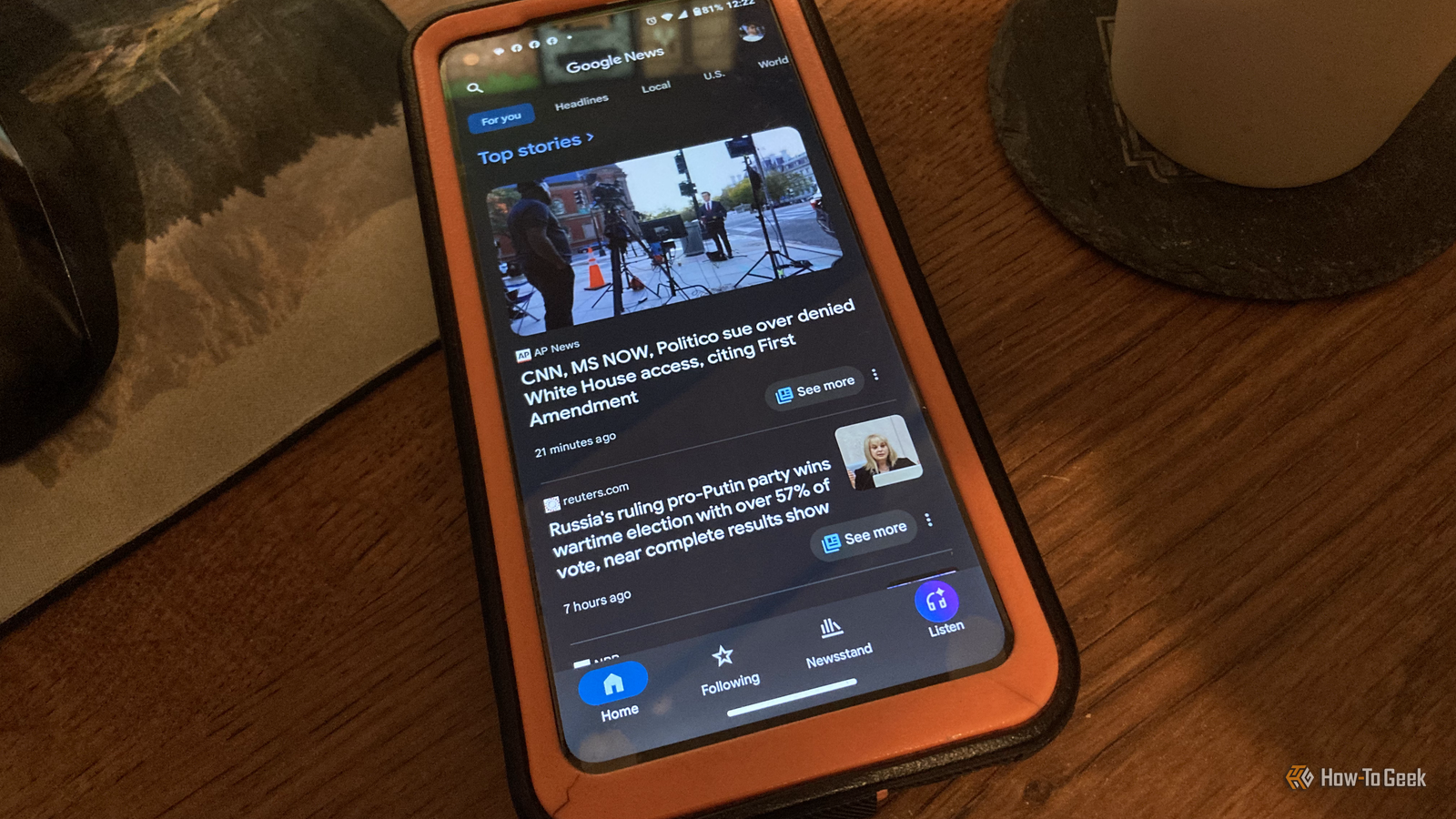
If you are paying for Google News subscriptions to get your latest stories and events within various Google services, you can now curate your news for free by choosing news sources that don't require subscriptions.A new feature released by Google allows me to handpick sources and connect them to my Google account so they are accessible in various Google products — with no subscription required.So far, I like the functionality, especially how easy it is to add sources to my curated news and see them in the Top Stories section of my Google News feed, or customize topics for my daily audio news briefing.
Publishers can now include an "Add to preferred sources" button It's now easier for you to curate your news sources in Google products Close While various Android features continue to evolve, Google rolled out personalization options that reflect in Google Search, Top Stories, Discovery, Google News, and AI features via their new personalization button for publishers — sources can include it in their articles and news releases.The button now appears towards the top of participating source pages, where I can click it to add the publisher to my preferred sources, which then curates my Top Stories on the fly, every day.The button can say various things, such as "Add [source name] to Google," “Add to Preferred Sources," “Prefer [website] on Google," etc.
I can see news from my added publishers whenever I access Google Search, AI Overview, AI Mode, Google News, and Top Stories (in Google News), which means it curates the news content based on my customizations.It doesn't limit the news to my preferred sources, so I can easily discover other things or topics happening in the world, but it helps curate the content more towards my preferences.The only exception is when you click Top Stories — you get news specifically related to your personalized settings (sources and topics).
If you've selected topics in the past or even the present, it means you'll see news from other sources in your feeds and searches, in addition to your selected sources.They are tied to your interests from the topics you added to your account.Google Preferred Sources isn't new, but now has new features Google has allowed custom topics and sources since 2025 Close Google originally launched the "Preferred Sources" feature in 2025 and recently updated it to make it easy to add your favorite news sources and interests.
Just like Android widgets make things more efficient, you no longer have to manually type the URLs in a separate section of your Google account or Google News app.That's where the new "Add to Preferred Sources" button on news sites and content pages comes into play.I simply click the button on the article page and follow the prompts to add it to my preferred sources, and the site returns to the article so I can continue reading — it's that simple.
You can use it on any Android device, as well as iPhone, Windows, Linux, and macOS.My news; my topics; my sources Google News personalization at its best Close Now, whenever I access the Google News website and Top Stories, it is customized to include the sources I added, plus a few others it feels I may be interested in based on saved topics.Even though you had to manually add source URLs in the past, you now have a button that does it for you on participating sites.
Now, you have more control and alternatives to paid source subscriptions.It also uses the same preferences in Google Search, AI Search, and AI Overview.The daily audio briefing found in the Google News app (mobile only) is a separate feature that curates your news differently—based on topics, not sources (more on that below).
Google News daily audio briefings also get a lift in personalization Same preferred provider concept but different process Close I use the Google News daily audio briefings to listen to the day's news based on my interests and topics.Unlike preferred sources for Google Search, Google News, Top Stories, Discovery, and AI Overview, the daily audio briefings (mobile-only feature) use topics, not sources.I can tailor the briefings to my needs by specifying the topics I'm interested in.
I don't have to pay for extra apps or features to get what I need.Once I add my topics to the Google News app or website, the daily audio briefings focus more on my interests, so I can listen to what I want to hear.It also provides links to sources as it plays, and you can pause to view a website or go back and forth, in addition to skipping seconds ahead or rewinding.
The idea is to use this feature to find news that doesn't require a subscription, though you can tie the two together if you prefer.Get your news at your fingertips with topics and sources that interest you Now, you can view news your way with a "preferred sources" button built right into a website's news pages, and choose topics that interest you for a personalized experience, every day.The daily audio brief in the Google News app takes topics you like and provides around 10 minutes of briefing with links to each news source, along with navigational buttons.
You can pause it anytime and click the URL to view the article, which saves you time and money by avoiding subscriptions to specific news outlets.
Read More