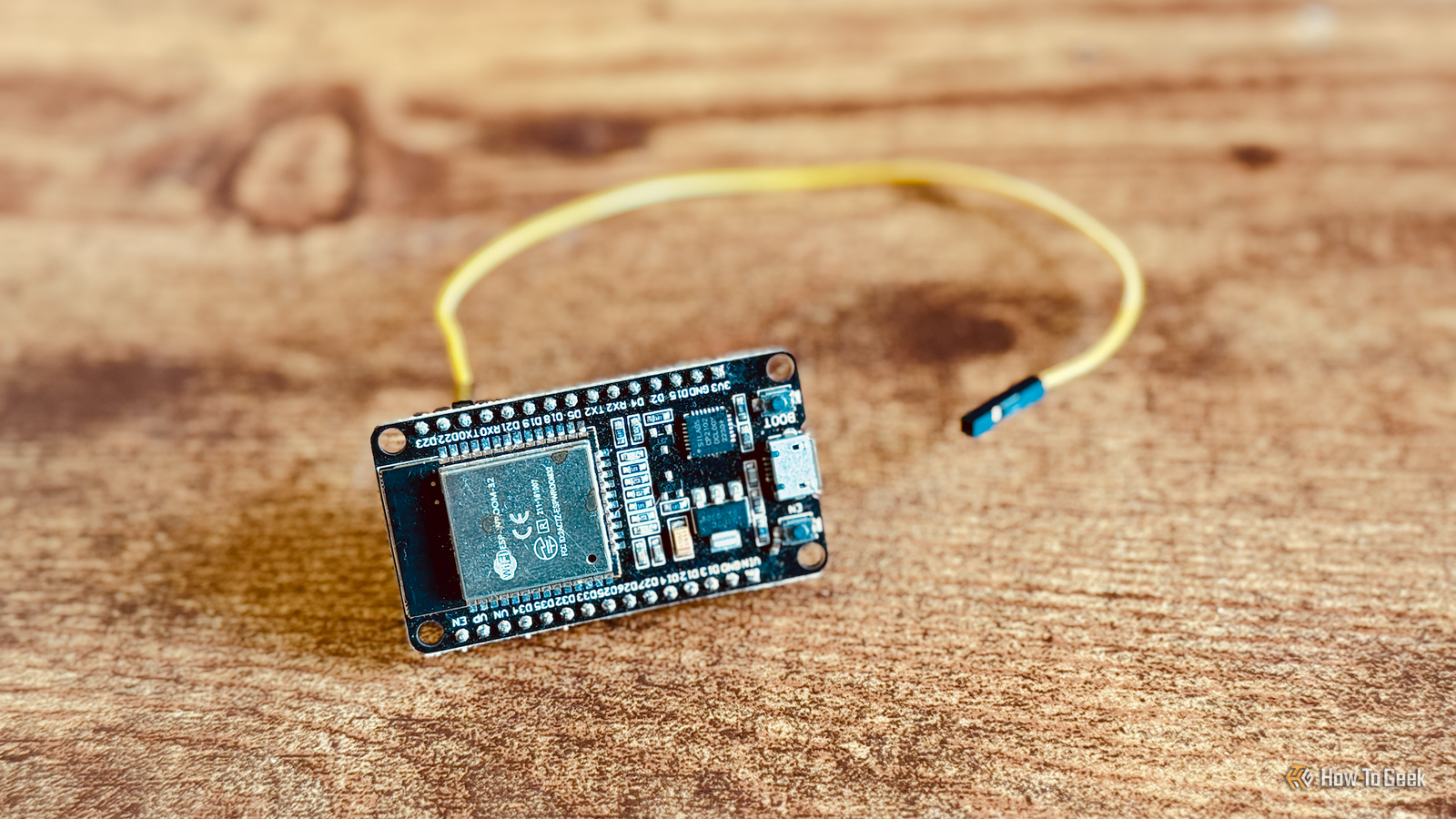
While many undertake ESP32-based electronics projects for fun, because they find building rewarding, or to learn, saving money is another valid reason to DIY a solution.It could be argued your own time has a price too, but if you find the build enjoyable, then you’re probably not going to mind the time commitment.Reclaimed E-Ink displays Hunt down and harvest a used Kindle Close E-Ink displays are expensive because one company holds a monopoly over the entire market.
As a result, the best screens come from one place and aren’t showing any signs of getting cheaper any time soon.Unlike picking up a cheap LCD or OLED panel for a small project, choosing E-Ink means picking the more expensive option.That’s a shame because E-Ink displays look great, can easily be seen in bright daylight conditions, and are much better at blending into their surroundings (like your living room, desktop, or nightstand).
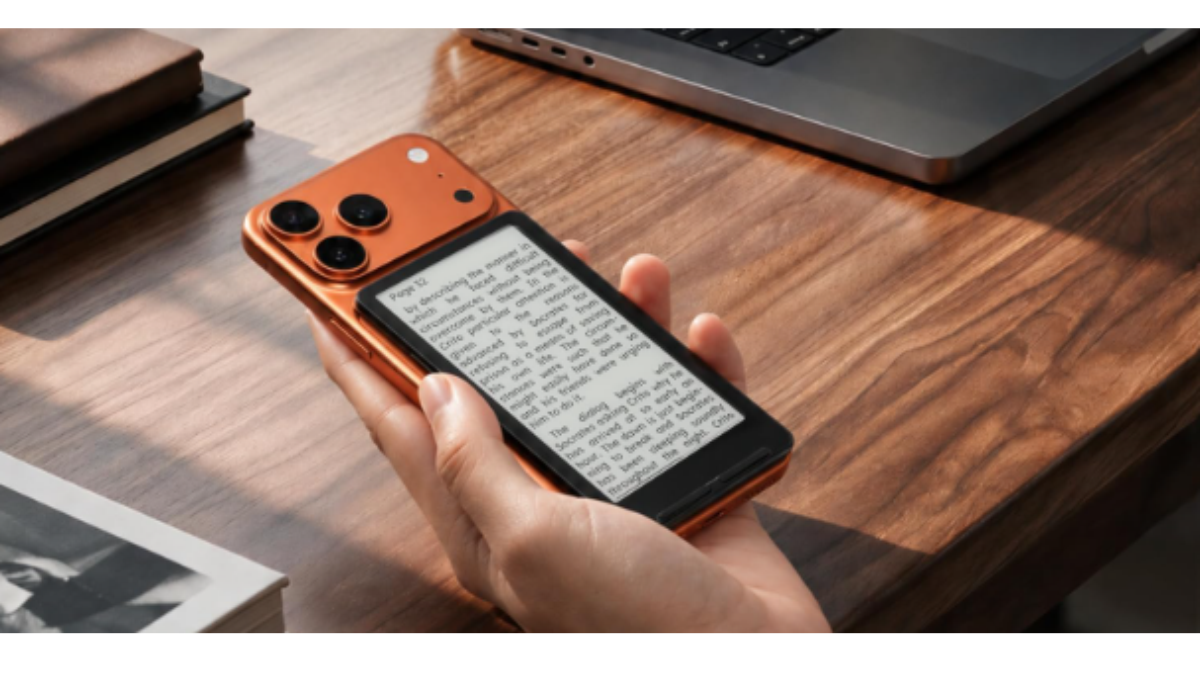
Thankfully, there are a lot of old Kindle eReaders approaching the end-of-life stage, and that presents an opportunity.EPDiy is a driver board for all types of E-Ink displays, including those rescued from old eReaders.Armed with an ESP32-S3, an EPDiy board allows you to drive an E-Ink display and put it to use however you see fit.
You could make your own photo frame, show useful smart home metrics, or use it to motivate you with quotes and reminders throughout the day.While modern E-Ink solutions cost hundreds, you can pick up an EPDiy board for around $60.You can also print your own using a service like JLCPCB, but it might come out a little more expensive.
Then you just need to find a cheap used Kindle and harvest the display.Alternatively, the Inkplate project sells ready-to-use reclaimed E-Ink screens, but these start at $200.Don’t forget you can also repurpose the Kindle hardware in its entirety, no ESP32 or driver board necessary.
Custom LED strip lighting The cheapest way to kit out your whole home WLED is the project you should turn to if you want to bathe your house in addressable LED strips.These can be purchased by the meter online, which you can then pair with a controller (you can DIY your own from an ESP32 for maximum savings) to provide instant intelligent lighting.You can then control these lights via the web interface, smartphone apps, or by integrating them into smart home platforms like Home Assistant.
You can add microphones for sound-reactive WLED projects and diffuse your strips for a soft glow.Let your budget and tastes dictate LED density to balance higher brightness and more even lighting with price.In addition to being able to tailor your LED preferences to your home in a way that feels bespoke, making your own LED strips is much cheaper than buying commercial runs from manufacturers like Govee.
Whole-home energy monitors Non-invasive monitoring of your power consumption Energy monitors help you figure out how much power you’re using and what your typical usage patterns look like so you can make smarter decisions.Combined with an energy monitor attached to home solar or battery storage, you can make smart home rules to do things like charge your EV or run the AC at times when power usage won’t cost you money.A power monitor can also help you make the right decision when it comes to picking upgrades for your home, like adding a solar system.
Though these devices can help you save money in the long term, they cost anywhere from $200 up to $500 and beyond to buy outright, but you can make your own.ESPHome has a cookbook entry for a non-invasive power meter that relies on a photoresistor and variable resistor divider, with YAML included to get you started.This will then be integrated with Home Assistant natively.
If you want more involved guides, take a look at the digiNRG power meter and similar ESP32 open-source projects.DIY Ambilight equivalents for TVs, monitors, and more WLED to the rescue again Ambilight is the name of a technology pioneered by Philips that casts colorful light on your wall based on what’s displayed on your TV.They add bias lighting to help boost perceived contrast ratio and make for a more immersive viewing experience.
You can buy devices that do this for you in a variety of ways, like processing an HDMI signal or monitoring the screen with a camera, or you can build your own for much less.The cheapest DIY Ambilight depends on WLED and works natively with Android TV.More involved builds require processing the HDMI signal with something like a Raspberry Pi.
There are also Ambilight equivalents for desktop computers, ideal for PC gaming.WLED is the final link in all of these chains to actually cast the light.Looking to get cosy as the weather gets colder? Check out these ESP32-powered fall lighting ideas.
Read More