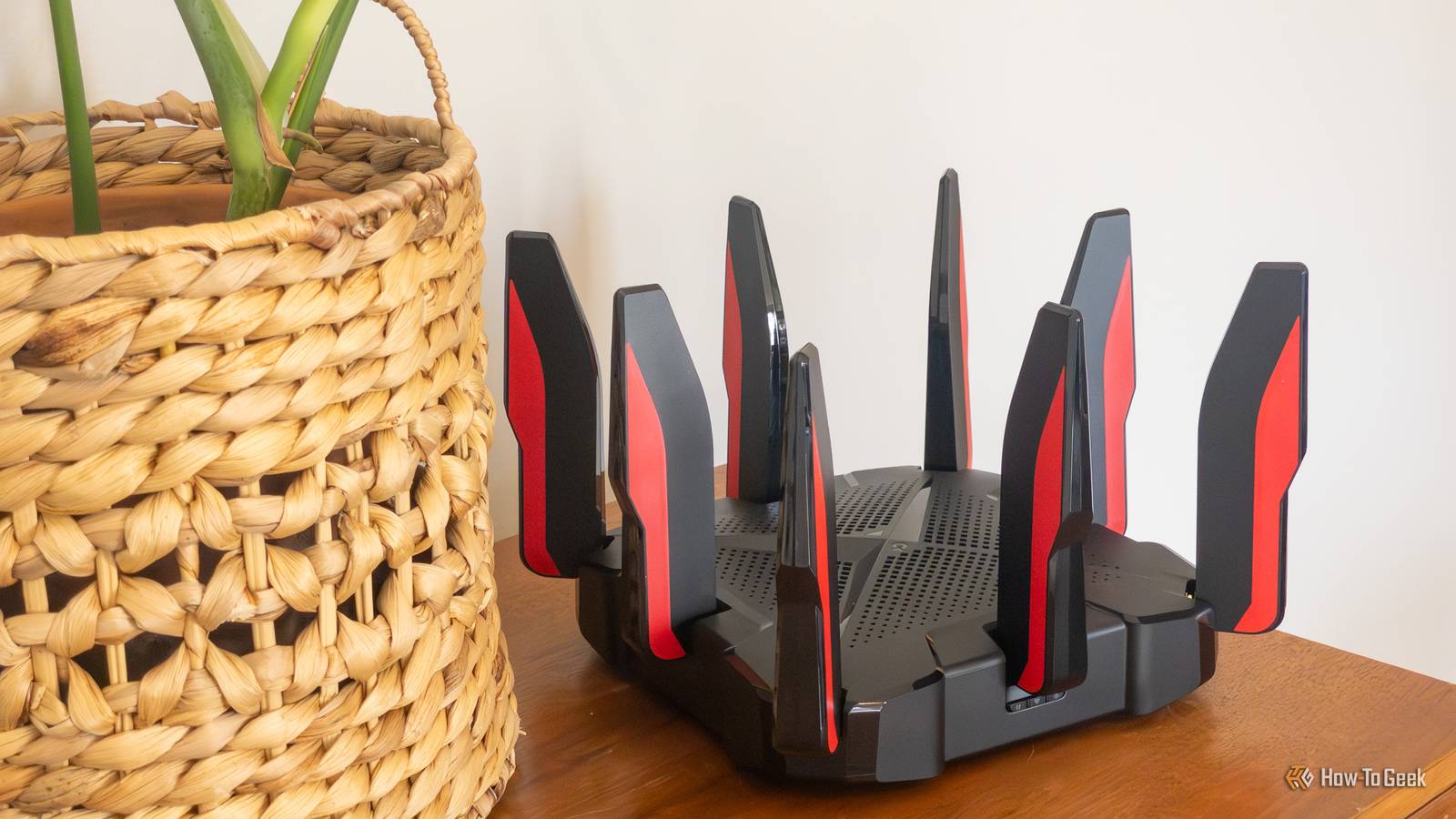
Buying a new router feels like a sure-fire way to fix a bad internet connection (even though a router that's new to you may not be new at all).But if your internet was alright before and you bought a new router and it's all gone downhill, you're not imagining it.It's completely possible for a new router to mess up your connection despite all that money you just spent on trying to improve it.
Your Wi-Fi 7 router might actually have worse hardware A newer standard doesn't guarantee better specs Close Many people choose to go for Wi-Fi 7 when shopping for a new router now, and that makes sense.Wi-Fi 8 isn't here yet, and variations of Wi-Fi 6 have been around long enough that they're no longer the new shiny thing to go for.However, buying a Wi-Fi 7 router doesn't necessarily mean you're receiving a massive hardware upgrade.
It comes down to the fact that the Wi-Fi 7 label can be a little misleading.Just because a router supports the latest standard doesn't mean the rest of it is high-end, or indeed, any good at all.Some of the hardware can actually end up being significantly worse than a pricier Wi-Fi 6E router.
For instance, TP-Link's Archer BE230 is a perfectly decent Wi-Fi 7 router, but it's dual-band, which means there's no 6GHz support.If you're ditching a tri-band router for this one, you might regret it down the line.That shiny 6GHz band doesn't travel very far Faster Wi-Fi can mean slower connections through walls Of course, if the former doesn't apply to you and you went all out and bought a fancy tri-band Wi-Fi 7 router, then you probably want to take advantage of that 6GHz band.
Who wouldn't? It offers access to wider channels and less congested spectrum, which can translate into fantastic speeds.There's just one problem: 6GHz generally has a shorter range than 5GHz, which can put some of your devices smack-dab in the middle of a Wi-Fi dead zone.So, everything in range of the band will have a blast, while everything outside of it will become frustrating to use.
Not a great trade-off.It's not just about range, either; the signal can struggle more with walls and other obstacles.Smart Connect might be picking the wrong band Sometimes, smart can be pretty dumb Smart this, smart that ...
We've all seen enough smart devices to fill an entire lifetime, but it turns out that sometimes, "smart" doesn't equal "smarter." In this case, I'm talking about the fact that a lot of newer routers come with Smart Connect, also known as band steering.The idea is neat.Instead of having to choose between the 2.4GHz, 5GHz, and 6GHz networks, your router combines them under one network name and tries to steer each device to the right band.
Sounds awesome, but may end up being less so.Your router might wrongly steer devices toward the 2.4GHz band when they should be using 5GHz, and then, all that shiny new performance is good for nothing.Your new mesh system might be eating its own bandwidth More coverage doesn't always mean more speed Mesh Wi-Fi can be a serious boost for any network, but only if you have it set up correctly.
Otherwise, it can wreak some serious havoc.Let's say you've replaced a powerful standalone router with a cheaper dual-band mesh system.That can leave you with slower speeds, even though your signal should (in theory) be stronger than ever.
The problem is something called wireless backhaul.Your mesh nodes need to communicate with the main router somehow, and on many dual-band systems, they use the same Wi-Fi bands as your devices.That means your laptop and the mesh nodes are competing for airtime, potentially cutting into the bandwidth available to you.
Wi-Fi 7's fanciest feature could actually make things worse Multi-Link Operation doesn't always deliver One of the biggest selling points of Wi-Fi 7 is Multi-Link Operation (MLO), which lets compatible devices use multiple Wi-Fi links instead of relying on just one.Sounds brilliant, right? In theory, this should give you a major boost to your speeds, latency, and reliability.Well, unfortunately, it isn't always that way.
RTINGS tested 25 Wi-Fi 7 routers and found that 22 implemented only a basic form of MLO.In some cases, enabling it made no difference, so even if you bought a new router, you might have one of those that don't really make a dent in real-world performance.It gets worse: Tom's Hardware found that regular, non-MLO connections often performed better than MLO-enabled ones in its testing.
Oof.Your old devices might force your new router to slow down Compatibility mode comes with compromises Backward compatibility is great, but it can also be a bit of a nightmare.While your shiny new router might promise you the world, it's often bottlenecked by the rest of your network.
Just as long as one of the parts of the network isn't ready for, let's say, Wi-Fi 7, your router won't be able to do anything about that.Trying to get Wi-Fi 7 speeds on a device that doesn't support it will just result in your router matching the requirements on the other end.That's also why buying Wi-Fi 7 routers isn't that useful just yet for most people; our networks aren't ready for it yet.
The reason could also be painfully simple With all that said, your new router might be underperforming simply because it's new.It might be running updates or analyzing your network, so give it a day to get adjusted.However, if it's still disappointing a few days later, it's time to dig deeper.
Related I stopped rebooting my router to fix Wi-Fi, and these 7 tricks worked instead Rebooting your router won't fix your Wi-Fi: 7 tricks that actually work Posts 2 By Monica J.White
Read More