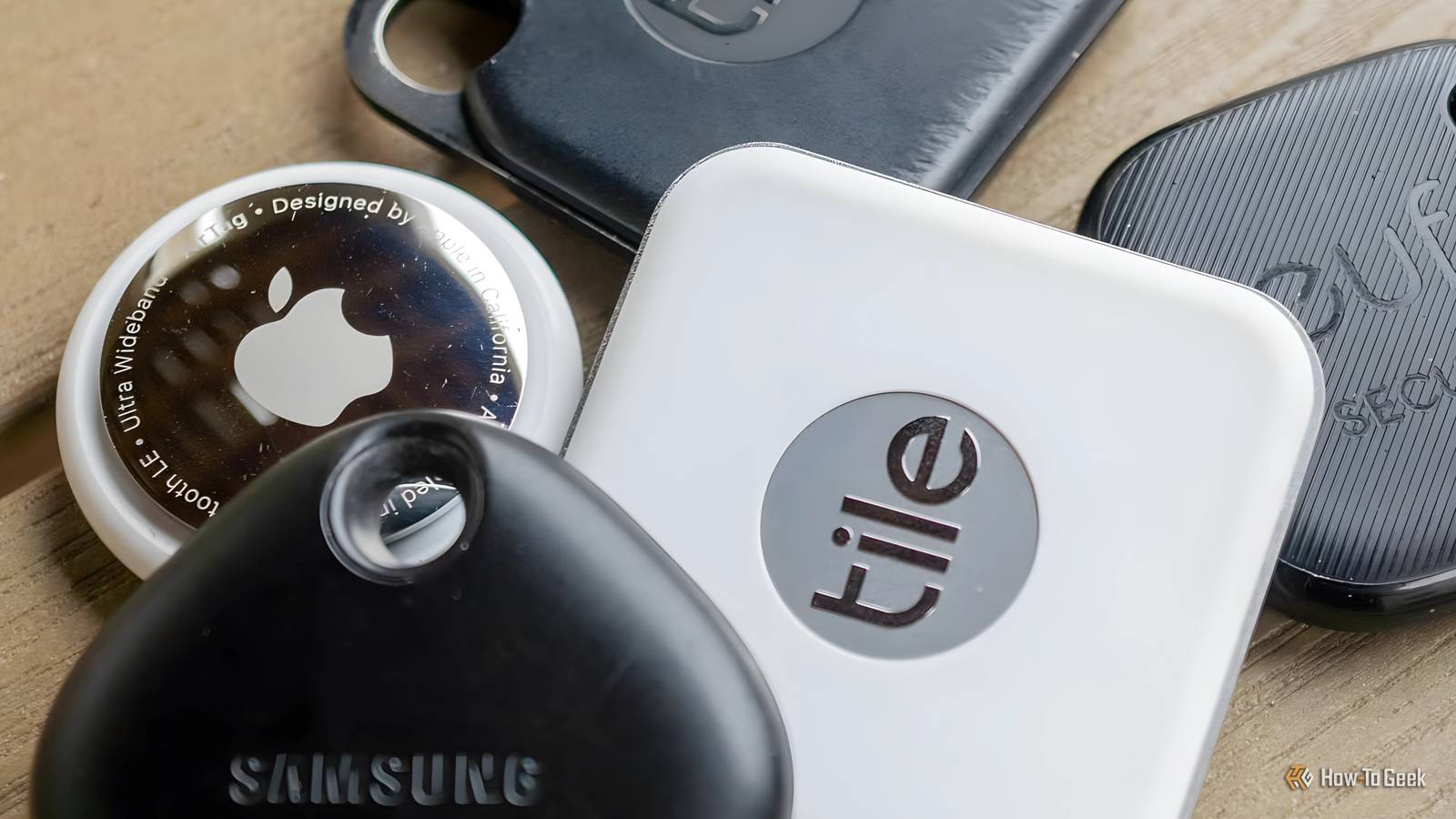
NFC tags are really useful for triggering smart home automations.They're cheap to buy, they don't need batteries or to be connected to power, and you can stick them almost anywhere.I wondered if it would be possible to use my expired credit cards as NFC tags, and it turned out that they can be even more useful than the standard stickers.
I realized I owned more NFC tags than I thought My contactless credit cards have built-in NFC chips I use NFC tags a lot.I have them stuck to my nightstand, in my living room, next to my washing machine, and even in my car.I'm a firm believer that a good smart home should run automatically as much as possible, but when you need to trigger something manually, an NFC tag can be a cheap and effective solution.
When I was looking through a drawer, I spotted an old, expired credit card and clocked the contactless payment symbol on the front.It occurred to me that these cards use NFC technology to make contactless payments, and I wondered whether I could turn the old card into a useful NFC tag for my smart home.Related Tired of Killing Your Potted Plants? Here's How NFC Tags Can Help Use NFC tags to trigger an automation that logs when you've watered a plant.
Posts By Adam Davidson Home Assistant wouldn't let me use my credit card as an NFC tag I couldn't write a tag ID to my credit card My first thought was to try Home Assistant.The free and open-source smart home software has native NFC tag support, meaning you can scan tags to control smart home devices or run automations.I wondered whether I'd be able to register my credit card as a tag in Home Assistant.
I quickly ran into a snag.NFC tags in Home Assistant work by writing a specific ID to the tag, which is recognized by Home Assistant each time you scan the tag.The NFC chips in credit cards don't provide the writable storage that Home Assistant needs, since the chips are designed for secure payments.
I tried writing the tag using the Home Assistant Companion app just to see what would happen, but it wouldn't even detect the tag.This didn't concern me too much, because in general, I don't use Home Assistant's tag features directly for most of my tag-based automations.The problem is that scanning a tag set up in Home Assistant requires me to tap a notification before the automation runs, which gives the whole process far more friction than I would like.
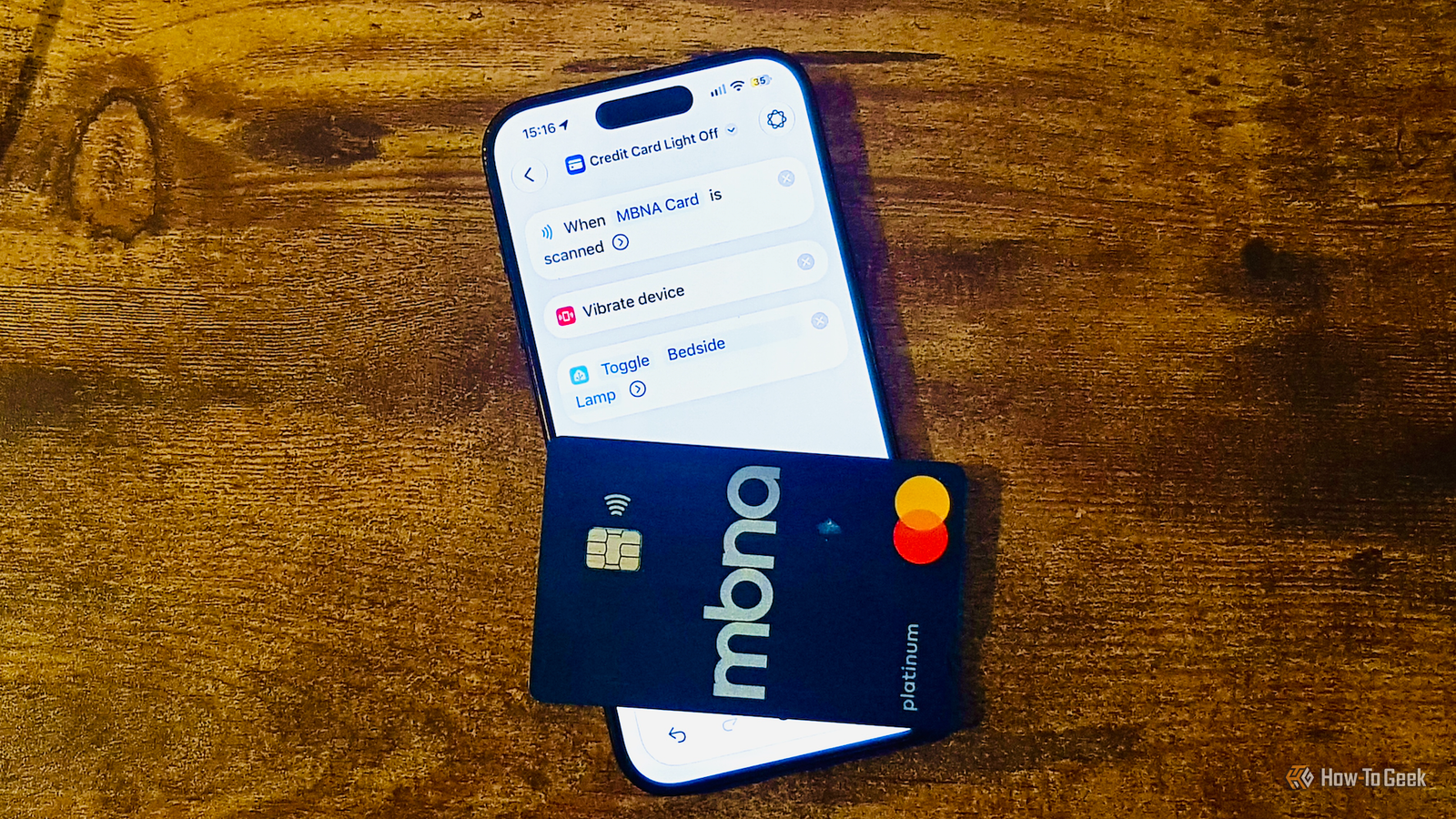
Using Apple Shortcuts to turn my credit card into an NFC tag Shortcuts can recognize tags without writing to them Close Instead of using Home Assistant's tag features, I trigger my Home Assistant automations using the iOS Shortcuts app.It's possible to get a shortcut to run when you scan a tag without having to tap any notifications.I found that I could set up an automation on my iPhone that would run a shortcut whenever I scanned my credit card.
Here's how to do it.Open the Shortcuts app, select Library > Automation, and tap the + (plus) icon.Tap Edit and select Automation.
Choose NFC as the trigger and tap NFC Tag.When Ready to Scan appears, hold the top of the phone near the chip in the credit card.Once the NFC chip is detected, enter a recognizable name under Name This Tag, and tap OK.
Now that the trigger is configured, you can add the actions you want the automation to run.To test if the tag worked, I added Vibrate Device and Show Alert actions, with the Show Alert action having a message reading Your credit card was scanned! I then scanned the credit card, and the phone vibrated and showed the alert.Your phone needs to be awake to scan the tag, but it doesn't need to be unlocked.
I can trigger Home Assistant automations via Shortcuts Now I can tap my credit card to turn off my lights My automation proved that I could trigger shortcuts using my credit card, but the shortcut itself wasn't of any real use.My aim all along was to get the card to trigger Home Assistant automations.Thankfully, that's simple enough to do, as there are Home Assistant actions that you can use in the Shortcuts app if you have the Home Assistant companion app installed.
I selected the Turn on or off Home Assistant action, selected my bedside lamp, and changed the setting to Toggle.Now I can turn the bedside lamp on or off by tapping the credit card on my phone.The best part is that this is far easier than scanning the NFC sticker that I have stuck to my nightstand.
Instead of having to precisely line up the end of my phone with the sticker, I can tap the credit card on my phone, which is far easier to do and far less fiddly to get to work.Credit cards can make very useful NFC tags I wasn't sure if this idea would work; I'd expected the NFC chips in the credit card to be locked down somehow, but it works perfectly.Tapping the card is so much easier than using my phone to tap a sticker, so for once I'm actually looking forward to when my next credit card expires.
Read More