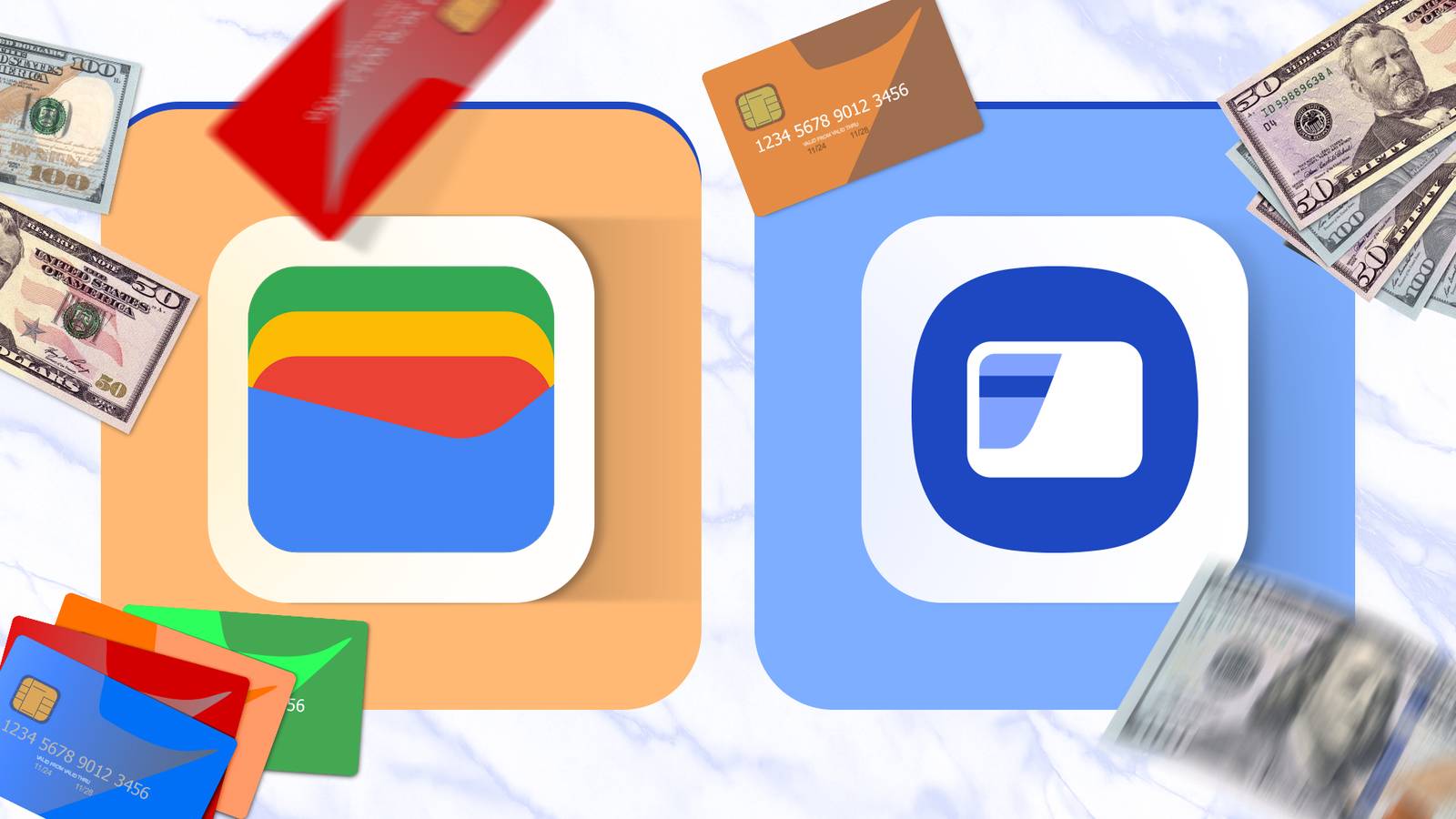
If you have an Android phone, you probably use Google Wallet or Samsung Wallet.As a long-time Galaxy user, I've used Samsung Wallet (formerly Samsung Pay) for more than a decade to take advantage of all its conveniences.But that doesn't mean I don't use Google's version too.
I actually use both apps because they work better together.I started using Samsung Pay shortly after it launched in 2015, but before that, I regularly used Google Wallet or Android Pay.Things have changed a lot since then, and now the two apps are better than ever, packed with features, but each one has a few benefits the other doesn't, which is why I use both.
The real choice isn't picking one wallet—it's knowing when to use which one.Let me explain.Google Wallet for passes and loyalty cards Great for flights, loyalty or gift cards, and more If you're trying to choose between Google Wallet and Samsung Wallet, they both have pros and cons, and in my opinion, there isn't a clear winner.
Both have similar features, loyalty card support, and much more.They both let you pay in stores, restaurants, and other locations by holding your phone near a compatible point-of-sale machine.Plus, both offer support for multiple payment methods.
However, I do think Google Wallet excels at flights, loyalty cards, gift cards, and transit passes.It also syncs with your Google account, making it easy to switch devices, and it comes pre-installed on most Android phones.Related Google Wallet vs.
Samsung Wallet: Which Should You Use? It depends.What's in your wallet? Posts 13 By Bertel King Once you change a few settings in Google Wallet, you'll be set up for success.Then, if you're traveling, add all of your flights, trains, bus passes, and more into one app, and you're all set.
Don't forget your payment information, like credit or debit cards.Additionally, Google Wallet typically has better bank support than Samsung Pay, depending on your region, and that's a big deal.I also feel like I'll run into the occasional place that doesn't accept Samsung Wallet, for whatever reason, but then I'll fire up Google Wallet, and it works just fine.
For that reason alone, I use both.Having a backup is wildly important, especially while traveling.Samsung Wallet for payments and identification Or where Knox security matters most On the flip side, I've used Samsung Wallet longer and more often than Google Wallet, because (as long as it's supported) it's better for payments, its ID card for identification is excellent, and Samsung's Knox security is top-notch.
While it doesn't matter as much these days, when Samsung Pay arrived in 2015, it was great.The service worked where others didn't, as it didn't rely solely on NFC for payments.Samsung phones had a strip for magnetic secure transmission (MST), which emulates the black strip on the back of your credit card.
As a result, it worked almost everywhere.That's no longer an option as payment terminals have evolved, but it was a huge reason I preferred Samsung's wallet and payment system for years.I'm also a huge fan of the Samsung Wallet shortcut, which works right on your home or lock screen by swiping up from the bottom.
It's always there, ready and waiting, and it works better and faster than Google Wallet.Sure, you can customize the lock screen shortcut buttons to be Google Wallet, but that still requires waking the phone and then swiping the button.Additionally, you can set Google Wallet to always be ready, and all you have to do is unlock your phone and tap the terminal, but I'd rather not have NFC on all the time.
With Samsung Wallet, you can head into settings and add the quick swipe shortcut directly to your lock screen, and then you won't even need to wake your phone first.Basically, Samsung's quick access, Samsung Pass integration, digital keys and IDs (Safely stores your digital car/home keys, boarding passes, and membership cards), crypto tracking, and more, all secured by Samsung Knox, is hard to ignore.Oh, and did I mention Samsung Wallet will store digital coupons, too? Samsung Galaxy S26 Ultra Brand Samsung SoC Snapdragon 8 Elite Gen 5 Get the new Galaxy S26 Ultra with AI smarts and an all-new privacy display.
It's big, powerful, packed with AI, and you'll love the S-Pen stylus. $1300 at Samsung $1050 at Amazon Expand Collapse Better together, anywhere you go I'm only scratching the surface here, but as you can see, both are excellent at slightly different things.At the end of the day, I keep both.I prefer Google Wallet for boarding flights, trains, or other modes of transportation, and it's a great backup if Samsung Wallet doesn't work at a particular location.
I use it most often for flights, and it makes boarding a plane as seamless as possible.But for daily use, Samsung Wallet is my go-to.I prefer its digital car keys, smart lock keys, and ID integration, and the quick launch shortcut right on my lock screen (yet still secured behind a fingerprint) gives me peace of mind.
I have more of my credit or debit cards on it, and it's my default payment method.Plus, it seamlessly blends into the entire Galaxy ecosystem.Both of these apps do largely the same things, just in different ways.
Choose what works best for you, or use both together and reap the benefits and backup redundancy.
Read More