What is a laptop if not a mini PC stuck in a folding prison? There may be a bit more to it than that, but when a laptop fails at its primary task of being a portable computer, it’s good to know that you can still get some life out of it as a static one.Here are some ideas for saving a laptop from becoming e-waste.A broken laptop can still be useful Both as a PC and in the homelab Laptops are small computers that are designed with efficiency in mind.
They need to be light on power, and ideally cool enough to not require beefy cooling solutions.In this regard, they share some core design tenets with mini PCs.Despite falling into the “desktop” category, mini PCs are usually less powerful and significantly less demanding in terms of cooling when compared to larger tower models.
Expect similar, if not identical, performance when comparing a laptop with a mini PC.The big difference is that mini PCs are usually a lot cheaper since they lack the trimmings associated with a laptop: a hinged display, integrated peripherals like a keyboard and trackpad, speakers, and a battery—to name a few.While your mini PC might live on a desk for its entire life, your laptop probably travels around with you.
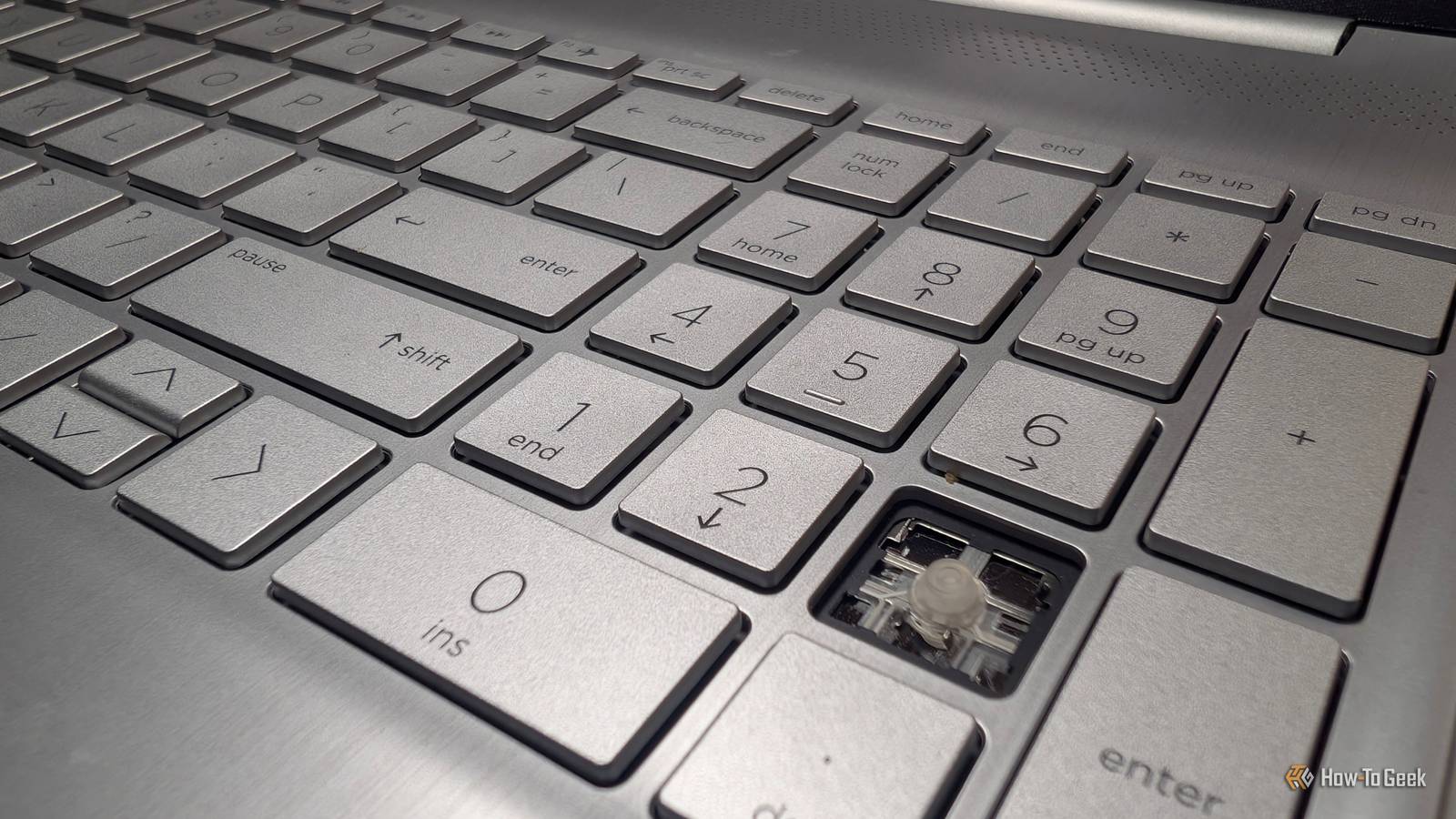
It gets dropped, the keyboard sits directly above the main components, and dust and crumbs are a constant concern in a way that they aren’t with a mini PC that’s tucked out of the way.The internal battery will start its slow decline from the moment you start using it.Depending on the severity of the problem, broken laptops are ripe for upcycling projects.
You might find yourself limited when it comes to hardware repairs (soldered RAM is now more common than ever before), but liberating a laptop doesn’t always mean repairing motherboards.A lot of things you’d use a mini PC for can work just as well on a laptop.A broken screen can be removed, and the laptop will work just fine, since most laptops also have video outputs.
Broken keyboards and trackpads aren’t a problem, since USB ports allow you to bypass them.You don’t need a battery as long as the laptop powers on, and a mini PC is static anyway.Other things that you don’t need on a laptop to still have a good time include integrated speakers, a working Wi-Fi adapter, a reliable GPU (within reason), a case that’s intact, or a high-capacity drive that can be replaced with something else.
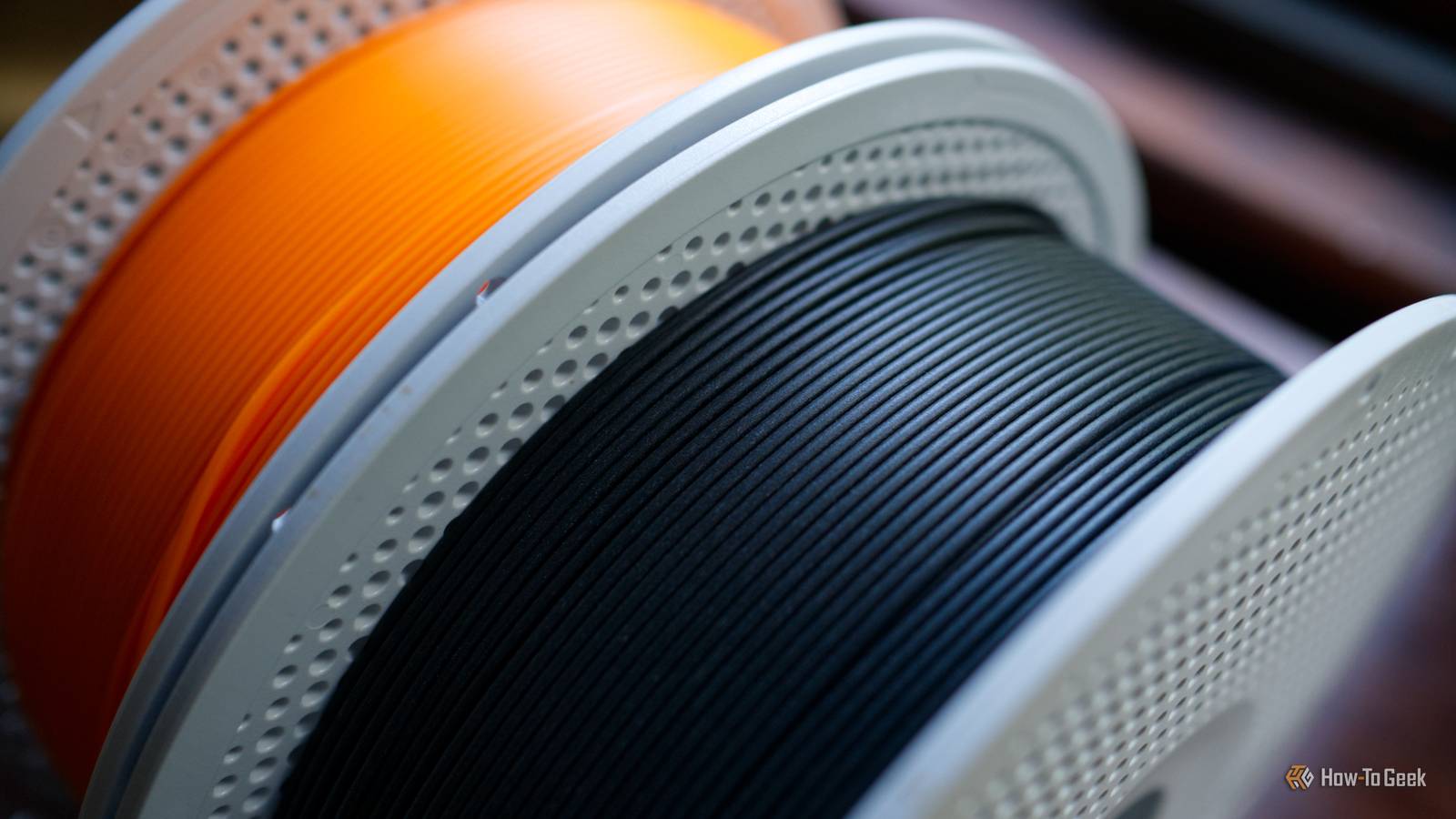
3D printing to the rescue Make a new chassis or hide the old one Close There are two ways to turn a broken laptop into a mini PC.The first is simple: hide the laptop out of sight and connect it to a set of external peripherals, display, and speakers as necessary.The other involves “transplanting” the hardware into a completely new chassis.
As you can imagine, the first option is easier, while the second requires more work but results in something that’s a lot closer to what many of us consider to be a mini PC.Ultimately, it depends on your level of skill and how much time and effort you want to put into the project.Any case into which you can slide a laptop motherboard is a suitable one.
For example, there are dedicated 3D-printable motherboard enclosures for the MacBook Neo, Lenovo 500e Chromebook, and Panasonic SV7 .There’s no “standard” laptop motherboard case, because there’s no standard laptop motherboard.Mounting points, shapes, and sizes vary.
One project that attempts to overcome this is the laptop to desktop conversion project.This novel idea includes instructions and editable CAD files for customizing mounting points to print an enclosure that suits your particular laptop.Beyond this, you could design something yourself using a modeling tool of your choice.
For many, cutting your losses and mounting the laptop in a nice permanent position out of sight will be the easiest option.You can do this easily with any under-desk laptop holder, just make sure that you cable manage your power and peripherals properly.Use your laptop in a homelab too Mount the hardware in your server rack Beyond using your old laptop as a mini PC on a desk, the other reason you might want to salvage hardware is to enhance your homelab.
This is one of the main reasons people are buying up used mini PCs, and for self-hosting simple services at home, an old laptop can work just as well.How you proceed depends on what your homelab looks like, but there are 3D-printed rack mounts for all sorts of hardware.This Asus K45VM rack mount is an example of how to perfectly adapt an old laptop to fit a server rack’s form factor.
Another design does the same with the Toshiba Satellite L50-A-1EK.This gives you full access to ports, proper cooling intake, and power.Vertical storage can also work.
Though not as elegant as rack-mounted options, one Thingiverse user turned some unused Dell Latitude laptops into an impressive rack cluster.Laptops aren’t the only thing you can “fix” with a 3D printer; check out some of the fastest home repairs you can print.
Read More