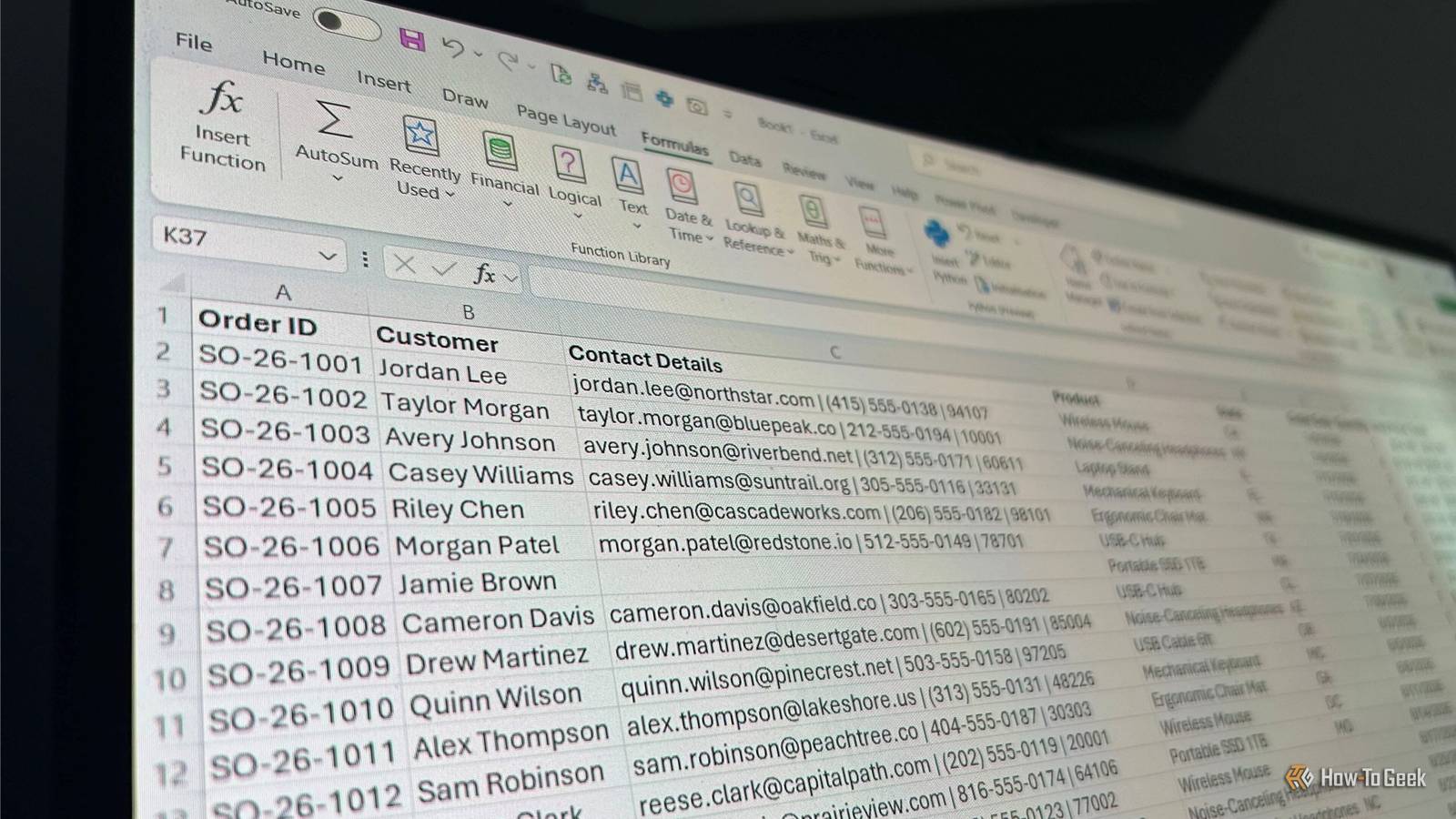
Excel automation used to mean macros and VBA.Today, three tools write the Python for you, from a spreadsheet-style notebook to an AI assistant built into Excel itself.Here is what each one does, what it costs, and who should use it.
Mito A macro recorder that outputs Python instead of VBA Mito takes the macro recorder idea and swaps VBA for Python.It is a spreadsheet interface that runs inside Jupyter notebooks, as well as Streamlit and Dash apps.Every edit made in the grid is converted into equivalent Python code in the cell below.
Write a VLOOKUP, filter a column, build a pivot table or draw a chart, and the matching code appears automatically.Rerun that code next month on a fresh export and the whole report rebuilds itself, with no one repeating the clicks.That makes it a neat fit for analysts who spend days rebuilding the same monthly reports.
Because the generated code is visible, people who never planned to learn Python can pick up the syntax just by watching it appear.Mito also includes an AI chat assistant that can generate or fix code from a plain-English description, which helps when a transformation is easier to describe than to click through.Setup is the main hurdle.
Mito is a set of Jupyter extensions, installed with a pip command for the mito-ai and mitosheet packages and launched through JupyterLab.Anyone who has never opened a notebook faces a short learning curve before the spreadsheet appears.That is a real difference from tools that live inside Excel.
The core is open source, and the free plan includes the basic spreadsheet plus 150 AI completions per month.Pro costs $20 per user per month.It adds unlimited completions, the advanced spreadsheet with extra formatting, and the option to turn off telemetry.
Enterprise customers can connect their own language models, including locally deployed ones, so data stays on their own systems.Mito works best as a bridge.It keeps the Excel-style workflow, but the output is a script that can be rerun, shared and reviewed.
Copilot, of all things Hear me out Close I know it shouldn't really count, but hear me out: Microsoft’s Copilot approach puts the automation inside Excel itself.Python in Excel, built in partnership with Anaconda, lets Python run directly in cells, and Copilot now writes that code from a plain-language request.Someone can ask Copilot to remove duplicates, reshape a table or chart a trend, and the assistant inserts the Python, runs it and writes the results back into the workbook.
The generated code stays visible and editable, so anyone who does know Python can adjust it.The feature has matured quickly.Copilot’s advanced analysis mode reached Windows users in March 2025.
In 2026, Microsoft expanded Python support in Edit with Copilot across Windows, Mac and the web.It also added a Plan mode that lists proposed steps for approval before anything changes.An August 2026 Insider update introduced an @python-in-excel skill that generates Python formulas on demand.
Rollout timing differs by platform and subscription, and some pieces remain Insider-only, so availability should be checked against a specific tenant before it is promised to a team.There's a security advantage to it, too.Python in Excel runs in containers on Azure rather than on the local machine.
Excel’s Protected View blocks Python formulas in workbooks from the internet or other untrusted sources, returning a #BLOCKED! error until the file is trusted.Cost is the main limitation.The in-Excel editing experience requires a Microsoft 365 Copilot license, and the free Copilot Chat tier does not include it.
Microsoft 365 Copilot is priced at $30 per user per month, making it a significant financial commitment if purchased solely for Excel automation.For organizations already paying for Copilot, the automation adds nothing extra.For most people, then, the entry price is higher than Mito or Julius.
Its advantage is that work stays inside Microsoft’s security boundaries, which matters for companies with strict compliance rules.Julius AI Upload a workbook, ask questions, get Python-backed answers Julius is the most hands-off of the three.Users upload or connect Excel files, CSVs, Google Sheets or Airtable data and ask questions in natural language.
Behind the scenes, Julius writes and runs Python or SQL, then returns charts, tables, and written insights.Nothing needs to be installed, and no Jupyter setup or Microsoft subscription is required.For repeatable work, Julius offers notebooks, which function as reusable analysis templates combining text, data inputs and analysis steps.
A notebook built around one month’s sales file can be pointed at the next.Users who want finer control can add code cells with Python for operations that natural-language prompts do not cover, while the platform handles the technical setup.Julius has also reached into ChatGPT through an app.
According to its listing, it can use Python to update formulas, combine worksheets, clean data and revise budgets or forecasts in saved workbooks.It can then produce charts, HTML dashboards and editable PowerPoint files.Third-party listings describe a free tier with a Pro plan at roughly $20 per month, but plans change often, so the official pricing page is the better reference.
And there are also some tradeoffs.A language model deciding how to clean messy columns can misread them, so spot-checking totals against the source file remains sensible.Uploading company data to an outside platform also calls for a look at its privacy policy.
That step does not apply to Copilot inside an existing Microsoft 365 tenant, or to Mito’s Enterprise option with a locally deployed model.Pick the tool that matches your workflow Mito suits analysts who want reusable scripts, Copilot fits teams already inside Microsoft 365, and Julius works for anyone who wants answers from a chat box.All three lower the coding barrier, but none removes the need to check the results.
Read More