Mesh router technology is probably the biggest quality of life upgrade for home networking since the first Wi-Fi router was plopped down in a house.It brings wireless networking technology to our homes that used to be enjoyed exclusively by big businesses with well-staffed IT departments.Now, however, you can just order a mesh Wi-Fi kit online and have it the next day.
Budget mesh router kits have been around for some time now, so if you haven't changed from a single router setup to mesh yet, I'm here to convince you that it's well worth the investment.One router for an entire home is wishful thinking Our devices, home networking needs, and network services have grown way beyond what a single central router can provide.Unless you're living in a tiny apartment on a single floor, your home probably has several dead spots where your internet connection is unreliable or just too slow to be useful.
No matter how big you make the antennas, or how much power you push through them, walls, floors, and sheer distance will still humble those radio waves.Clearly, if you're using a single router setup, and you're perfectly happy, don't spend any more money on my account.However, if you're running into dead spots or have put together a slapdash mix of Wi-Fi extenders to cover your home, it's time for a much more elegant solution.
Your devices aren’t the problem—your Wi-Fi is A mesh router network allows several router units to work together as if they were a single large router.This is why you can walk all over your building at work and always stay connected.As you move out of one zone to the next, the mesh system neatly hands off your device to the next unit.
The mesh routers are linked together using something called "backhaul" which is how they communicate with each other.The premium option here is wired backhaul.So, if you have the time and opportunity to install some high-quality Ethernet cabling that would be best.
However, wireless backhaul works great too as long as you position your mesh units to overlap well.Chasing top speeds is missing the point I want to underscore that I am saying everyone should go out and buy an expensive Wi-Fi 6 or Wi-Fi 7 mesh system.The point here is not to get the highest possible speeds.
I'm using a Wi-Fi 5 mesh system that gives me a solid 200-500Mbps wherever I am in our two-storey home.If I need more speed, I use a wired connection instead.What a mesh system, even a modest one, brings to the table is simplicity and reliability.
Once it's set up, you don't have to think about it at all.You can expand it with more nodes if you need to, and you never have to worry about dead spots or issues like latency again."Mesh is complicated” stopped being true years ago It's entirely possible that the last time you looked into home mesh solutions you heard that it's complicated to setup and hard to manage.
However, if you go to a store now and buy something like a three-pack of mesh routers, you'll be up and running in minutes at home.In most cases, after setting the first unit up using a mobile app and Bluetooth or Wi-Fi, adding additional notes is as easy as pairing a set of headphones.Mobile apps make maintaining and controlling everything so much easier as well.
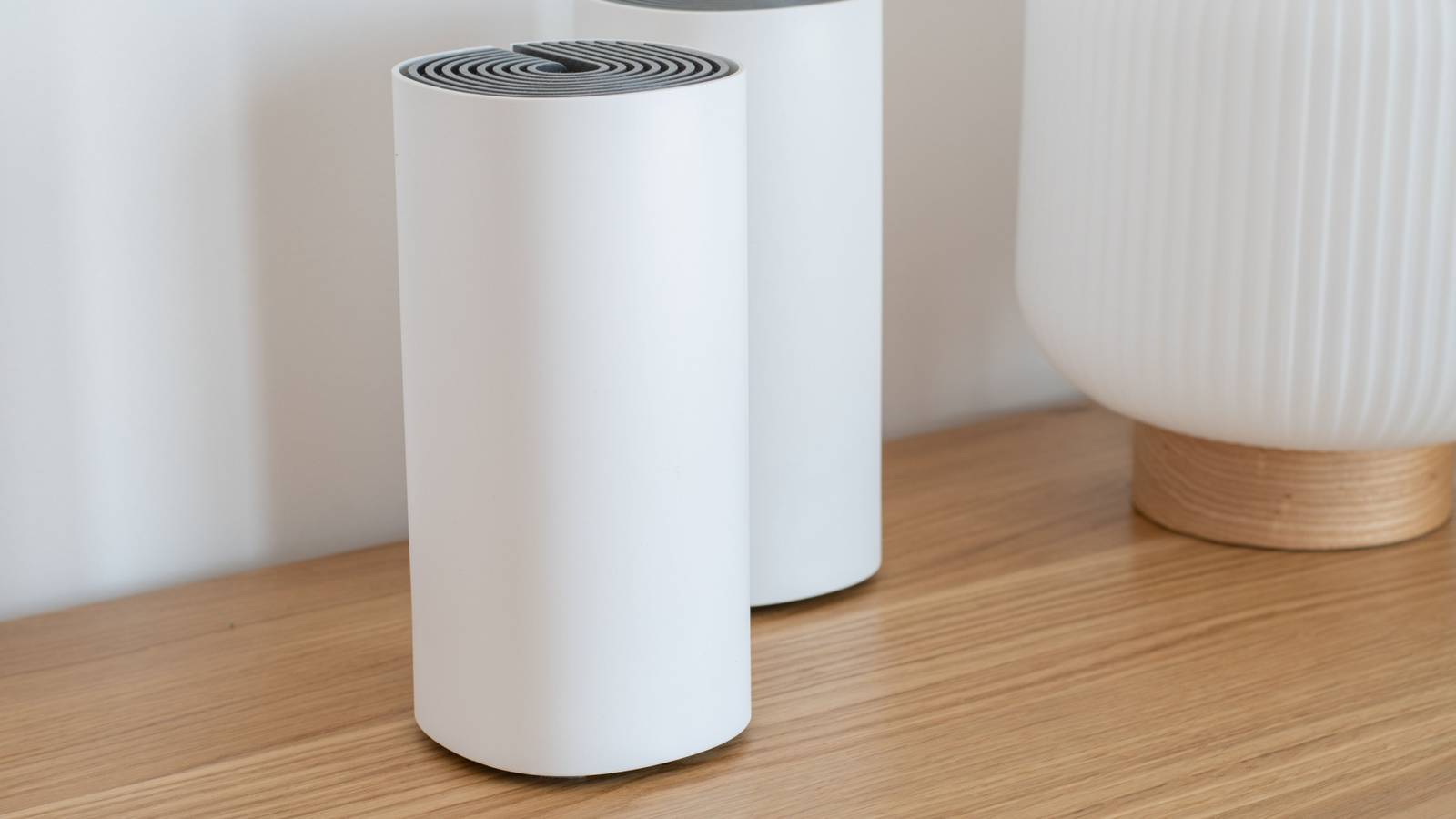
The app that came with my TP Link M5 mesh routers lets me optimize signal, manage connections and even troubleshoot nodes that have gone down for some reason.Bad Wi-Fi is a choice at this point The facts are that mesh Wi-Fi solutions are affordable now, and easy to use.Common solutions to fixing Wi-Fi performance and signal gaps tend to be unreliable and complicated.
Personally, I've spent too much time getting Wi-Fi repeaters and extenders, or powerline Ethernet add-ons to work to go back to the bad old days.If the cost of mesh Wi-Fi concerns you, you may want to have a look at the best mesh routers.You might realize that even the good stuff doesn't have to cost an arm and a leg.
Also, you don't need to start with a large kit.You can even just replace your single router with a single mesh-capable model and then add more nodes over time as your budget allows.There's even a chance your current router is already mesh-ready, in which you may have to spend even less money than you might initially think.
If you've never given a mesh solution any thought, or it's been a while since you looked into its viability, now's the perfect time to reconsider.TP-Link Deco Mesh Wi-Fi System The TP-Link Deco Mesh Wi-Fi System features three pucks with a 5,500 sq.ft radius, 100+ device support, and antivirus protection.
$189 at Amazon See at Lenovo Expand Collapse
Read More