If you're thinking of leaving behind Netflix and other streaming services for a self-hosted Jellyfin server, you're not alone.I've been doing this for years, and I just started using a new video client on my Chromecast TV I'm excited to show you.Jellyfin lets me stream my media for free, forever Leaving behind ever paying for a streaming service, I started backing up my physical media collection a couple of years ago.
To make watching those digital copies a lot easier, I put together a Jellyfin server.If you're familiar with Plex, Jellyfin often gets compared to Plex.In fact, Jellyfin is similar to Plex in that it lets you stream your media from wherever you like.
The difference is that Jellyfin is completely free and open source.There are no features locked behind a subscription.That's why I went for Jellyfin instead of Plex.
Related 5 Reasons I Use Jellyfin Instead of Plex Jellyfin's price isn't the only thing going for it.Posts 29 By Tim Brookes Where features do tend to vary is in the client software.Each has its own look, and some add small quality-of-life enhancements.
With some Jellyfin extensions, you'll find clients that support them and others that don't.That's why you have to look around at what's out there and why you might be missing out on it.Wholphin beats the standard Jellyfin client on Android TV Once you've set up a Jellyfin server, the conventional thing to do is install the standard Jellyfin client on your smart TV.
You don't have to go the conventional route, though.The alternative third-party client called Wholphin I find to be a much better app on an Android TV, Google TV, or Fire TV streaming device.If you're watching Jellyfin on another smart TV platform, like Roku or Apple TV, I recommend looking for options on the Awesome Jellyfin Clients GitHub repository.
Wholphin is a far more robust and fully-featured Jellyfin streaming application.It's also totally free and open source with several active contributors delivering updates frequently.That's something I look for when I want a good and modern open-source alternative.
For one thing, the user interface will be a lot more familiar to anyone using Netflix or HBO Max.There's a navigation drawer to the left with quick access to libraries, search, settings, and more.That sounds basic but is something totally missing from the regular Android TV Jellyfin client.
Wolphin also generates recommendations and shows off top-rated content on library home pages, and it makes browsing by genre far more intuitive.Wholphin also supports integration with several powerful Jellyfin plugins, like Jellyseerr, Intro Skipper, theme music, and more.If you have the OpenSubtitles plugin, Wolphin lets you search for and download them in-app.
Plus, you can even customize the appearance of plaintext subtitles.Speaking of customization, you can make Wolphin your own with its numerous configuration options.You're able to choose a theme color, adjust the layout of library grids, tweak skipping behavior, and pick which categories of "next up" content appear on the home page.
There are also small quality-of-life improvements.You can lock profiles with a pin code if you want to stop other users from messing with your watch history.There's "pass out protection" to keep content from playing indefinitely, too.
Under the hood, there's extra support for direct play and software decoding, which can be very valuable depending on your server's transcoding capabilities.Related This third-party app turned Jellyfin into my favorite music player Spotify who? Posts 1 By Jordan Gloor Of course, the standard Jellyfin client for Android TV works just fine, and I even recommend installing it as a fallback or test-bed if you have trouble with the Wholphin app.Still, Wholphin elevates the experience and gives you a lot more power over your media streaming that will be hard to walk away from.
Don't have a Jellyfin server? Get started now If you'd like to start using Jellyfin to watch your own media collection, getting started is as easy as going to the Jellyfin server downloads page, downloading and installing the software for your platform, and pointing the Jellyfin server at your media files.Assuming your media is labeled and organized well, Jellyfin will fetch metadata, making it easier to browse using Wholphin or any other client.Subscribe to the newsletter for Jellyfin & Client Guides Unlock practical guidance by subscribing to our newsletter: setup tips for Jellyfin servers, Wholphin client comparisons, plugin walkthroughs, and customization tricks.
Perfect for anyone building or improving a self-hosted media setup.Subscribe By subscribing, you agree to receive newsletter and marketing emails, and accept our Terms of Use and Privacy Policy.You can unsubscribe anytime.
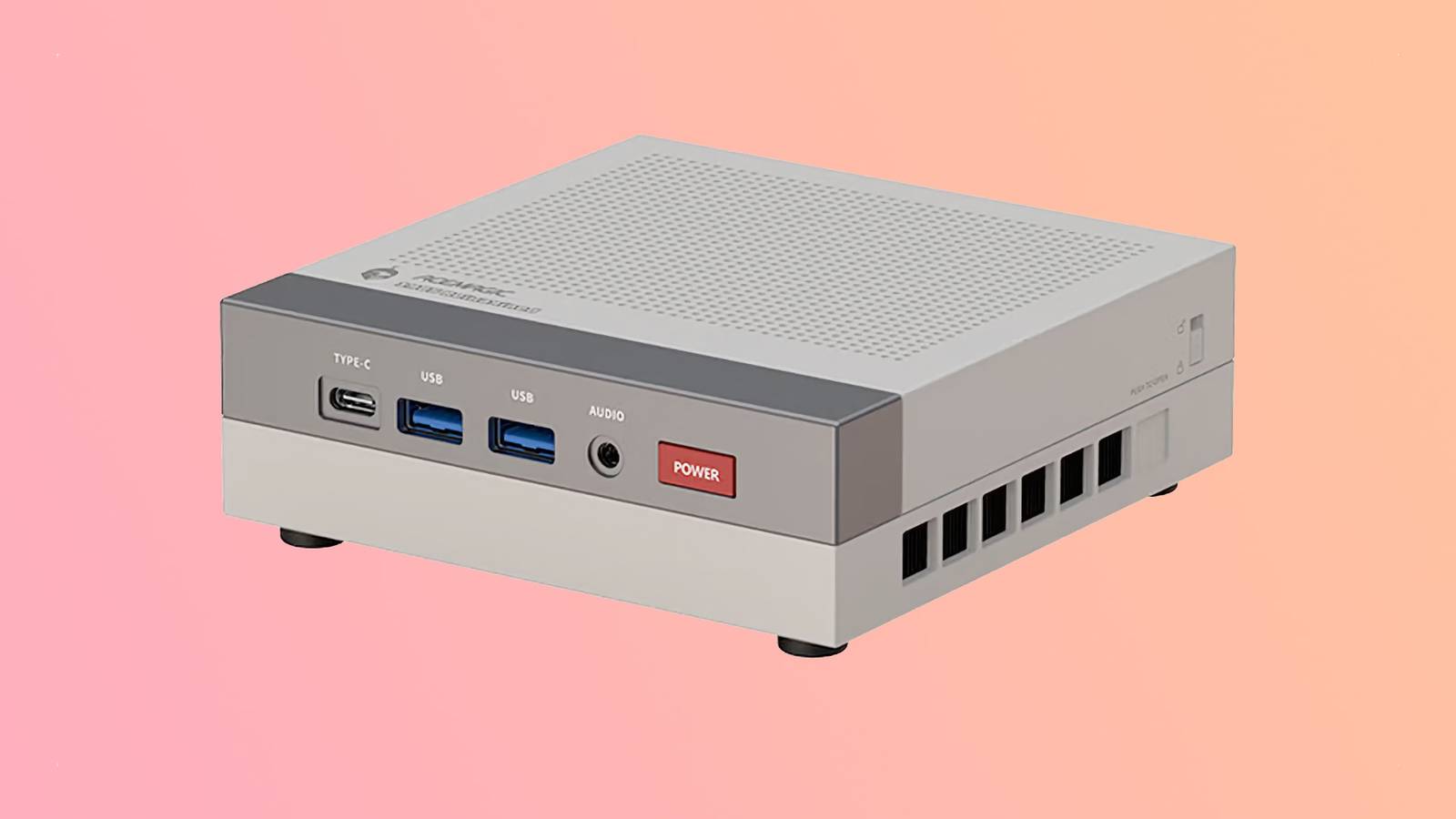
Check out the official Jellyfin documentation for full installation instructions.While you can technically run Jellyfin on just about any kind of computer, I recommend a mini PC with a 7th generation Intel Core processor or newer.Then you'll be set for video streaming on Wholphin or any other Jellyfin client you decide to use.
Beelink S13 PRO CPU Celeron FCBGA1264 3.6GHz Graphics Integrated Intel Graphics 24EUs 1000MHz The Beelink Mini S13 Pro desktop PC is a ultra-compact computer powered by the Intel N150 processor.Shipping with 16GB of DDR4 RAM and a 500GB SSD, this micro desktop is perfect for a variety of workloads.From running simple server programs to replacing your old PC, the Beelink S13 Pro is up to the task. Memory 16 GB DDR4 Storage 500GB Operating System Windows 11 Home Dimension 4.52 x 4 x 1.54 inches USB Ports 4 $289 at Amazon Expand Collapse
Read More