I kept my old laptop running Windows 10 for years without a single complaint, then Microsoft told me it wasn't good enough for Windows 11.Not because it was slow or because it crashed, but because the CPU was the wrong generation.That was just one crack that led to so many more.
After a while, I didn't feel like I owned my computer anymore.Microsoft did.Linux Mint never asked me for anything but a working computer.
Microsoft locked working computers out of Windows 11 Older hardware gets left behind for no good reason When Microsoft launched Windows 11, they drew a line: your computer needs to meet the hardware requirements, or it doesn't get the upgrade.The big ones are a TPM 2.0 chip, UEFI Secure Boot, and a processor from an approved list.On the CPU side, they cut things off at Intel 8th gen Coffee Lake and AMD Zen+.
So if you've got a 7th gen Intel or a first gen AMD Zen, you're locked out.Even if that chip runs fast, has plenty of cores, and technically supports TPM 2.0.Plenty of perfectly good computers that ran Windows 10 without a single issue were suddenly declared incompatible.
They could handle the workload just fine.Microsoft decided to draw the line right there.If you want to know where your machine stands, Microsoft has PC Health Check.
It scans your system and tells you exactly what passes and what doesn't.Sometimes a TPM 2.0 or Secure Boot failure is just a setting buried in your BIOS that you can flip on.For TPM, look for something like Intel PTT or AMD fTPM.
But if the tool says your processor isn't supported, your only option is an officially unsupported workaround.BIOS tweaks won't fix a CPU generation problem.You're just stuck, even if your machine meets every other requirement on the list.
That's what happened to my laptop.It could outperform my newer Windows 11 laptop, but its processor was one generation too old, so it was out of luck.Windows Recall is a privacy disaster Taking constant screenshots of your screen is creepy Windows Recall is one of those recent missteps that really hurt my confidence in Microsoft.
It's an AI feature that quietly takes screenshots of basically everything on your screen, every few seconds, whenever something changes.It's built for Copilot+ devices with those dedicated Neural Processing Units, and it works like a recorder that's always running on your PC.Then Windows scans those screenshots, pulls out the text and what's in them, and saves it all to a searchable database.
That way you can type something like that recipe I saw yesterday and find it.The privacy problem here is pretty obvious once you think about it.Your computer is keeping a searchable diary of everything on your screen.
That means passwords, private messages, banking info, medical records, all of it.Microsoft insists everything stays on your device and never goes to the cloud.Even so, having something in the background constantly recording what you do is unsettling in a way I've never felt with Windows before.
There's no real excuse for Microsoft to be pushing Recall so hard and never getting rid of it entirely.We covered it exhaustively, and I can't believe that Microsoft still dares to claim it is in any users' best interest.This wasn't an accident or a small bug.
This is where Microsoft wants Windows to go.There were plenty of issues that users found when it came out.To be fair, it's now off by default, you have to opt in to use it, and you can remove it entirely.
Still, it made me not trust Microsoft as much anymore.The start menu changed a lot Your desktop shouldn't feel like a billboard Close Windows 11's desktop overhaul is the worst part of the OS for me.It's a visual redesign that seems counterintuitive, and it has ads creeping right into the OS.
Microsoft started treating the desktop like a billboard for its own services instead of a clean workspace that belongs to you.Moving the taskbar icons and Start menu to the center threw off decades of muscle memory.If you spent years instinctively clicking the bottom-left corner, you'll have to dig into the taskbar settings to move it back.
And the new Start menu took away a lot of the ways people used to organize their apps.Instead of arranging apps how you want, you get a rigid grid and a giant "Recommended" section hogging prime real estate.What makes it especially annoying is how commercial it feels.
That Recommended section is always showing sponsored apps and pushing you toward Microsoft's web services.It reads like advertising inside an operating system you already paid for.Add the Widgets panel stuffed with MSN news you never asked for and a search bar that sends your local searches to Bing with ads mixed in, and the whole desktop feels like one long sales pitch.
Every time you open the Start menu to launch something simple, you're wading through promo noise first.Mandatory updates keep breaking things You don't have much control over when patches hit your PC When I was writing news about Windows, I was really surprised by how many issues Windows 11 came with.Updates were forced on you, and broken ones became completely normal on Windows PCs.
They show up as unexpected restarts and broken software installs.The problem isn't that updates exist.We need security patches and bug fixes.
The real issue is that Microsoft took the choice away from users entirely.You get no say on when updates happen or whether they'll break something that was working fine.Right now, Microsoft bundles security patches, new features, and servicing stack updates all into one big package.
You can't pick and choose individual patches.So if one buggy kernel change sneaks into a multi-gigabyte update, you're stuck taking all of it or none of it.You can also pause updates for a few weeks, but once that window closes, Windows won't let you pause again until it installs everything that's waiting.
It's hard to work with an OS you don't fully trust, especially when it keeps pushing out broken updates like it has a quota to meet.Not everyone should switch to Mint Switching to Linux Mint won't appeal to everyone, and nobody should pretend it's just like Windows.Some software won't run natively, certain hardware needs extra coaxing to work properly, and if you're deep in the Microsoft ecosystem, switching will take a lot of time.
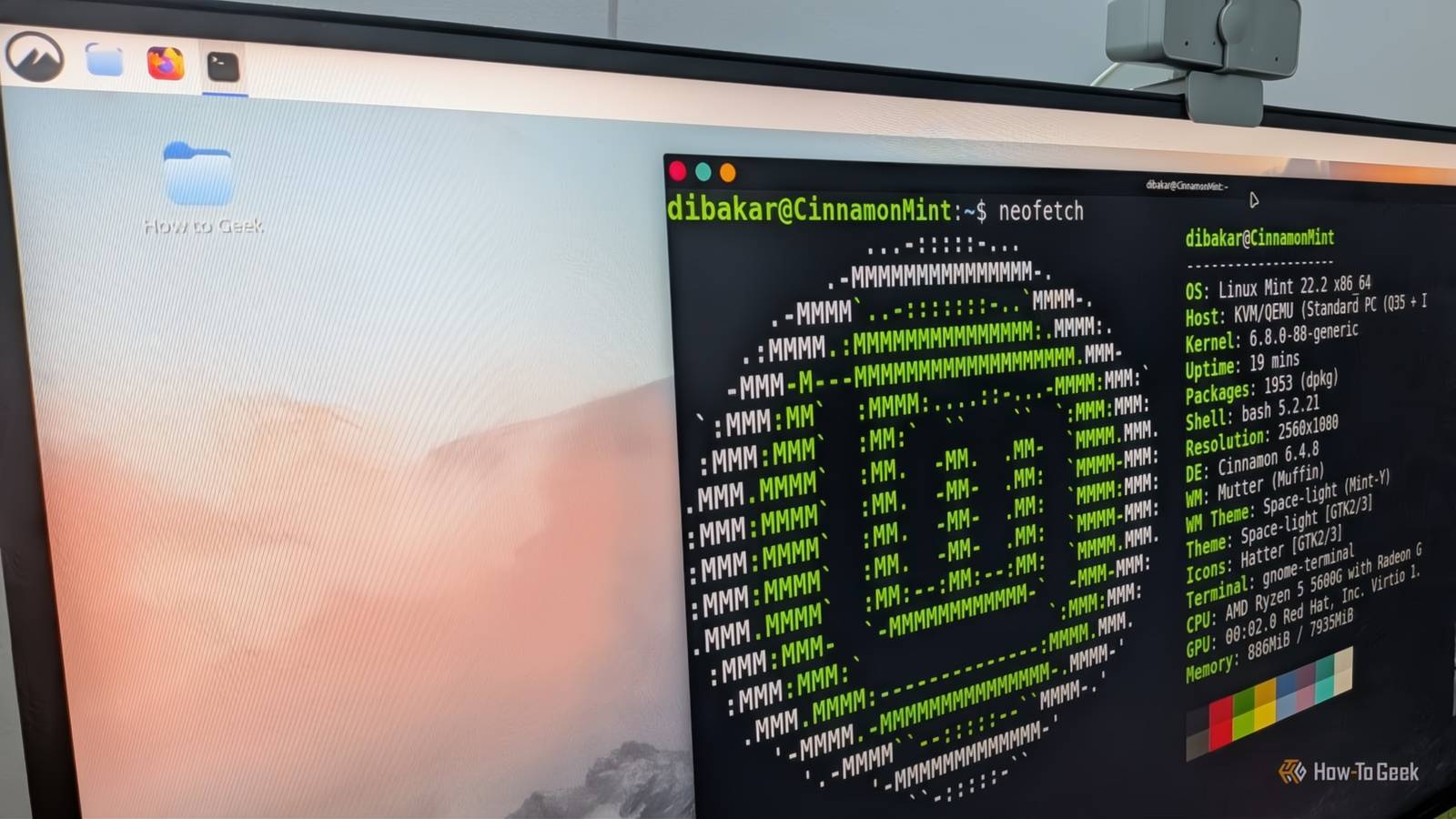
But if your PC can't run Windows 11, Mint is a great place to land.Linux Mint Operating system Linux Mint Ease of use Beginner-friendly Linux Mint is a free, open-source OS for computers that is an alternative to Windows and macOS.Ad presence None App availability Free for all Download it here! Expand Collapse
Read More