You usually don’t need a monitor in a homelab.Once everything is configured, you expect to manage it over SSH, a web interface, or a remote desktop connection.Yet some systems behave very differently when no display is connected.
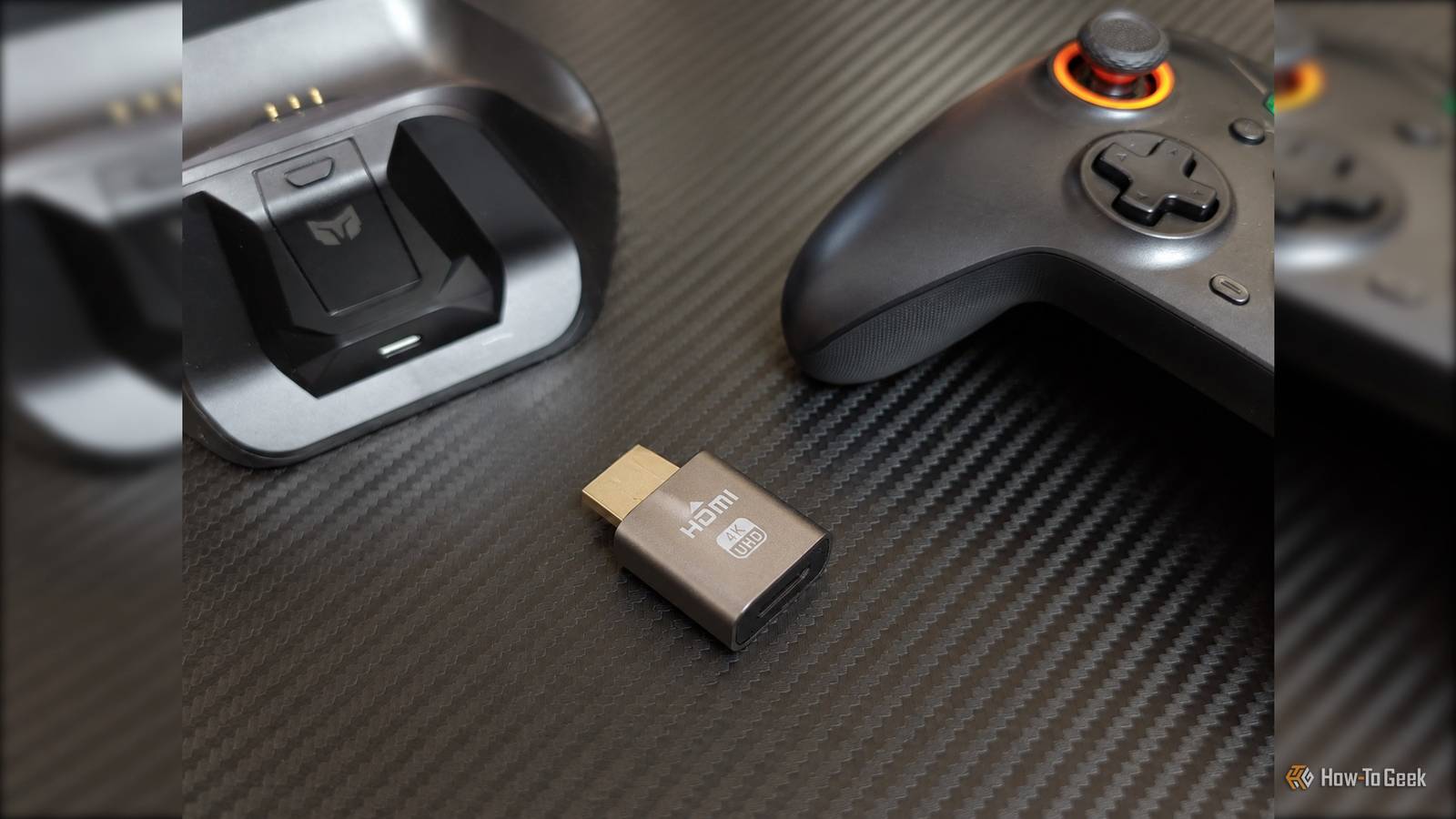
Resolution options disappear, remote desktop sessions behave strangely, and some GPUs refuse to initialize certain features when they cannot detect a monitor.A tiny HDMI “dummy plug” can solve many of these issues for a few dollars.All it does is it gives your system the illusion that a monitor is connected.
Why a dummy plug can make a difference GPUs do not all handle this the same way Close There is something deeply funny about spending hundreds of dollars on a GPU only to discover that it is happier when you plug a piece of plastic into it.Yet that is exactly the sort of thing you can run into with a headless homelab.The GPU can render everything perfectly well, but because nothing is connected to its display output, the driver may decide that certain resolutions, refresh rates, or other display features are no longer worth exposing.
NVIDIA has historically been particularly stubborn about this.AMD and Intel tend to be less troublesome when it comes to headless display output, while NVIDIA has accumulated a rather impressive collection of quirks around the subject.This is one of those places where I really want to embed Linus Torvalds’ famous NVIDIA video, but let’s keep things civil.
Related The biggest scandal in GPUs never really went away, even though NVIDIA says it's fixed the problem Four years later, one of the biggest GPU problems is still here Posts By Monica J.White The dummy plug gives the graphics stack something to work with.It reports itself as a display and provides the capabilities that a real monitor would normally report, which can be enough to get the resolutions and refresh rates you actually want back and this is not limited to discrete NVIDIA cards.
Some motherboards and firmware configurations also make decisions about integrated graphics based on whether a display is detected and most systems will happily run an iGPU without a monitor, but if yours decides otherwise, a $5 adapter is a surprisingly cheap thing to try.Picking the right dummy plug for your homelab HDMI is the easiest place to start If your server or GPU has an HDMI output, an HDMI dummy plug is the obvious choice.For most homelab uses, you do not need anything complicated.
Windows can be particularly particular about which displays are available to applications.Linux gives you more software options, including virtual displays through X11 and xrandr, while some remote desktop and game-streaming applications can create virtual displays themselves.Those software options are worth knowing about, especially on Linux, because they cost nothing and can be more flexible, but with a physical adapter, there is no virtual display service to configure, and the GPU gets its display information before your desktop environment or remote-access software has to deal with it.
While experimenting with my homelab, including gaming on a NAS, I also discovered that DisplayPort dummy plugs are just as useful.If your graphics card is covered in DisplayPort connectors (I remember my RX 5600 XT had no HDMI), buying an HDMI adapter and another converter just to get to HDMI makes very little sense.DisplayPort can also be attractive if you are building a higher-resolution or high-refresh-rate setup.
A cheap adapter that reports 1080p at 60Hz is perfectly adequate for a basic remote desktop, but if you want 1440p at 144Hz or 4K at a high refresh rate, you need a dummy plug that actually reports those capabilities.Don’t buy the absolute cheapest dummy plug you can find It is cheap enough A dummy plug is already one of those rare homelab upgrades that costs about as much as lunch, so there is not much reason to hunt for the absolute cheapest one you can find.The really cheap models can have incomplete or poorly configured display information, which can leave you wondering why your shiny new adapter has somehow made your remote desktop worse.
First, check the maximum resolution and refresh rate the adapter advertises.If you are using a gaming VM or streaming games through something like Sunshine and Moonlight, look for a plug that explicitly supports the resolution and refresh rate you intend to use.A dummy plug can report audio support, which allows the operating system to expose an HDMI or DisplayPort audio output even though there is no physical monitor or receiver connected.
HDR works in a similar way.If the dummy plug’s reported display capabilities include HDR, the operating system and applications may expose HDR modes for that virtual display.Related Your gaming monitor probably can’t handle real HDR (even if it says it can) There is a silver lining.
Posts By Sydney Butler Buy once, forget it The nice thing about a decent dummy plug is that you can plug it into the machine and leave it there.You do not need to install another driver, keep a virtual-display service running, or remember which configuration trick you used six months ago.It just sits in the back of the server doing something remarkably simple, while your computer happily assumes there is a monitor on the other end.
Read More