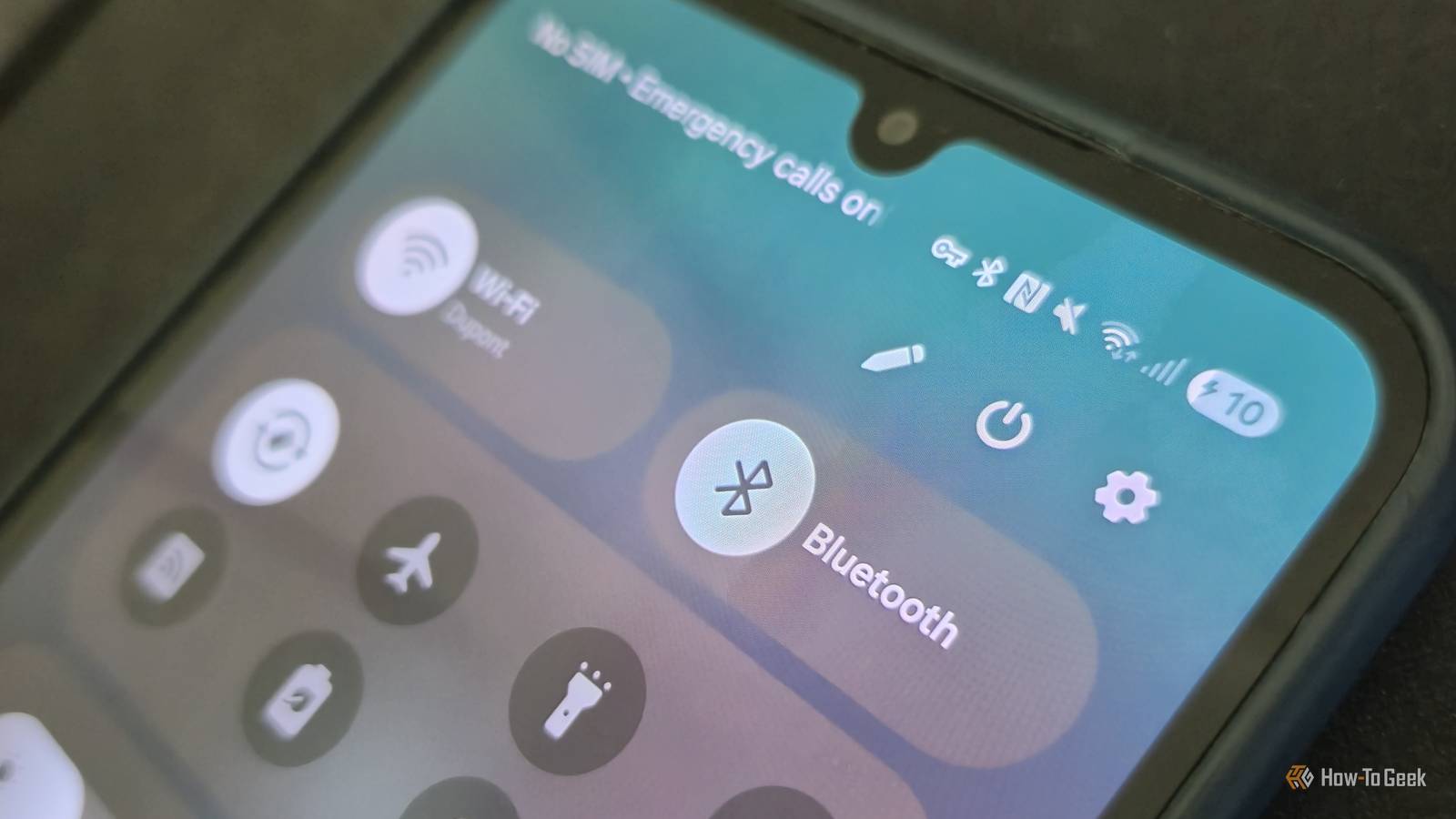
Have you ever noticed a small key icon suddenly appear in your Android phone’s status bar and wondered what it means? While it might look like a warning or suggest a problem with your device, you usually don't need to worry.The little key symbol has a specific purpose, and it isn't to let you know that something is wrong.VPNs can help protect your online privacy by routing internet traffic through a remote server, hiding your IP address and making it harder for others to track your online activity.
However, you might not always realize that a VPN is running, especially if it was activated by a security app or an ad blocker.The little key symbol is a great indicator to let you know that your network connection is being routed through a remote server.The small key means that there is an active VPN connection Network security at work We have gotten used to seeing a number of different symbols on our Android devices, with the little icons at the top of your screen all having some sort of meaning.
However, some of these symbols come and go, and it can sometimes be hard to know exactly what everything is.One such icon that has been causing some confusion is a little key that pops up next to your network status information.It isn't a new symbol, but because it doesn't live in your status bar all the time, you might not know exactly what it is.
It means something pretty simple.All that the key indicates is that your Android device is currently making use of a VPN (Virtual Private Network).A VPN essentially routes your internet traffic through a remote server, hiding your IP address and protecting your data from tracking.
It is one of the most useful and simple cybersecurity tools out there.The key can appear when you're using basically any VPN or a network security or ad blocker app.You should also see a banner in your device's quick settings panel that tells you that you are connected to a VPN network.
You can easily find out what VPN your Android is utilizing Check the settings on your Android Close Generally, the key icon appearing isn't a sign of anything wrong.As mentioned, it simply means that your Android device has connected to a VPN service.However, if you don't recall downloading or enabling a VPN, or changing any of your phone's settings recently, it could definitely be something worth checking.
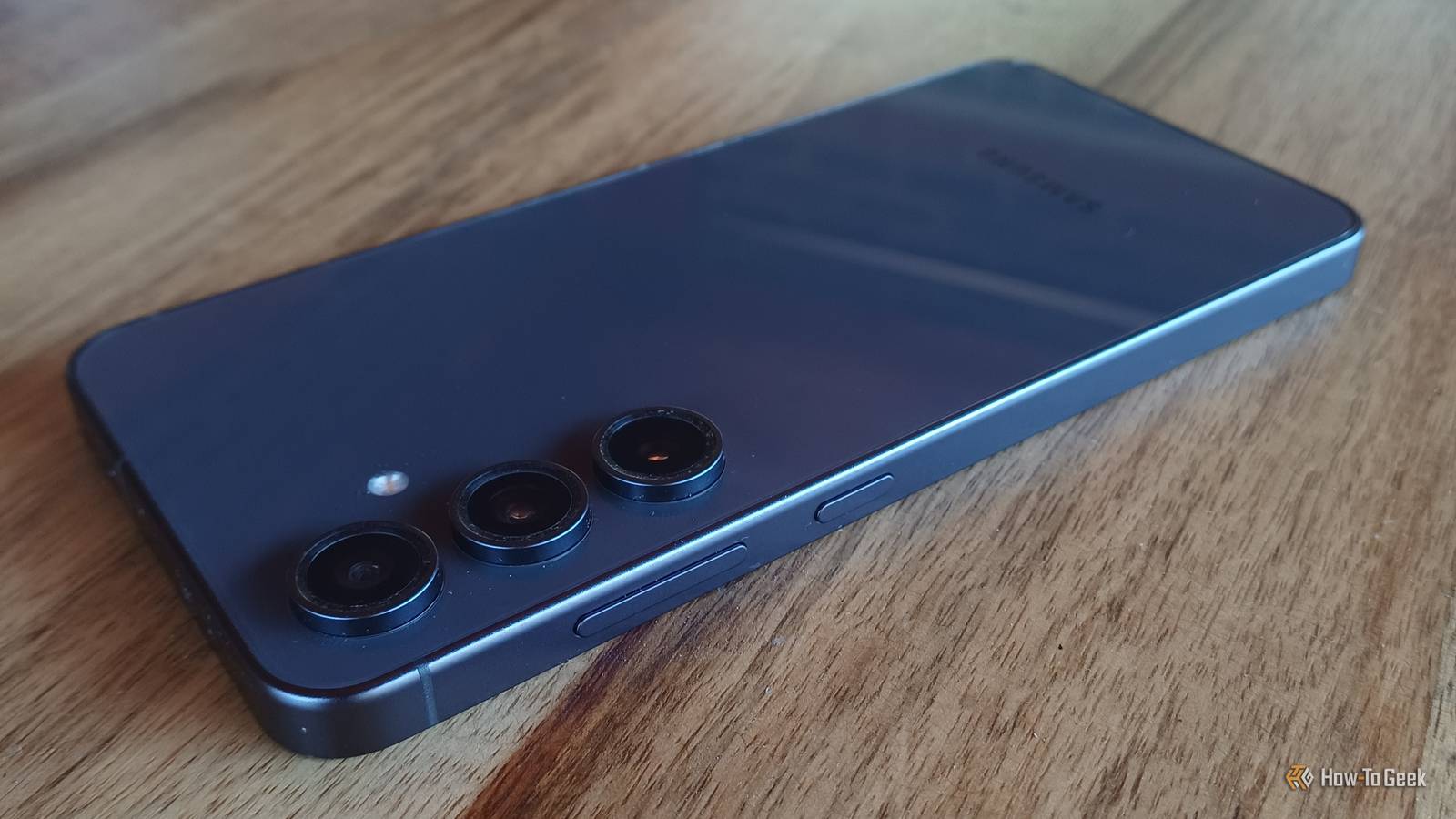
With your Android device, you can pretty easily go into your settings and check what VPNs are installed on your phone and which one is currently active.On many Android devices, you just have to pop into your settings menu, and you'll find the tab for VPN connections right there.On some devices, however, such as my Samsung Galaxy S24 FE, you'll need to go into connection settings, find the 'more connection settings' tab, and then go into the VPN settings.
In either case, you should be greeted with a list of the VPNs that are installed on your device, and your phone should also tell you if any of the VPNs you have installed are active.Getting rid of the key means disconnecting from the VPN Simply stop the connection Even if you find that the VPN network you're connected to is one that you know and trust, there are plenty of reasons why you wouldn't want to be connected to a VPN all the time.Some streaming services detect and block VPN use to prevent users from accessing content from different regions.
Banking institutions often do the same, making it difficult to use any of your banking apps while connected to a VPN.Adding another step to your connection through a VPN also increases latency and slows your network speed, which can affect everything from streaming to gaming.Keeping a VPN on permanently can also drain your device's battery a little faster than usual.
Getting rid of the key icon simply means disconnecting your phone from whatever VPN you're connected to.You can manually check the VPN apps that you have installed, uninstalling them if you don't really make use of them.From the VPN settings menu we described above, you should be able to toggle the connection off.
Some Android phones, like the Google Pixel, also come with a built-in VPN system, which can be toggled via the drop-down control panel.If you are looking to make use of a trusted and reliable VPN to protect yourself online, we have a list of the best VPNs you can use.The key icon means that the VPN is active, but you might not always want it to be All that the key icon at the top of your screen means is that you're making use of a VPN.
Utilizing a VPN to route your connection through a remote server is a great way to improve your general security and privacy online.However, there are a lot of instances when you might not want to be connected to a VPN, including a scenario where you didn't even realize you had an active VPN on your phone.Getting rid of the key icon is as simple as ditching the VPN.
Read More