If you use either Plex or Jellyfin, you'll know that managing your library can take up more time than you originally expected.It's an important part of the process, though.Both apps pull in the standard metadata for your content, but it's mostly factual information and doesn't necessarily reflect how you're going to use your library.
I'm a big user of custom tags in both apps, rather than merely relying on standard genres, actors, directors, and so on.I create my own categories and apply them to my content so that I can find it far easier in the future.But I've been testing the tagging systems of both Plex and Jellyfin, and they both have room for improvement.
Plex makes custom tags genuinely useful Tags + smart collections = a more navigable library Close The metadata matching in Plex is excellent and succeeds in turning my not-very-well-organized library of files into something that resembles a proper streaming service.But the data it grabs is pretty sterile.It gets information on actors, directors, year of production, and all the expected stuff you'd get from a service like IMDb.
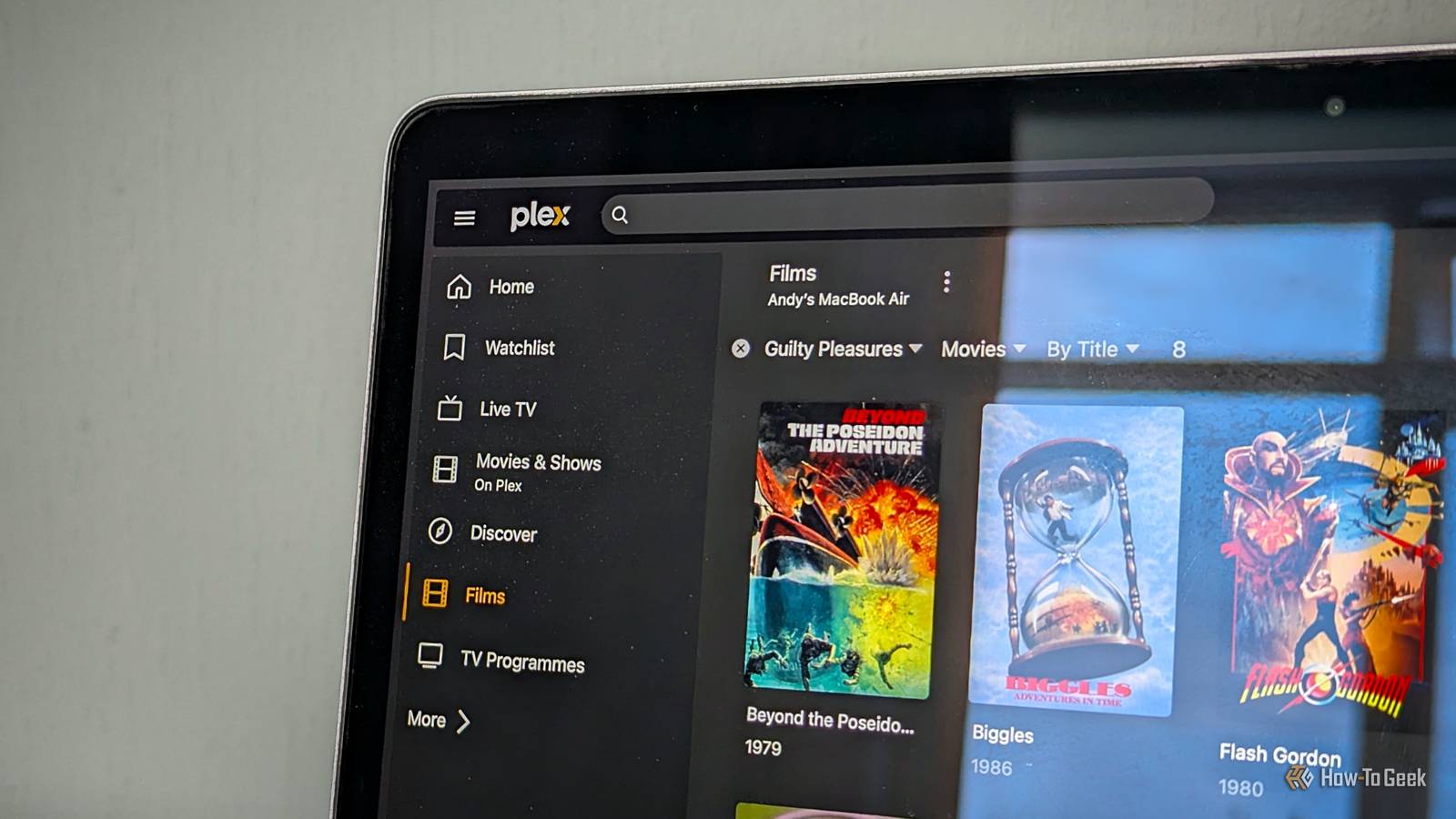
But it's actually quite limited when it comes to reflecting how I find content in my library.I use tags to create my own genres.I've got one genre called Guilty Pleasures, another called Grimy 80s New York Movies, and another called Under 90 Minutes.
I use the multi-select option in Plex to add these tags in bulk to all the relevant movies.And then I use the Smart Collections feature to surface all the movies that contain these specific genre tags.It works really well for how I use Plex, although it is very Plex-oriented.
Being able to export my custom tags is useful, and the add-on Tautulli can help with it, but it's not as seamless as if it were all fully integrated.There are limits to what you can do with tags in Plex.A common use for them is with parental controls.
You can assign tags to certain content and then limit particular users from accessing that content, but it requires a Plex Pass subscription.Jellyfin gives me more control, but it's more cumbersome Get ready to install some plugins Close Jellyfin has many of the same features.I can create my genres, edit the metadata, and use all the information to organize my library in the way that I want to use it.
It also has one big advantage in that you can explicitly apply parental controls to tags.So, any movies that contain particular tags will be off-limits to specified users.But the process is a lot less intuitive than Plex.
The controls are more difficult to find, and the workflow for managing custom metadata feels more cumbersome.I can add my own custom genres to those files, but I need to install plugins to edit tags in bulk and to create Smart Collections afterward.That's the biggest difference between the two apps.
Plex serves it all up on a plate, and Jellyfin often requires you to go looking for solutions.Jellyfin does have one interesting advantage in that it can write your metadata changes to NFO files, which means your data isn't locked inside Jellyfin.This is a lot more useful.
You just have to remember to enable a feature in the settings.Jellyfin's metadata matching makes everything harder It's better with a tidy library While I'm happy to fiddle around with tags in these apps, what I'm less keen on is spending ages organizing my actual library of files.I freely admit it isn't quite as tidy as it could be, and this does cause me problems with Jellyfin.
Both apps pull in metadata for your files automatically, but in my experience, Jellyfin is far less forgiving of a messy file structure.In fact, Jellyfin assumes a certain structure to get the best results.If it struggles to recognize something, then changing file names can help, or as is more common for me, delving into the tags can do it.
I find it especially a problem with TV shows if they're not organized by season.I've got random episodes scattered throughout my library, and Jellyfin often struggles with them.Plex is typically a lot more successful at the absolute basics, and I spend less time tidying things up and focus more on creating the personal categories that I actually use.
Neither app gets tagging quite right But for different reasons The underlying problems with metadata are precisely why a good tagging system is so important.The metadata helps make a library look nice and can describe a film in an objective way, such as that it is an action comedy, for example.But it is of limited use in helping me find things that I want to watch.
My custom genre tags do that much better.But neither app gets the process quite right.Plex has the superior workflow with some limitations, and Jellyfin gives me more control but makes me work harder to use it.
Read More