The UK is heading into another heatwave with temperatures expected to soar to 35 degrees on Wednesday.Whilst that's great for topping up the tan and having friends over for a World Cup BBQ, it can be disastrous for those all-important broadband speeds.So, how and why does the hot weather affect the internet? Tech news, reviews and latest gadgets plus selected offers and competitions Subscribe Invalid emailWe use your sign-up to provide content in ways you've consented to and to improve our understanding of you.
This may include adverts from us and 3rd parties based on our understanding.You can unsubscribe at any time.Read our Privacy Policy Samsung’s virtual Apple rival is finally available in the UK EE finally offers UK customers an upgrade that's been needed for years It's all down to the router that supplies homes with web access, not wanting to get too hot under the collar.
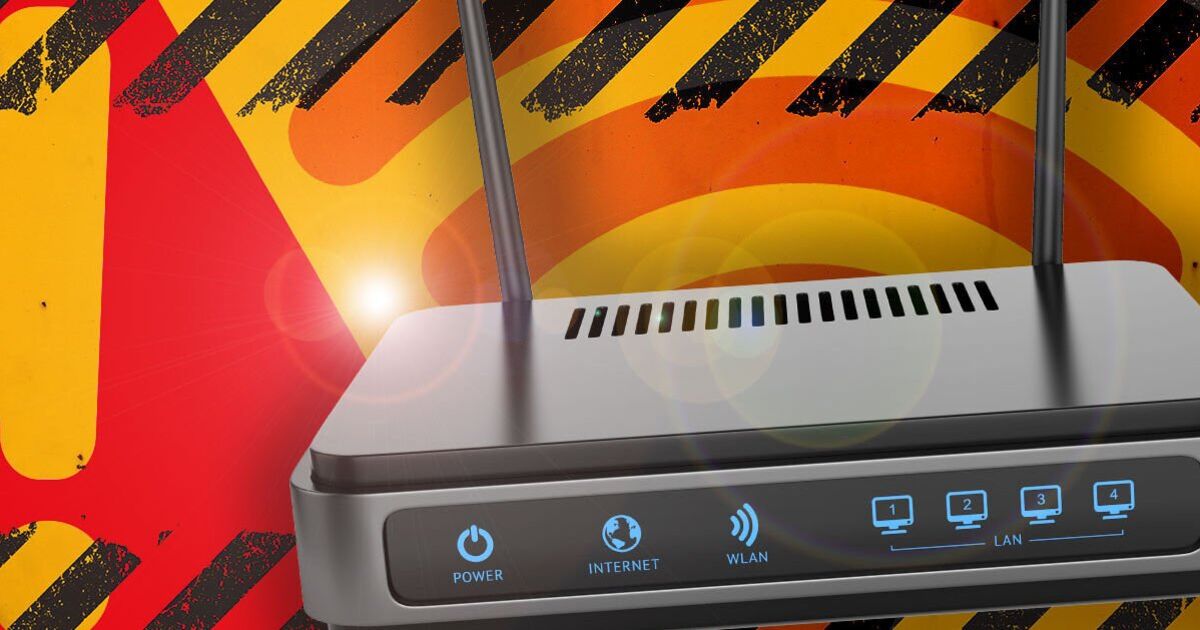
Article continues below ADVERTISEMENTLike any tech devices, such as phones and laptops, once things overheat, performance can slow and even shut down completely.If you've ever left your iPhone roasting in the sun, you'll be well aware of a warning message that flashes up on the screen, and routers are no different.Explaining more about the issue, UK Internet Service Provider Virgin Media said, “Although we test our Hubs carefully at a range of temperatures, they are better off out of bright sunlight, just like your phone or laptop.“If the Hub gets too hot, it could slow down your connection or even grind to a halt.” Article continues below ADVERTISEMENTIf your router is simply sitting in a room that's warm, it shouldn't have any issues, as most are built to cope with these current conditions.Article continues below ADVERTISEMENTHowever, if it's on a windowsill or in direct sunlight, this could be an issue, as it may reach temperatures it simply can't cope with.If that happens, speeds can slow, and it might shut itself off until things cool down again.
Although getting it out of the sunshine is vital, there are some other rules to take note of.Hiding the router away completely is definitely not recommended either.Virgin Media warns that placing routers in enclosed or poorly ventilated spaces can also weaken your Wi-Fi performance.“Good placement of the Hub could also mean greater WiFi reach,” the company added.“Don’t stick the Hub in a cupboard or hidden behind your TV either.”Virgin Media also advises keeping routers at least one metre away from cordless phones and baby monitors, and clear of appliances such as microwave ovens.Getting it up off the floor is also a good idea, along with keeping it as central in the home as possible.Finally, fish tanks are Wi-Fi's worst enemy, so don't pop the router behind these popular pets.Following these simple steps should help keep your broadband running smoothly during the warmer weather.
Read More