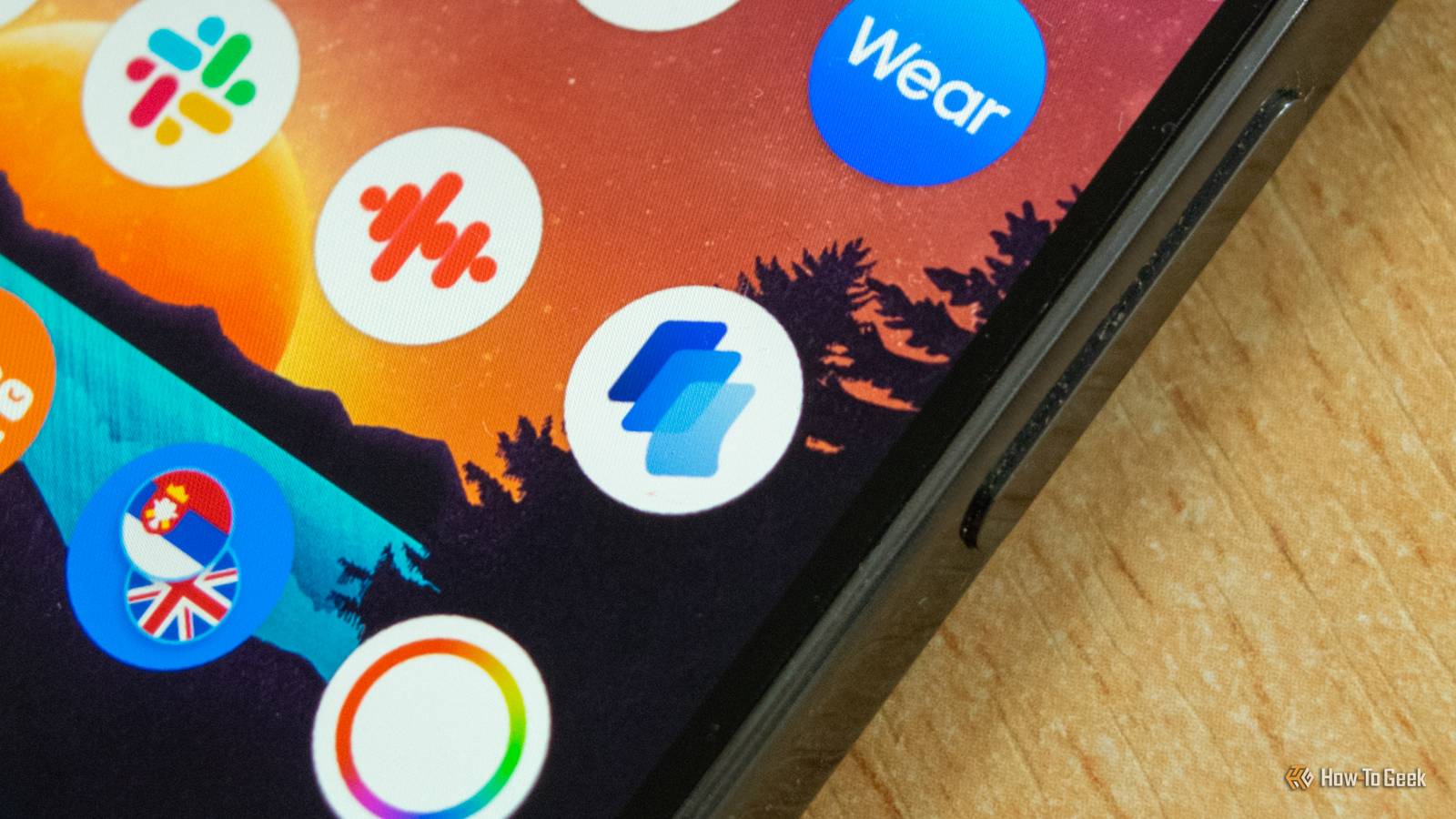
Saying that Pixel phones are filled to the brim with exclusive features would be, well, quite an appropriate way to describe the amount of stuff Google has packed into its phones.The catch is that many of them are hidden in plain sight, which is why a number of handy Pixel apps and features fly under many people's radar.Despite writing about Pixel phones and Android in general for a living, there are multiple Pixel-exclusive apps that even I had to pin to my home screen to remind myself to use them.
Otherwise, they'd vanish into corners of my mind—and maybe yours, too.Pixel Recorder It's often faster to record my train of thought than jot down a note in Google Keep I've been using Google Keep to jot down quick notes for so long and doing it so frequently that reaching for the Google Keep widget when I want to write down a thought or an idea has become muscle memory.This is why I pinned Pixel Recorder's shortcut to my home screen.
I want to make myself use it instead of Google Keep because it's generally the better of the two for taking notes while I'm on my daily walk, when I listen to music, and my creative juices are working the hardest.And let me tell you, it's been worth it.While jotting down ideas isn't that difficult when walking, thanks to swipe typing, recording my thoughts is even easier.
I can just open the app, start rambling, and the Recorder will not only capture everything I say crystal clear, thanks to the Auto Clear Voice feature, but it will also automatically transcribe everything, allowing me to easily navigate my oft-desultory train of thought.Now Playing I keep forgetting that Now Playing has a song history Close Now Playing is one of my favorite features on my Pixel that's constantly working in the background and shares songs it identifies right on the lock screen, so why would I pin it to my home screen? It's because of the app's History feature, which allows me to see every song the app has identified and either open it in Spotify (Now Playing supports a few other streaming platforms as well) or add it to favorites and search for it later.If it weren't for the Now Playing shortcut on my home screen, I'd likely throw a quick glance at the songs shown on the lock screen and then forget about them five minutes later.
But thanks to Song History, I've discovered a good number of new artists since getting my Pixel 10 Pro.Pixel Screenshots I'd forget about this app long ago if I didn't have it on my home screen Pixel Screenshots is one of those apps that doesn't look very practical until you start using it, after which it completely transforms the way you interact with your phone.Back when I was getting familiar with my Pixel, I was close to disabling the app, but nowadays I use it as a universal bookmark where I keep articles I want to read (beats keeping a ton of tabs open in the browser), products and games I want to buy, apps and recipes I plan to try, and more.
The catch is that I have to keep the app's shortcut on my home screen; otherwise, I'd probably hardly ever open it.But having it easily accessible allows me to slowly replace various in-app wishlists with it, as well as break my bad habit of keeping a ton of pages open in my browser that I'll never revisit.Thermometer I had disregarded it as a gimmick, but now I use it all the time Back when I got my Pixel 10 Pro, I'd considered Thermometer nothing more than a gimmick I would hardly ever use.
But then I did some research, and after discovering just how accurate the built-in infrared temperature sensor is, I started using the sensor all the time.Close I'm not using it to check body temperature since I don't live in one of the countries where that specific feature is available, but I constantly check the temperature in my apartment, as well as the air temperature when I'm outside, especially to find out just how hot the pavement can get during the day (apparently scorching hot, as you can see in one of the screenshots above).Now, I wouldn't use the app very often if it weren't on my home screen, but since it is, I catch myself measuring the air temperature and the temperature of various objects inside and outside my apartment about half a dozen times a day.
It's just a shame Google decided to replace the temperature sensor with HiLight on the Pixel 11 because Thermometer ended up being one of my Pixel's most used features.Live Caption A godsend when doomscrolling in bed Live Caption isn't an app, but you can add a toggle that enables or disables the feature to the volume control, making the feature handy in whatever app you're currently using.Since I'm someone who regularly doomscrolls Reddit in bed and keeps the media volume muted most of the time, having the Live Caption toggle available with one press of a button allows me to use it whenever I need it.
Close If Google hadn't allowed us to pin the toggle to the volume control, I reckon I'd hardly ever use it, but this way I can activate it when I need it and then disable it as quickly as I enabled it.Thanks to the toggle, Live Caption has quickly gone from a feature I didn't even know existed to a staple on my phone that I use daily.For me, the best way to start using something new is to have it visible and easily accessible As someone who's quite scatterbrained, I'd probably forget about most of the apps and features I've listed if I hadn't made them easily accessible and always visible on one of my home screen pages.
That's what I did when I started using Google Keep, when I wanted to use Good Lock on my old Samsung phone more often, and that's what I've been doing to make myself use some handy but overlooked features and apps on my current Pixel phone.Google Pixel 11 Brand Google SoC Google Tensor G6 The new Pixel 11 line introduces HiLight feature and storage options starting at 256GB.See at Amazon $899 at Best Buy $899 at Google Store Expand Collapse
Read More