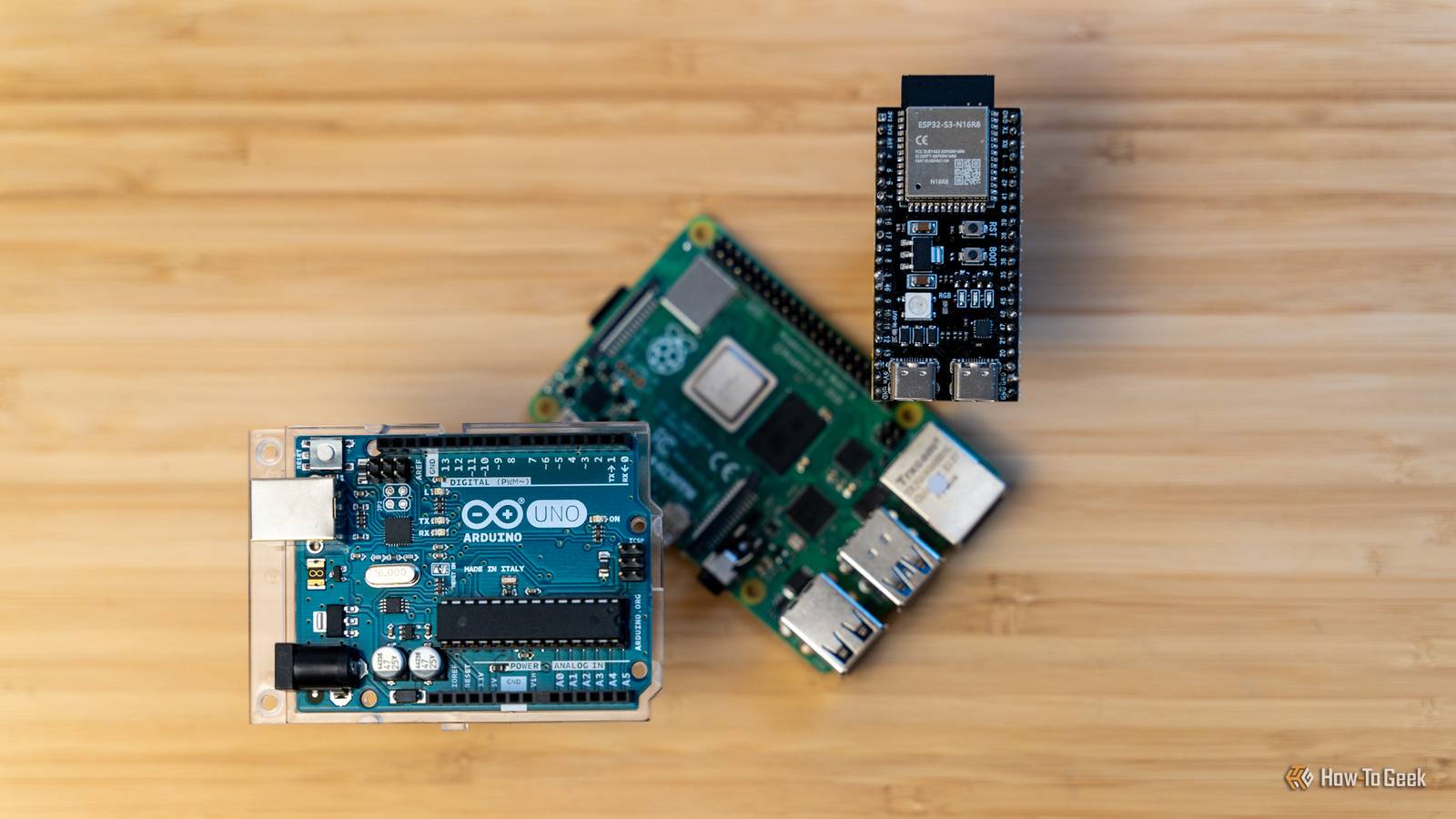
A Raspberry Pi Pico is very different from the rest of the Raspberry Pi family, and can be very daunting if you've never used one before.Luckily, there is a free website that lets you try things out before you dive in.Wokwi simulator is a DIYer's best friend Try it before you buy anything Conventionally, when I started a project with a Pi Pico or any other microcontroller, I'd sit down with a breadboard, some wires, and begin by physically assembling my prototype.
I'd have the documentation for pin-out diagrams pulled up on another screen and some IDE open on another Windows to start plugging away at the barebone code.When the project is simple, this approach is fine.However, if you're totally new to programming, IDEs, microcontrollers, or building things, it can be a problem.
There is a large checklist to go through for every project.Is it wired correctly? Why is there smoke everywhere, and what is that smell? Nothing with a Pico is high-voltage (), so it is unlikely to be physically harmful to a person, but it is entirely possible to wire up something incorrectly and deliver a lethal shock to a component you just purchased.Since electronics part stores are almost completely a thing of the past, you're stuck waiting for a new component to come in the mail.
Wokwi solves all of that.Wokwi is a simulator that can emulate the function of a Raspberry Pi Pico.It cuts through a huge amount of stress when you're just getting started.
Simulating Pi Pico projects before you buy No more fighting with a breadboard Whenever I'm designing something simple with a Pico, my first stop is Wokwi.Using Wokwi, I can add basic components like lights, switches, buttons, and even rotary encoders to get a rough idea of what I'm going to need before I purchase anything.Then, I can simulate physically connecting all of those components to a breadboard and the Pico itself, all without soldering or clipping a single wire.
Wokwi includes dozens of different components, including LEDs, resistors, buttons, switches of all kinds, potentiometers, OLED, LCD, and seven segment displays, analog joysticks, and more sensors than I can begin to list.Even if it doesn't have the precise component I'm going to use in a final build, it usually has something close enough that I can do a basic sanity check before I physically build something.Learn to program a Pico for free Hands-on experience without an actual Pico One of the hardest parts of building anything with a Pico or other microcontroller is the programming.
Even if you're familiar with a high-level programming language like Python, programming for embedded applications requires a different mindset and a different approach.Wokwi allows you to get started learning MicroPython—or a handful of other languages— without actually buying any hardware to test it on.Better yet, because Wokwi can also simulate physical hardware, you can actually practice writing code in a way that comes very close to real world situations.
It allows you to work out the logic of both your physical hardware design your software in advance.Wokwi uses MicroPython, but in the real world, you can also program a Pico using C, C#, CircuitPython, Rust, and other languages if you prefer.There are other projects available to view Learning by example will save you time Wokwi isn't totally free, and one of the stipulations that comes with the free version is that your project is public.
If you're building the next greatest interface device since the mouse and keyboard were invented, that could pose a problem.Subscribe to the newsletter for hands-on Pico guides Ready to keep building? Subscribe to the newsletter for curated Raspberry Pi Pico and Wokwi coverage - project walk-throughs, simulator tips, and example code you can study to sharpen your Pico prototyping skills and discover related maker topics.Get Updates By subscribing, you agree to receive newsletter and marketing emails, and accept our Terms of Use and Privacy Policy.
You can unsubscribe anytime.If you're interested in learning, it is fantastic.At the time of writing, there are more than 171,000 Pi Pico projects that you can view and take inspiration from.
There are also around a dozen official examples or templates to get you started.Rather than wading through pages of technical documentation, you can start learning by checking out practical examples and other projects people have actually made.If you don't know where to start at all, the featured projects are all good choices.
Most of them only rely on basic components, so if you pick up a basic starter kit from AdaFruit, you'll be able to go through most of them.By the time you're done, building something like a simple button box will be a very approachable project.Many of the community projects contain poorly-written code, so be sure you're double-checking your own work for best practices.
Wokwi isn't totally free.If you want private projects, the VS Code plugin, custom libraries, or fast build minutes, you need to pay for a monthly subscription.They start at $7 for a basic hobbyist license and go up to $25 for a commercial license.
None of my projects have been complex enough that I needed the extra features, and I'm perfectly happy to leave my designs available for everyone to look at, so I've never opted for the subscription.However, it is worth considering if you're going to use Wokwi a lot.
Read More