CDs, DVDs, and other spinning discs are thought of as antiquated technology, but in some ways, they're superior to even the most expensive solid-state drives.A solid-state drive's strength is also its weakness Electrons just won't stay where you put them Solid-state drives are famously fast compared to other storage mediums we've used in the past, especially mechanical hard drives, which work by recording data on a spinning platter.Related Turbine noise and head crashes: The physical limits that killed the 15,000 RPM hard drive Why hard drives maxed out at 7,200 RPM: The engineering nightmare of spinning platters faster Posts 3 By Arol Wright The single biggest reason that SSDs are so fast is precisely because they have no moving parts.
Data is saved in tiny cells that store an electrical charge.When you need to read or write data, all you have to do is change how much charge is stored in a cell, not wait for an arm to move across the surface of a spinning platter.Physics is a problem for solid-state drives The lack of moving parts means that solid-state drives are blazing fast, but they do have one serious drawback: When you disconnect them from power, the charges storing data leak out over time.
Normally, you'd expect that once you trap a charge in a cell, it'll stay there forever, unless you do something to allow it to escape.Unfortunately, that isn't the case.The trapped electrons (the charges) are capable of randomly escaping out of their cells without you actually doing anything—like providing energy—at all, a process known as "Quantum tunneling." Eventually, you can lose enough stored information that it starts to show up as data corruption.
Related Stop leaving hard drives in a drawer: Why 'Bit Rot' is destroying your data Why your unplugged hard drive is slowly deleting itself Posts 55 By Arol Wright How do CDs store information? Just like the paper for a player piano CDs store information differently from solid-state drives.Every CD is composed of at least three layers: A polycarbonate layer, a layer of reflective material (usually aluminum), and some kind of protective layer.The polycarbonate is what provides the structure of the CD itself, but it is the reflective layer that actually stores the data.
Data on a CD is stored by creating a series of small pits, or dents, in the reflective material.As a laser scans across those pits, they stand out against the smooth area (called lands) around it.Each pit represents one bit, so if you wanted to store 100 megabytes, you'd need 800 million pits and lands.
Once you add a few billion pits, you can store several gigabytes of data.The main disadvantage of that approach is that, like vinyl records and mechanical hard drives, you need to spin the disk to read information from different areas.It isn't the end of the world, but it does make it significantly slower than storage methods that have no moving parts.
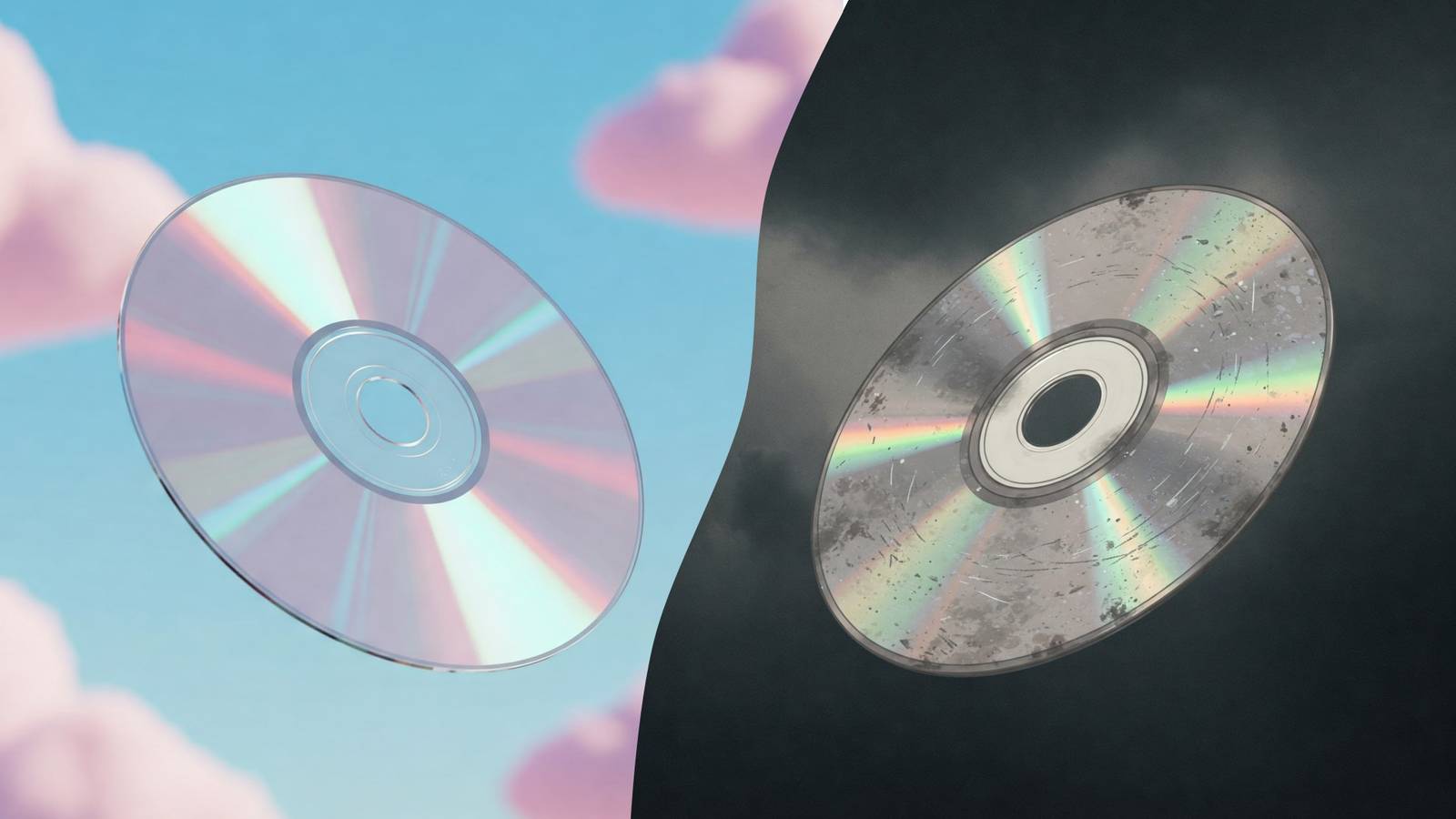
What kills a CD over time? Don't clean them with anything abrasive Physical pits in a CD aren't like electrons trapped in a cell, they don't "escape" spontaneously.Once they're there, they're there.The pits can be damaged by heating, which distorts the aluminum layer, or UV light, which degrades most materials rather quickly.
Over time, the aluminum layer can also separate from the other layers in the CD, which makes it difficult or impossible to read.The aluminum layer can also oxidize if it is exposed to air (oxygen), moisture, or other chemicals that react with the aluminum.Of course, CDs are also vulnerable to physical damage.
If you scratch or scuff the protective coating, you won't be able to read any data from the disc, even if the aluminum layer storing the data is intact.However, despite those potential pitfalls, CDs are actually quite durable.Variations on the technology, like M-Disc, are expected to last for a thousand years under ideal conditions.
Unlike an SSD, you don't need to worry about plugging in your CD, DVD, or M-disc every year to make sure you don't lose data, just keep it in a cool dry location away from sunlight.Subscribe to the newsletter for storage longevity tips Explore more storage insights by subscribing to the newsletter.Expect clear comparisons of media (SSDs, HDDs, CDs/M-Discs), practical long-term backup approaches, and expert analysis to help you pick reliable options for preserving data.
Get Updates By subscribing, you agree to receive newsletter and marketing emails, and accept our Terms of Use and Privacy Policy.You can unsubscribe anytime.Now that is a long-term backup solution.
No backup solution is completely perfect Create more backups than you think you need CDs, DVDs, and M-discs might be more reliable over long time frames than a solid-state drive, but that doesn't mean they should be your only (or even your primary) backup method.A good backup solution involves creating multiple copies of your important data, storing them on different mediums (like an SSD and an M-disc), and in multiple different locations.I don't use discs as part of my backup solution anymore, but I still have CDs containing files I wrote to them around 2007.
After checking them, they're all still in perfect condition.The long-term reliability makes M-discs an appealing option if you want to store less than 100GB of data for the future.The biggest downside is the relatively high cost per gigabyte of storage when compared to mechanical hard drives, or even SSDs.
CDs are viewed as inferior to other, more modern storage standards, and in some ways that is true.However, if you're looking for something that is stable over a long period of time, then you could certainly do worse than a CD, or its more sophisticated cousin, the M-Disc.LG Electronics BP60NB10 Blu-ray Drive Play or burn Blu-ray discs, DVDs, CDs, and M-Disc media with this ultra-slim LG USB optical disc drive.
$128 at Amazon Expand Collapse
Read More