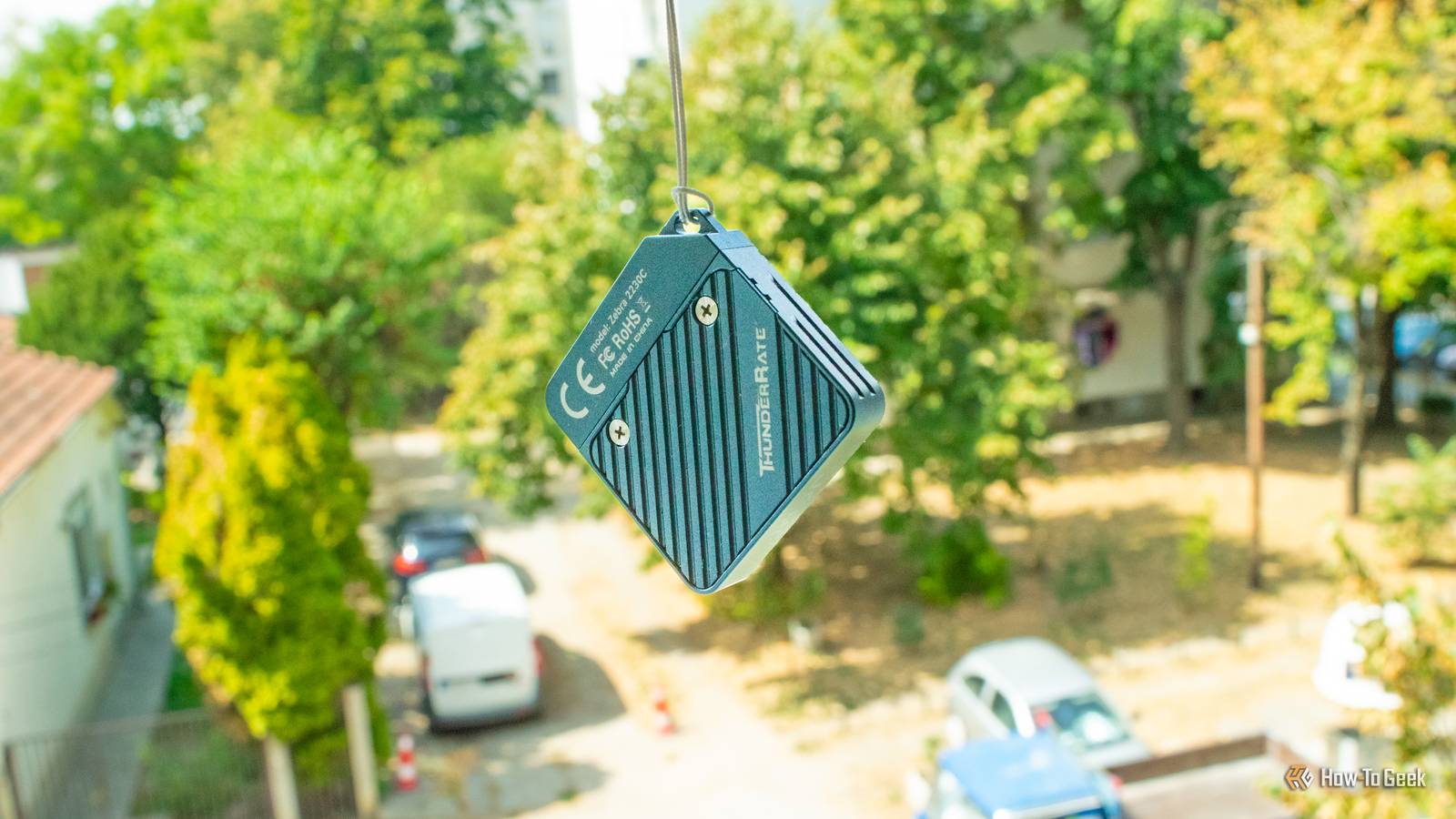
After upgrading my Steam Deck's SSD, I threw the handheld's original 256GB drive into the bottom of one of the tin boxes I keep all kinds of knickknacks in and quickly forgot about it.The SSD had gathered dust there for years until I remembered I had it and decided to do something useful with it.So I went to Temu, ordered a 2230 external SSD enclosure, and a few weeks later, I ended up with a teeny-tiny DIY external SSD that blows all of my USB flash drives out of the water.
The enclosure cost me only $12 It's got superb build quality for that price Close The best thing about all this, aside from having a spare 256GB 2230 SSD lying around, is that the enclosure cost me the equivalent of $12.Now, I didn't expect much for that price, but what I got surpassed my expectations by a wide margin.Not only is the enclosure made of aluminum and built like a tank, but it also supports 10Gb/s transfers, comes with a multicolor notification LED, and features a magnetic cap that's easy to remove and is one heck of a fidget.
I also got a short thermal pad, which I ultimately didn't use because the SSD itself doesn't heat up that much.Overall, I'm more than satisfied with the purchase.If you live in the US, you can order a very similar 2230 external SSD enclosure off Amazon that will set you back $19 and tops out at 10Gb/s, like mine.
The price is higher, and you're getting a protective silicone case with the Amazon model (but no protective cap), but functionally, the two enclosures are pretty much the same.Fanxiang 2230 SSD Enclosure The Fanxiang 2230 SSD Enclosure lets you build a beefy and super-compact external SSD that can easily blow past most USB flash drives.See at Amazon Expand Collapse The transfer speeds are impressive The Steam Deck SSD can go higher, but these speeds are more than enough Now, considering that I only paid $12 for it and that I ordered it from Temu of all places, I had my doubts about the maximum transfer speed.
But after I plugged it into my Windows PC and formatted the dusty Steam Deck SSD, I ran a few tests and ended up impressed.The tiny external SSD indeed achieves sequential file-transfer speeds that come quite close to the 10Gb/s limit when transferring large, multi-gigabyte files, with the speed dropping to about half of that when transferring a bunch of smaller files (photos in my case).The enclosure does heat up a bit, but even without the thermal pad, the chassis didn't feel anywhere near uncomfortably hot, even after transferring the entire installation folder to the external drive during my testing.
But it gets better.I can use the SSD with all my computers As well as my phones Close Since it features a USB-C port and I formatted it as exFAT, I can use it with all my computers as well as my two phones.The only hitch was that my Mac mini didn't play nice with the SSD until I formatted it on the Mac mini.
After that, I've been able to use it on Windows PCs, the Mac mini, and my two Android phones without issues; it's been plug and play all the way.I now use it instead of LocalSend when transferring stuff to my handheld PCs because, honestly, it's faster to transfer a save game to the SSD and then plug it into the handhelds than to send the same save file to each handheld via LocalSend.Similarly, when I test games and transfer screenshots from my handheld PCs to my desktop, I now use the SSD instead of LocalSend for that as well.
Of course, the enclosure has some cons It's super compact, but it lacks a USB-A port Nothing's perfect, especially a $12 external SSD enclosure.For starters, whoever designed the enclosure decided to place the lanyard hole on the cap instead of on the enclosure itself.Since the cap is magnetic, it's very easy for it to accidentally detach from the rest of the body if you decide to carry the SSD around on a keyring, which is less than ideal.
Subscribe to the newsletter for DIY tech & tiny drives Want more hands-on hardware tips? Subscribe to the newsletter to get practical DIY guides, compact SSD and enclosure walk-throughs, and straightforward gear picks that help you build and reuse affordable, portable storage and everyday tech.Get Updates By subscribing, you agree to receive newsletter and marketing emails, and accept our Terms of Use and Privacy Policy.You can unsubscribe anytime.
Another issue is that the enclosure doesn't include a USB-A port.Now, I understand that including a USB-A port would not only increase the price of the thing but also blow up its size, but it would still be kind of nice to have both a USB-C and a USB-A port.That said, this is more or less a nothingburger since every device I use the SSD with has an easily accessible USB-C port, even my Windows desktop.
I only wish I'd done this sooner Considering the price, compactness, performance, and usefulness of the enclosure, along with the fact that I hadn't done anything with the Steam Deck SSD in years, my only regret is not having done this sooner.I got myself a tiny 10Gb/s SSD with 256GB of storage, and I only paid $12 for it—probably the best $12 I've ever spent.As far as I'm concerned, I'll never use a USB flash drive as long as this external SSD keeps working.
Read More