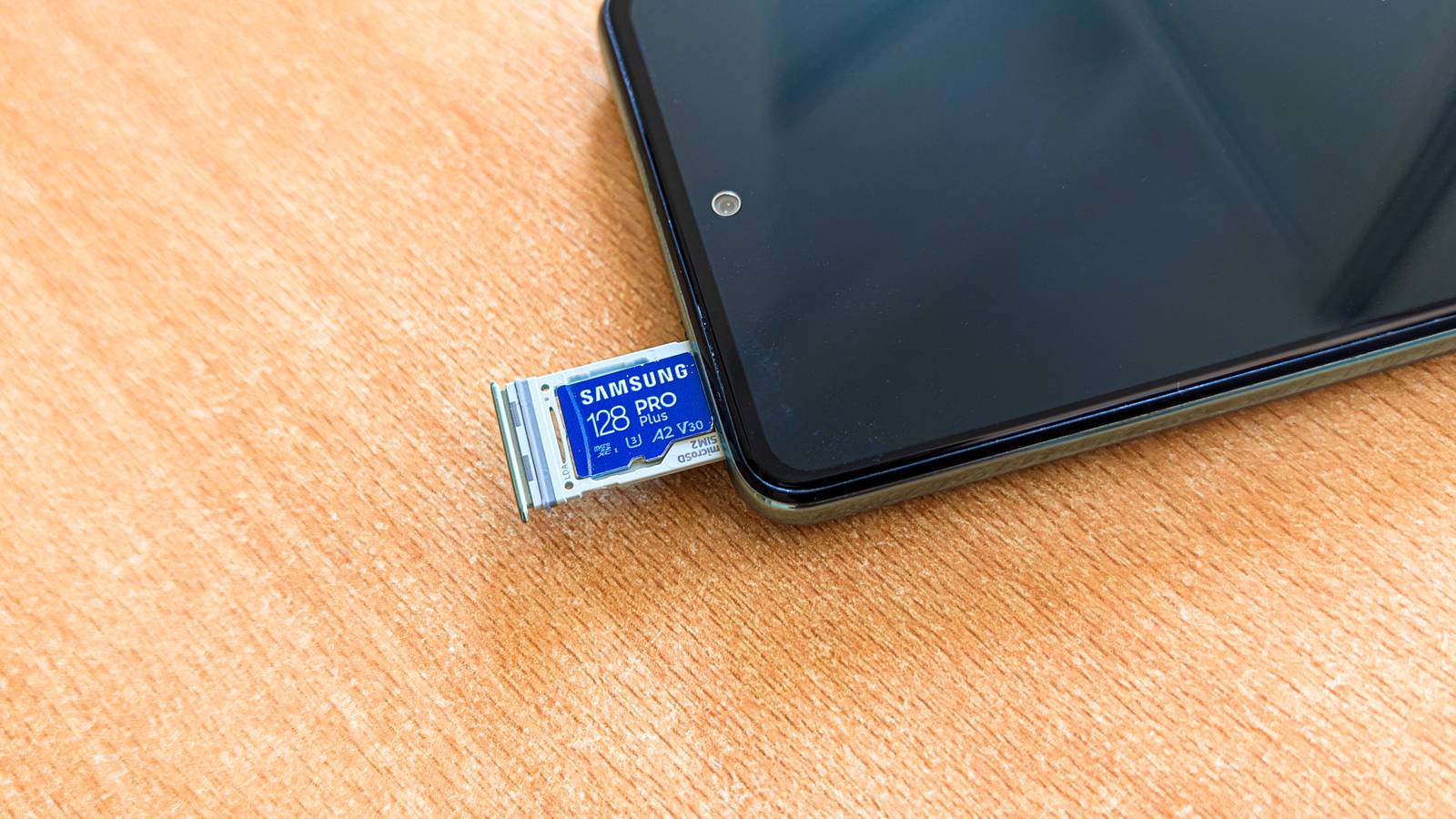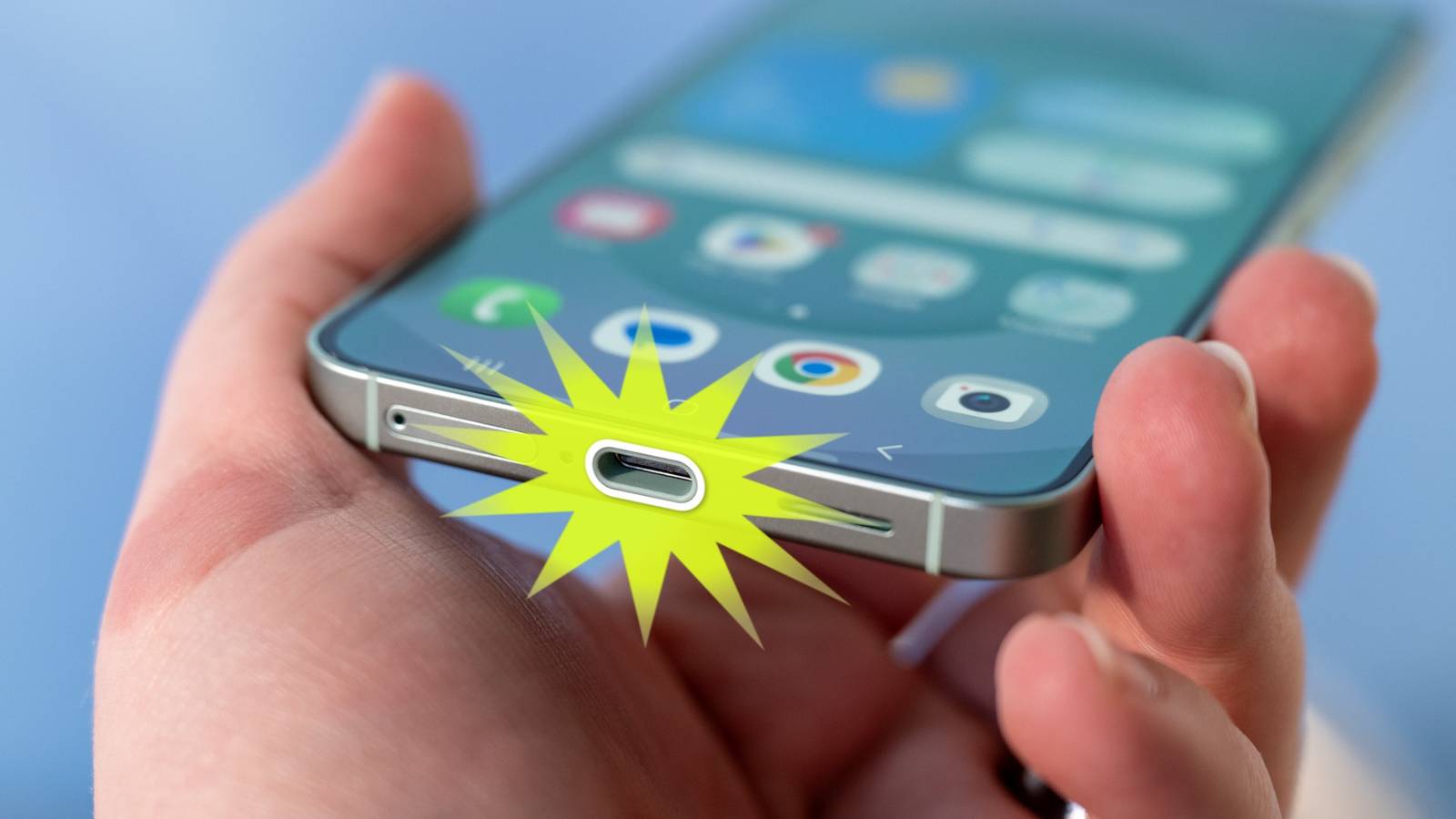
A long time ago, in smartphones that looked very different, there were SD card slots for expanding storage.That’s a long-lost feature, but it’s still surprisingly easy to use external physical storage with your iPhone or Android phone.The iPhone has never included a microSD card slot, but it was a staple in Android phones for many years.
One of the last flagship Android phones with an SD card slot was the Samsung Galaxy S20 series in 2020.The feature hasn’t vanished from Android phones, but, by and large, it’s been abandoned.Thanks to the wide adoption of USB-C, however, it’s now very easy to use portable external storage drives with phones.
Obviously, you’re not going to keep a flash drive sticking out of the bottom of your phone 24/7 like you could with a microSD card, but these storage drives are very easy to keep with you.The decline of the SD card slot What happened? Let’s rewind a bit and talk about why SD card slots fell out of fashion.It’s not something we talk about as much as the removal of the headphone jack, but there are some similarities.
First and foremost, it’s about manufacturing.Phone makers claimed getting rid of the SD card slot allowed for streamlined designs with more internal space and better water resistance.In reality, though, it was most likely for cutting costs.
There have certainly been phones with IP68 ratings that feature SD card slots, but it's cheaper to ditch it completely.The other reasons have to do with how people use their phones.Manufacturers claimed people rarely used microSD cards with their phones, especially as cloud storage became more common.
They said the same thing about wired headphones, but it probably was more true in the case of external storage.It’s not something most people need, at least not all the time.Related My phone doesn't have a microSD slot, so I 3D printed a case with microSD built in External storage that's with me all the time and doesn't block charging.
Posts 6 By Joe Fedewa The rise of USB-C storage drives Thumb drives are back and better than ever The ability to use a USB flash drive with your phone is not new, of course.As long as you had the right adapter, you could do it when phones had micro USB ports.But USB-C has greatly simplified the experience.
You don’t need an awkward adapter anymore.Portable storage drives have practically doubled in price within the last two years, althuogh they're still far cheaper than they were back in the day.You can get a two-pack of regular ‘ol USB-A 64GB flash drives for less than $20.
And since devices with USB-C ports are so common now, USB-C flash drives have become prevalent and cheap, too.Beyond price, the last point in the section above is another reason why USB-C flash drives are a great option.You probably don’t need an extra 32GB or more of storage in your phone all the time.
If you did, you probably would have bought a phone with more storage built-in.For around $20, you can plop 64GB of storage on your key ring or in your daily go bag, and it’s there when you need it.Lexar D40E Dual USB Flash Drive The Lexar D40E is a Dual USB 3.2 Gen 1 and USB Type-C flash drive.
It comes in sizes ranging from 64GB to 256GB, and can be bought as a pack of two.$30 at Amazon Expand Collapse Syntech USB-C to USB Adapter $7 $13 Save $6 Brand Syntech Input USB-A Output USB-C Cable Included No This USB-C to USB-A adapter features USB 3.0 data transfer speed and surprisingly durable build quality.$7 at Amazon Expand Collapse What to do with a USB flash drive in your phone Just use it, duh! Close All of this is well and good, but you may still be wondering why and how you would actually use a flash drive with your phone.
After all, unlike an SD card, a flash drive won’t be on your phone all the time.That changes how you can use it.Data backup Think of a flash drive for a phone in the same way you would a portable hard drive for a computer.
You can backup photos, videos, downloaded files, and anything else you might want to keep safely.File transfers And once you have some files on the drive, it’s much easier to transfer them to another device.Wireless file transfers can be slow and unreliable, and you might not always be within cable’s reach for a wired transfer.
Media consumption Speaking of file transfers, it goes in the other direction, too.You can transfer music or movies to the flash drive from your computer.Now, you have media that would normally take up too much space on your phone to enjoy when you’re offline.
Professional use and editing Maybe your phone is a camera for photography and video content creation.Whether it’s a hobby or your job, a flash drive makes it much easier to get those large files off your phone and onto your primary editing machine.Quiz 8 Questions · Test Your KnowledgeThe History of Android OSTrivia ChallengeFrom a scrappy startup to the world's most popular operating system — how well do you know Android's remarkable journey?OriginsVersionsMilestonesAcquisitionsDesignBegin 01 / 8OriginsIn what year was Android Inc.
originally founded by Andy Rubin and his co-founders?A2001B2003C2005D2007Correct! Android Inc.was founded in October 2003 in Palo Alto, California.The original vision was actually to build a smarter operating system for digital cameras before the team pivoted to mobile phones.Not quite — Android Inc.
was founded in 2003.Many people confuse this with 2007, the year the first Android phone was announced, but the company had already been working behind the scenes for years by then.Continue 02 / 8AcquisitionsHow much did Google pay to acquire Android Inc.in 2005?AApproximately $5 millionBApproximately $25 millionCApproximately $50 millionDApproximately $100 millionCorrect! Google acquired Android Inc.
for approximately $50 million in July 2005.At the time, the deal flew largely under the radar, but it would prove to be one of the most consequential acquisitions in tech history.Not quite.Google acquired Android Inc.
for around $50 million in 2005.It seemed like a modest sum at the time, but the investment paid off enormously — Android now powers billions of devices worldwide.Continue 03 / 8MilestonesWhat was the name of the first commercially available Android smartphone, released in 2008?AT-Mobile G1 (HTC Dream)BMotorola DroidCSamsung Galaxy SDHTC HeroCorrect! The HTC Dream, sold as the T-Mobile G1 in the United States, launched on October 22, 2008.It featured a slide-out physical keyboard and ran Android 1.0, setting the stage for everything that followed.Not quite — it was the HTC Dream, known as the T-Mobile G1, that launched in October 2008.
The Motorola Droid came later in 2009 and was hugely influential, but the G1 holds the title of first commercial Android device.Continue 04 / 8VersionsAndroid versions were famously named after desserts in alphabetical order.Which dessert name corresponds to Android 4.0?AHoneycombBJelly BeanCIce Cream SandwichDGingerbreadCorrect! Android 4.0 was called Ice Cream Sandwich, released in October 2011.It was a landmark release that unified the phone and tablet interfaces and introduced the iconic Holo design language.Not quite — Android 4.0 was Ice Cream Sandwich.
Honeycomb (3.x) was tablet-only, Gingerbread was 2.3, and Jelly Bean came after Ice Cream Sandwich.The naming scheme helped make Android version updates feel like fun events.Continue 05 / 8OriginsBefore pivoting to smartphones, what type of device was Android originally designed to power?AMP3 playersBDigital camerasCGPS navigation unitsDE-readersCorrect! Andy Rubin and his co-founders initially envisioned Android as a smarter operating system for digital cameras.When it became clear the camera market was shrinking, they pivoted to mobile phones — a decision that changed the tech world.Not quite.
Android was originally conceived as an OS for digital cameras, not for the device you may have guessed.The pivot to smartphones came after the team recognized the massive potential of the mobile phone market.Continue 06 / 8DesignWhat was the name of the dramatically new design language Google introduced with Android 5.0 Lollipop in 2014?AHoloBFluent DesignCMaterial DesignDMetro UICorrect! Material Design debuted with Android 5.0 Lollipop and brought a bold, card-based visual language inspired by physical paper and ink.It became hugely influential and was adopted across Google's entire product ecosystem.Not quite — the answer is Material Design, introduced with Android 5.0 Lollipop.
Holo was the design language used in earlier Android versions, while Fluent and Metro are associated with Microsoft's design efforts, not Google's.Continue 07 / 8MilestonesIn what year did Android officially surpass iOS to become the U.S.'s most widely used smartphone operating system by market share?A2009B2010C2011D2013Correct! By 2010, Android had overtaken iOS to claim the top spot in U.S.smartphone market share.Explosive growth from manufacturers like Samsung and HTC, combined with a wide range of price points, fueled the rapid rise.Not quite — Android surpassed iOS in U.S.
market share around 2010.The rapid proliferation of affordable Android handsets from dozens of manufacturers made it accessible to a far broader audience than Apple's single-device strategy allowed.Continue 08 / 8VersionsStarting with Android 10, Google dropped the dessert naming convention from public branding.What was the internal dessert codename for Android 10?AQuesoBQueen CakeCQuince TartDQuick BreadCorrect! Android 10's internal dessert codename was Quince Tart.
Google decided to stop using dessert names publicly, citing that many of the names didn't translate well across different languages and cultures around the world.Not quite — Android 10's internal codename was Quince Tart.Google retired the public dessert branding because names like Jelly Bean and KitKat didn't resonate the same way across all the countries where Android is used.See My Score Challenge CompleteYour Score/ 8Thanks for playing!Try Again Embrace the USB-C drive So, while SD card slots aren’t really a thing anymore, USB-C drives are a worthy replacement.They’re inexpensive and easy to carry around, and you can use them to back up data, transfer files, and consume media.
If you need a little extra storage for your phone, a USB-C drive is a great option.
Read More