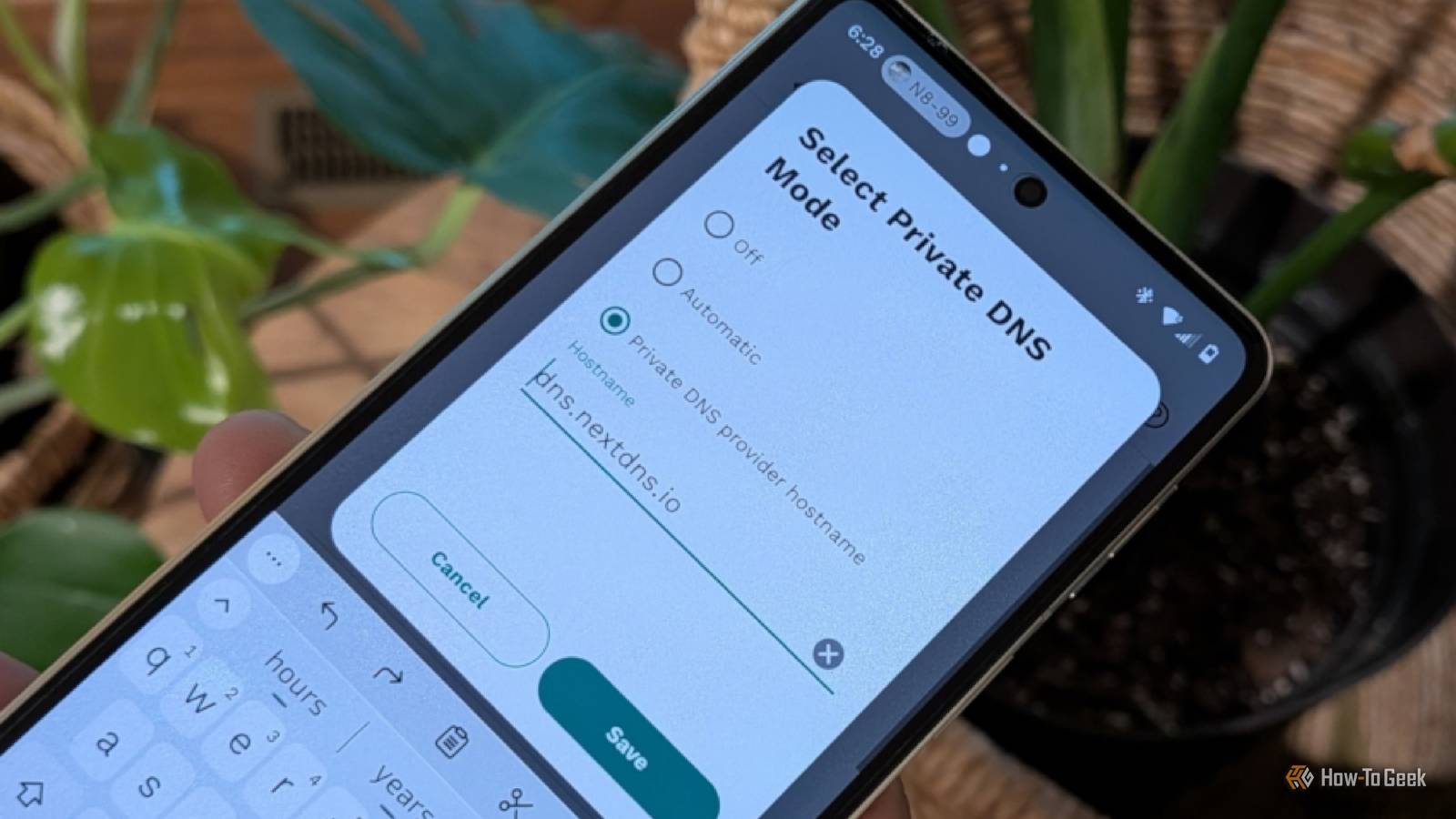
For better or worse, DNS failures feel like an internet problem.I mean, if the website fails to load, then it kind of is an issue with your internet—but not in the same way as it is when your ISP fails, for instance.With DNS failures, everything else might be peachy, but websites will struggle.
I finally figured out what the problem was for me: the actual weak point was the DNS server I had deliberately put smack dab in the middle of my network.I thought I was doing the right thing, but I couldn't be more wrong.DNS was involved in far more of my home network than I realized Local names still need to resolve Close The thing about DNS, and it's a thing many of us don't really give much thought to, is that it doesn't only come into play when we try to reach something on the internet.
That was the case for me, too, and what I didn't know at the time is that this whole situation would send me on a merry chase of network troubleshooting.I use hostnames for devices and services on my local network, too, and those names still have to be translated into IP addresses for my PC to know what to do with that traffic.So, my NAS could be sitting there, feeling great, Ethernet could be working fine, and yet trying to reach it by hostname would make it seem as though it's offline.
That was annoying, and initially, I blamed my ISP, and then, my NAS or the connection to it.But there was an important distinction.Since I could reach the service directly by its IP address but it was gone when I tried to use its name, the network path was most likely fine (which took a little moment to figure out).
The name resolution was the problem, though.And because I had put a local DNS resolver in charge of answering those requests, running into problems with that server could spill over to whatever device was connected to it.It all got pretty ambiguous, but in the end, it was because they all depended on the same piece of infrastructure that I completely underestimated.
Related You're setting up custom DNS wrong—and it's breaking your network troubleshooting Most people don't need custom DNS settings on every device, and there's a better way to approach it Posts 13 By Monica J.White I had accidentally built a single point of failure My router could be fine while DNS was dead That DNS resolver I set up for myself was set up in the interest of having more control over my network.Given my various ISP troubles, I tend to prefer having more control over things rather than being hands-off.
Unfortunately, in my controlling tendencies, I also made every device on that network depend on one machine being available.As long as the resolver was up and running, it was all good.But if something went south, my router could still be routing traffic, and my internet could be working, but anything that needed a DNS lookup was in shambles.
The symptoms of this (probably fairly niche, I'd imagine) problem are pretty ambiguous.Slow loading or refusing to load at all for various apps, sites, and local services was the main issue.Restarting the device wouldn't help, the same way restarting a router doesn't always help, because the underlying problem was still there.
The second server isn't necessarily sitting waiting its turn "Primary" and "backup" are convenient labels, not a universal rule At this point, adding a second DNS server started to look like the obvious choice.If the first resolver let me down, the second would just kick into gear and take over, right? In theory.Naming these things "primary" and "secondary" makes it sound like one of them does all the work and the second one sits around, doing nothing until it's needed, but clients don't all handle multiple DNS servers that neatly.
For instance, Windows can move to another configured DNS server when the first one is unresponsive.It can also change which resolver is the "primary" based on responsiveness.So, it boils down to the fact that this second DNS server wasn't really secondary; it was more like adjacent, and that caused some trouble.
It needed to know about the same local hostnames and provide the same kind of answers as the first one.You can prove the problem without guessing Test names and addresses separately This whole thing was frustrating, I won't lie, but a fairly simple test gave me the answers I needed.The goal was to separate basic connectivity from name resolution.
As mentioned above, if a local service was responsive when I entered its IP address but wouldn't load based on hostname, that's a pretty strong sign that you might be dealing with this issue.Once I figured that out, I could query DNS directly and see whether the resolver was actually returning an answer.On Windows, all you need is tools like nslookup and Resolve-DnsName.
You can point the query at a specific DNS server, which lets you test your original resolver and the new one independently, then compare local records.Once both resolvers are answering properly on their own, take the first one offline and repeat a normal lookup.All good? That tells you that your second server is actually providing redundancy.
My second DNS server had to be genuinely independent Two IP addresses don't help if one failure kills both There's one more catch here, of course.It's that even if you have two DNS server addresses, you may still not have built in redundancy.As long as both resolvers are on the same device, their fates are tied to said device.
Say you reboot it or it goes down ...so do both the resolvers.That kind of makes the whole concept a little bit useless, as you don't have that fail-safe you were trying to set up in the first place.
For me, the solution was that the second resolver needed to live somewhere else, with its own IP address, with the same local records.The failures started making sense once I changed my mindset Figuring out that DNS isn't necessarily just a matter of "website loads or it doesn't" was the game changer here, honestly.My local DNS resolver became a critical part of my network, and I still underestimated it and didn't treat it as an important point of failure.
Quick to blame just about everything else, I spent more time troubleshooting this than I really had to.
Read More