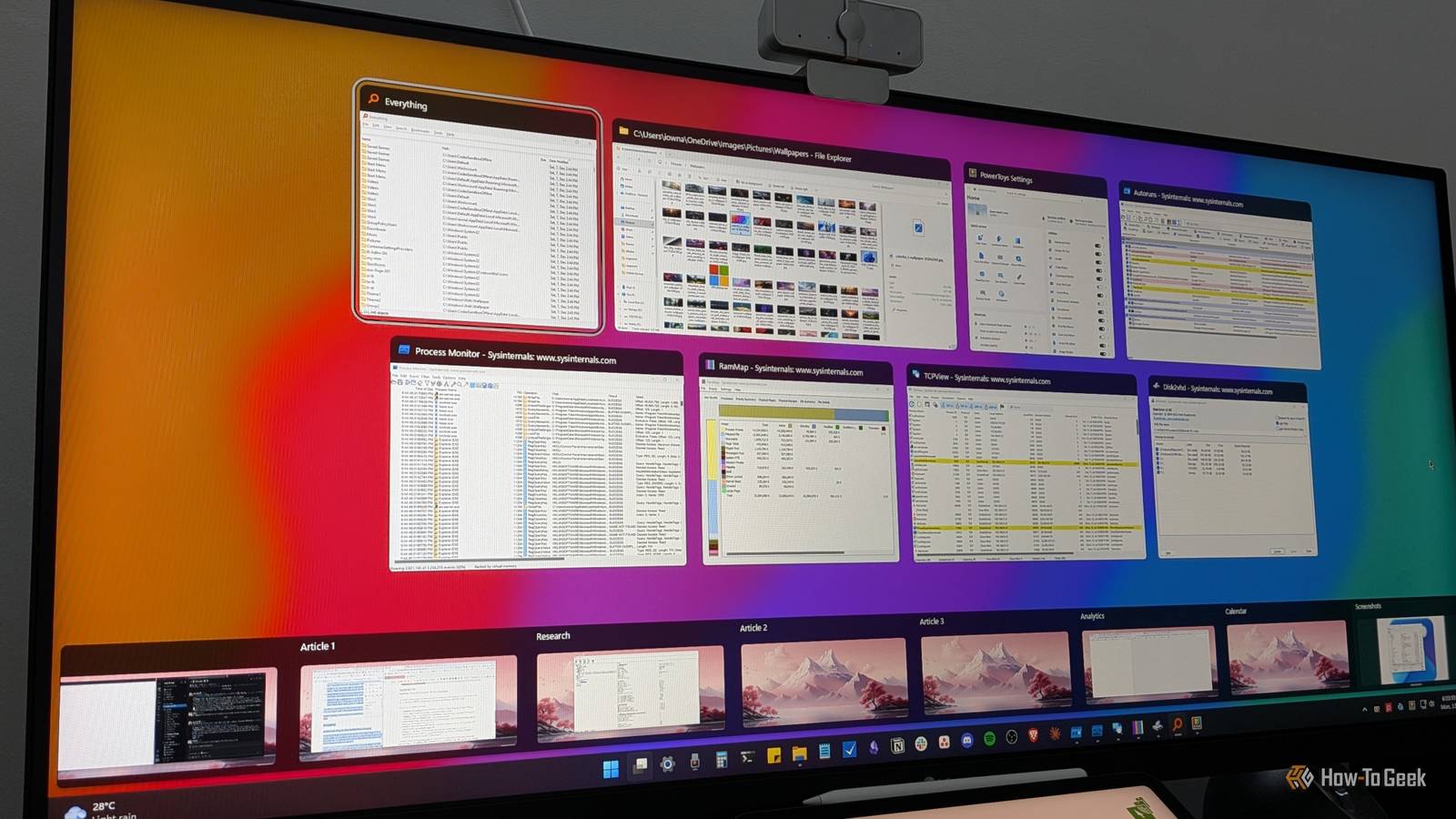
I switched to Linux as my daily driver several years ago, but sometimes Windows still necessary.When that happens, I'm stuck using a workflow that feels oddly clunky.I found myself reaching for programs and tools that didn't exist and trying to use window management options that didn't exist.
Windows 11 has built-in versions of my favorite features from KDE, but they're not truly equivalent.These are a few apps that help narrow the gap without spending a dime.PowerToys Command Palette replaces KRunner The best addition to Windows in years Close Windows Command Palette (formerly PowerToys Run) is a launcher that allows you to search through your apps, files, and open windows.
It can handle simple calculations, unit conversions, change registry keys, run commands, all from one interface.If you've ever used Spotlight Search on macOS, it is quite similar, though I'd argue it's even more flexible.Since I installed it a few years ago, it has almost completely replaced the Start Menu in my workflow, since it does more and have the pesky Bing integration.
Getting Command Palette Command Palette is part of the PowerToys suite, and can be downloaded from GitHub or the Microsoft Website.Once PowerToys has been installed and Command Palette enabled, press Windows+Alt+Space to open up the window and start typing.It has more features than I actually use daily, but if it something you need, there are community plugins.
If those don't work, it would probably be pretty easy to vibe code your own plugin that adds the functionality you want.FancyZones fixes Window management Windows' windows are good, but the built-in management leaves something to be desired Close Plasma's tiling and window controls are fantastic—they're probably my favorite in any desktop environment on any operating system.Windows, while smooth, lack the same degree of control out of the box.
Fortunately, PowerToys once again has the solution.PowerToys' FancyZones allows you to define "zones" and drag windows into them.Its use is quite similar to snap layouts, but it is more flexible, and you can permanently layouts for future use.
These days, I have a work layout that opens up everything I need on each screen, so I don't spend 10 minutes every morning shuffling windows around until everything is where I want it.If you want something that is more like , you should check out Komorebi to match KWin.KDE Connect runs on Windows too Integrating your phone is easier than ever The KDE app I use the most is KDE Connect, which allows you to receive notifications from your phone on your desktop, share a clipboard, transfer files, send messages, and gives you bidirectional control of one device from the other.
If you frequently work between a phone and a PC, it is Setting it up is as simple as installing the application on both your phone and your Windows PC and connecting to the two.They communicate exclusively over your local network, so no sensitive information is ever transmitted over the internet or stored on any cloud servers.Related How to sync your Android and Windows devices seamlessly How to link your phone to your PC to share files, answer texts, and cut distractions while you work.
Posts 7 By Faisal Rasool If you're using KDE Connect while on a private network, you may need to tweak your Windows Firewall settings to ensure that your phone and your PC can see each other to connect.If they just don't appear even though they're connected to the same network, that is the first thing you should check.Ditto fixes Windows 11's clipboard Clipboard history is nice, but it is limited Close The KDE suite includes Klipper, which augments the existing clipboard function in Linux.
You can hit Win+V in Windows to get something , but it isn't equivalent.That is where Ditto comes in.Ditto is a clipboard memory that allows you to store as much history as you like, has pinned entries, and full-text search.
The search is invaluable.Ditto stores formatted text and images in a searchable database.I frequently find it is very helpful when I need to dig up a link or quote that I copied an hour ago.
It is also handy if you're storing code snippets or commands that you want to run.Be careful about storing a log of everything you've copied on a shared machine.If you copy something like a password, it could be a huge security vulnerability.
Windows 11 needs a productivity boost Windows has been the go-to operating system for home users using a Mac for decades.It is a little frustrating that I have to go out of my way to recreate the productivity that I can get on Linux distros like Kubuntu out of the box.At a minimum, PowerToys—which offers a huge range of fantastic tools—needs to become a default part of the Windows suite.
They include functionality that is for anyone that uses their Windows PC for work.
Read More