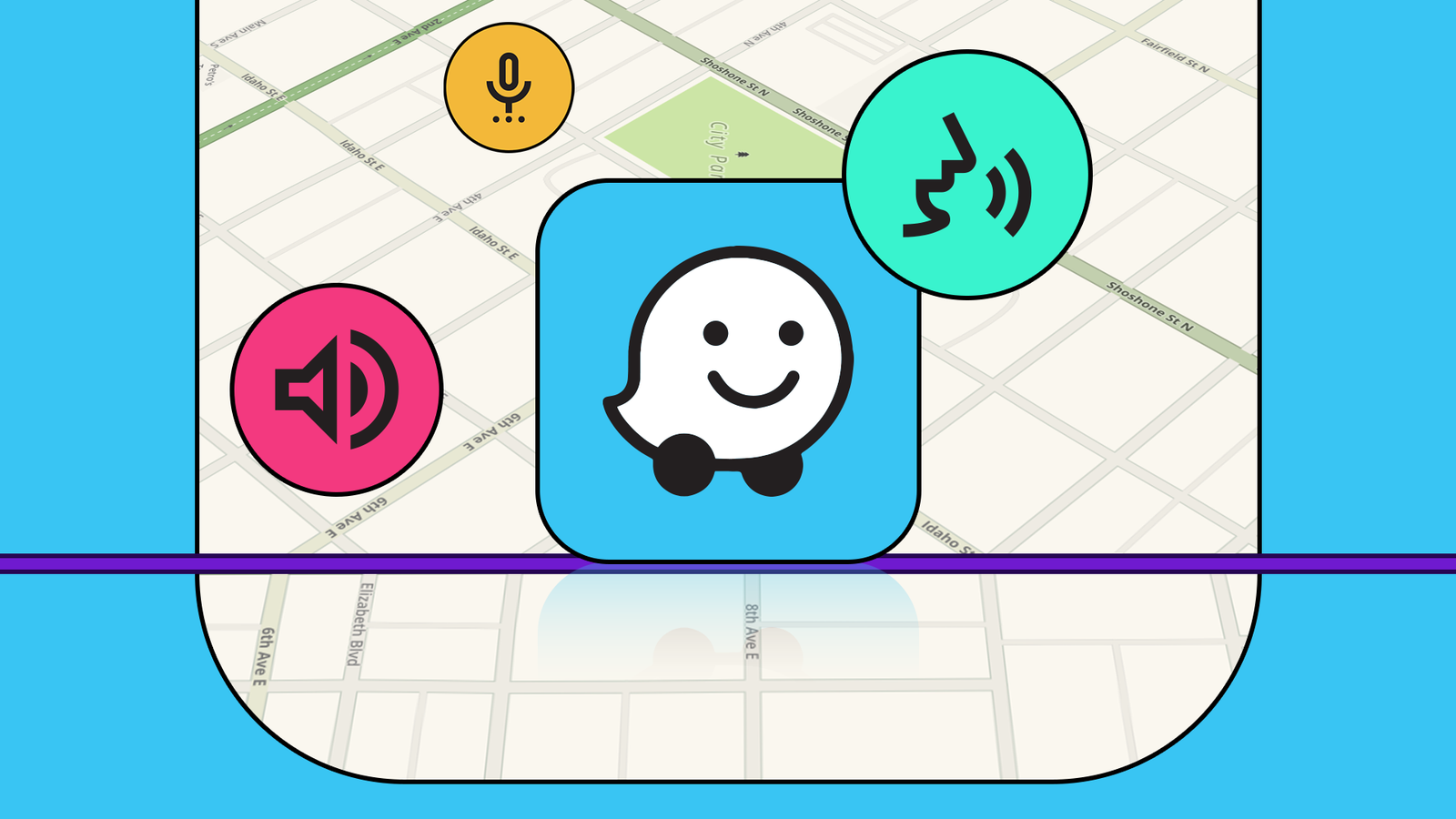
I've used Waze for the better part of a decade, and there are plenty of reasons I choose it over Google Maps, especially in Android Auto.Waze is a fantastic navigation app on its own, but instead of fumbling with your phone, move it to your car's dashboard to completely transform the experience.What to know about Waze A community-driven maps and navigation app Most people use Google Maps or Apple Maps, but a better option exists.
I'm talking about Waze, and even if you've used it before, it's absolutely worth giving it another shot.So, what makes it different than all the others? Waze has been around forever as an excellent map, navigation, and real-time traffic conditions application.Google acquired the company in 2013, which is what prompted me to try it in the first place.
I used it for years on my phone, then got a wireless Android Auto adapter and started using it on my infotainment display, and I never looked back.Imagine Google or Apple Maps, only with users reporting when there's police ahead, potholes, objects in the road, construction, traffic jams, accidents, and more.That's the power of Waze.
The community of users shares reports about the road, which are then verified and shared with other drivers approaching.Related I don't use Google Maps in Android Auto anymore—this navigation app took its place Better in all the right ways.Posts 26 By Cory Gunther Whatever you might encounter on the road, Waze is one step ahead of you, ready to help.
Everything from police speed traps to sharp turns and other road hazards, nearby gas or EV charging locations, rerouting during traffic, and so much more.And sure, Google slowly and surely added some of its features to Google Maps, but the two aren't even close in terms of usefulness.Google Maps might alert you to a tire in the road, occasionally, but Waze will time.
Go download Waze, then enjoy several features that make it even better on your car display instead of a phone.AAWireless TWO+ Dongle Type Android Auto & Apple Carplay adapter What's Included Adapter, USB-C to USB-A cable Easily add wireless Android Auto or CarPlay to your vehicle with this capable dongle that works with both platforms. $65 at AAWireless See at Amazon Expand Collapse Easy hazard reporting with seamless voice controls Staying safe on the road A huge part of what makes Waze great is the hazard and police reports, and eventually, you'll want to contribute to the community and help other drivers on the road.Sure, the software interface is a bit bubbly and cartoonish, instead of the polished look of Google Maps, but I actually prefer it.
A large part of that design is how everything appears on your screen.Waze employs a large-format hazard reporting system that's perfect for touchscreen infotainment displays in vehicles.The community-driven reporting interface (for police, accidents, hazards) is optimized for quick, safe taps on your car's touchscreen or via steering wheel controls.
When you're using your phone, you have to look down and find the icons on a tiny screen.But when you're using Android Auto, everything is large, easy to find, or accessible by the steering wheel on select vehicles.The fewer distractions while driving, the better, and Waze with Android Auto makes it easy to stay on course, avoid traffic, watch for police, and be part of the community, all while keeping your hands on the wheel and eyes on the road.
Related 7 Waze voice commands every driver should know You shouldn't be driving with Waze without knowing these simple commands.Posts 5 By Jorge A.Aguilar And when you don't want to search for a button on your screen or are trying to be a safer driver, the deep integration with Google Assistant lets you use hands-free voice commands to enter destinations, report hazards, or change a route.
Deep integration with Google Assistant lets you use hands-free voice commands to set destinations, report road hazards, or change routes without ever taking your hands off the wheel.As long as voice controls are enabled on your vehicle and the Waze app, tap that steering wheel button and get started.The always-on dashboard view is better with Android Auto Split-screen for alerts and music controls When you plug your phone into the car (or use Wireless Android Auto) the Waze experience improves by leaps and bounds for one small reason, split-screen support.
Unlike the mobile app on a tiny screen, Android Auto enables a split-screen dashboard view where Waze can be the main focus on one side, along with incoming notifications, media player controls, and other information at a glance.Android Auto is designed for the screen in your car, and when you use Waze, you'll still have near-instant access to everything else, which is something I can't say about the mobile app on my phone.Dual-screen functionality is truly useful Let passengers safely make changes One thing that bothers me about Google Maps is that once it's running in Android Auto, you can't do much on the app without confirming anything on the car dashboard.
That's for safety reasons, obviously, but Waze gives you dual-screen functionality for that exact scenario.While Waze is running on Android Auto, giving you real-time road conditions and navigation, a passenger can still fully interact with the app.For example, a passenger can add a stop for gas or coffee, find a different destination, or make changes right from the app, without messing with or disrupting the current projection.
That sounds like a niche situation, but it happens to me all the time.And yes, everything mentioned here also applies to Waze with CarPlay.And that's not all you'll love about Waze As I said earlier, Waze is great, but it's even better paired with Android Auto.
Another feature I love is the audio integration with your vehicle, especially if it has native Android Auto.For example, Waze can smoothly lower the volume of music or a podcast and comfortably share an alert or a driving step, then slowly ramp it back up.It's not sudden or talking over the music, and you'll never miss a crucial turn.
Better yet, set up some Android Auto automations that leverage Waze, so everything is good to go before you ever leave the driveway.At the end of the day, Waze is better on a bigger screen and takes full advantage of the Android Auto experience.
Read More