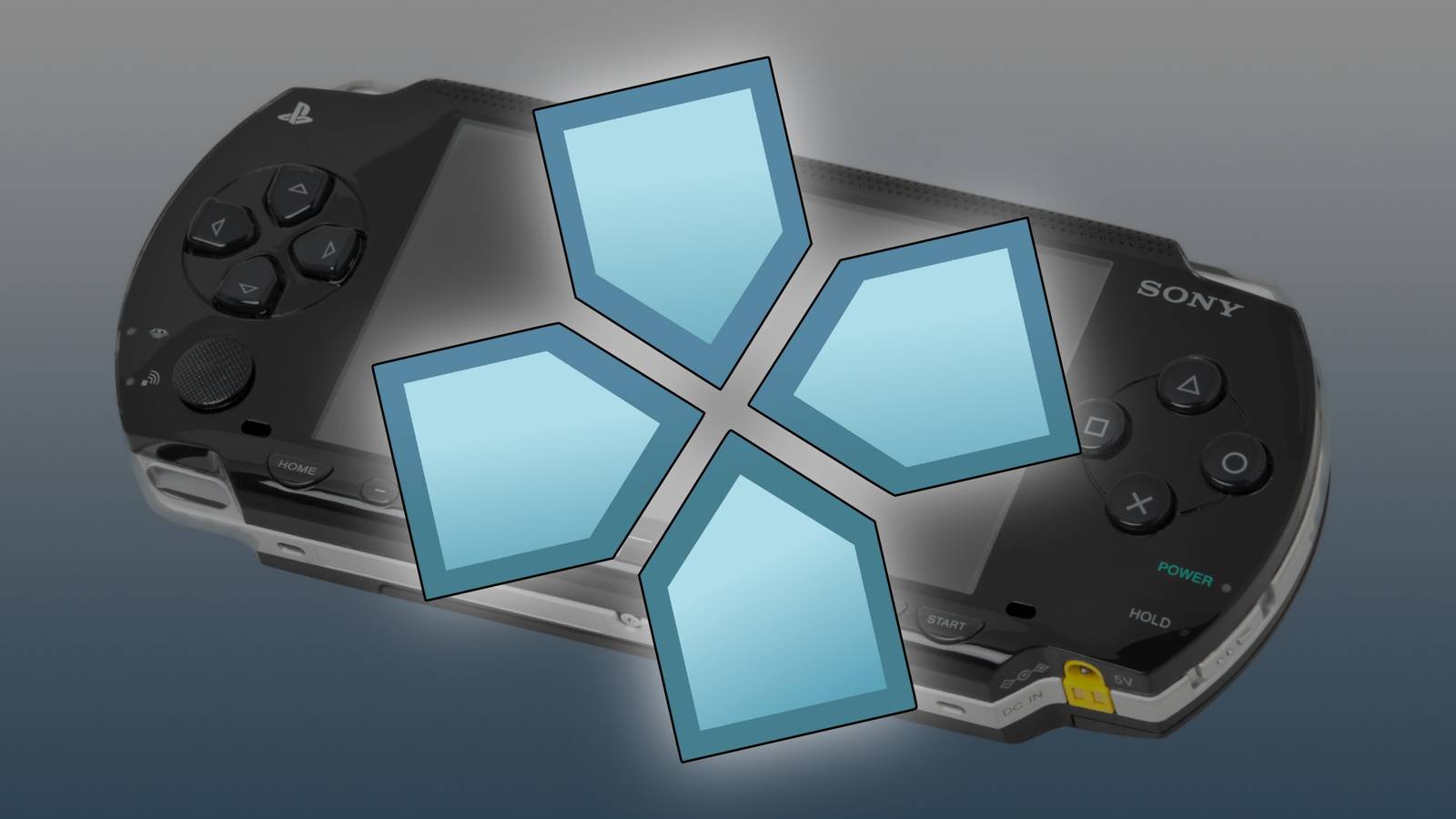
The popular emulator for the Sony PlayStation Portable, PPSSPP, has just received a significant update.PPSSPP v1.20 has a new portrait mode for phones and tablets, performance improvements, full support for ARM Windows, and much more.First, this update has a new interface that fully supports both landscape and portrait layouts, which is especially important on phones and tablets.
The versions for iPhone and iPad didn’t even support screen rotation at all before this release.Many interface icons have also been redesigned, and now scale properly to all screen resolutions.The blog post explained, “Previously landscape layout was simply squished into portrait which didn't look good nor did it work well.
[…] Also, now touch control layouts and the display layout configuration are separate between portrait and landscape, which simply makes sense.” There are also many performance and rendering improvements in this release.That includes fixes for Tales of Phantasia X, Brave Story, ATV Offroad Fury: Blazing Trails, 7th Dragon, Tony Hawk's Project 8, Silent Hill: Shattered Memories, the Syphon Filter games, and Outrun 2006.The VSync mode has also been reworked, and “you almost always want to have it on now,” according to the announcement.
Native support for DualShock and DualSense controllers are in this release as well, including tilt input from DualSense, along with experimental support for Switch Pro controllers.There’s also a new smooth playback mode for audio, which reduces glitches at the cost of some audio latency.Windows on ARM is now officially supported, though previous releases “already mostly worked fine.” That means PPSSPP will have full performance on all the new Snapdragon-based Windows PCs, as well as other future hardware based on 64-bit ARM chipsets instead of x86 CPUs.
Support for Android 4.4 KitKat has been removed due to technical changes required by Google Play, but the emulator still works on Android 5.0 and newer versions.Finally, PPSSPP v1.20 now supports relay servers when using ad-hoc multiplayer.With a relay server, you don’t have to open ports in your firewall or deal with other complex setup processes.
They are now automatically used for popular servers.Subscribe to our newsletter for emulator coverage Discover curated emulator coverage—subscribe to the newsletter for focused updates on PPSSPP releases, compatibility notes, controller support, and platform builds, plus practical guides that help you follow emulator developments.Get Updates By subscribing, you agree to receive newsletter and marketing emails, and accept our Terms of Use and Privacy Policy.
You can unsubscribe anytime.You can download PPSSPP for Windows, macOS, Linux, iOS, and Android devices.The new update is still waiting on App Store approval from Apple, but it’s already available on other platforms.
As usual, you have to supply your own game ROMs, except for the homebrew titles available to download through PPSSPP.Source: PPSSPP (1, 2)
Read More