Driving around with Android Auto should feel more like listening to Majel Barrett’s computer voice, giving you directions and handling tasks lightning fast.Instead, we got a dodgy Gemini integration over the past few months.My experience with it was a bit bizarre, to say the least.
I also felt like it was a bit more dangerous and distracting.So I tried a little experiment: ditching Android Auto voice control for Google Home routine commands.Changing the way I interact with Android Auto Sometimes I have to do things manually Close I've tried to get away from Google as much as possible, but I just keep finding myself being drawn back in.
A moth to a flame and all that.Android Auto is one area where I've found some value in working with their apps.I sometimes have a few issues using voice control with Android Auto.
If I'm driving in the middle of nowhere, it can be laggy.But the biggest issue is that the darn thing can't seem to understand my commands.I don't know.
Maybe I just don't enunciate very well.Either way, Google Assistant used to always mishear me, and Gemini, well, it tried to help me write a song the first time I told it to call my wife, so, yeah.Not great for either of them.
There's also some lag with Gemini in my car, which could just be related to the wireless connection or even the age of the head unit (and the fact that it's been repaired; long story).Either way, I felt swapping a few of my normal commands with Google Home would work better than the Gemini-infused version of Android Auto I have in my car.Setting up the new commands is fast It's a very interesting experiment, too I've seen quite a few guides that talk about setting up a custom launcher for something like this.
But a lot of those come from before Gemini ended up taking over for Google Assistant.So, instead of relying on voice commands, I decided to (reluctantly) give the new “assistant” a try.The Assistant on my phone is Gemini (Assistant is no longer available in settings).
This can vary by device and region, as Google is still using Assistant functions on some phones.These are the same commands I would use in Google Home for automation.But instead of saying them out loud or using some crazy workaround to get Google Home to integrate with Android Auto, I set them up as Gemini buttons.
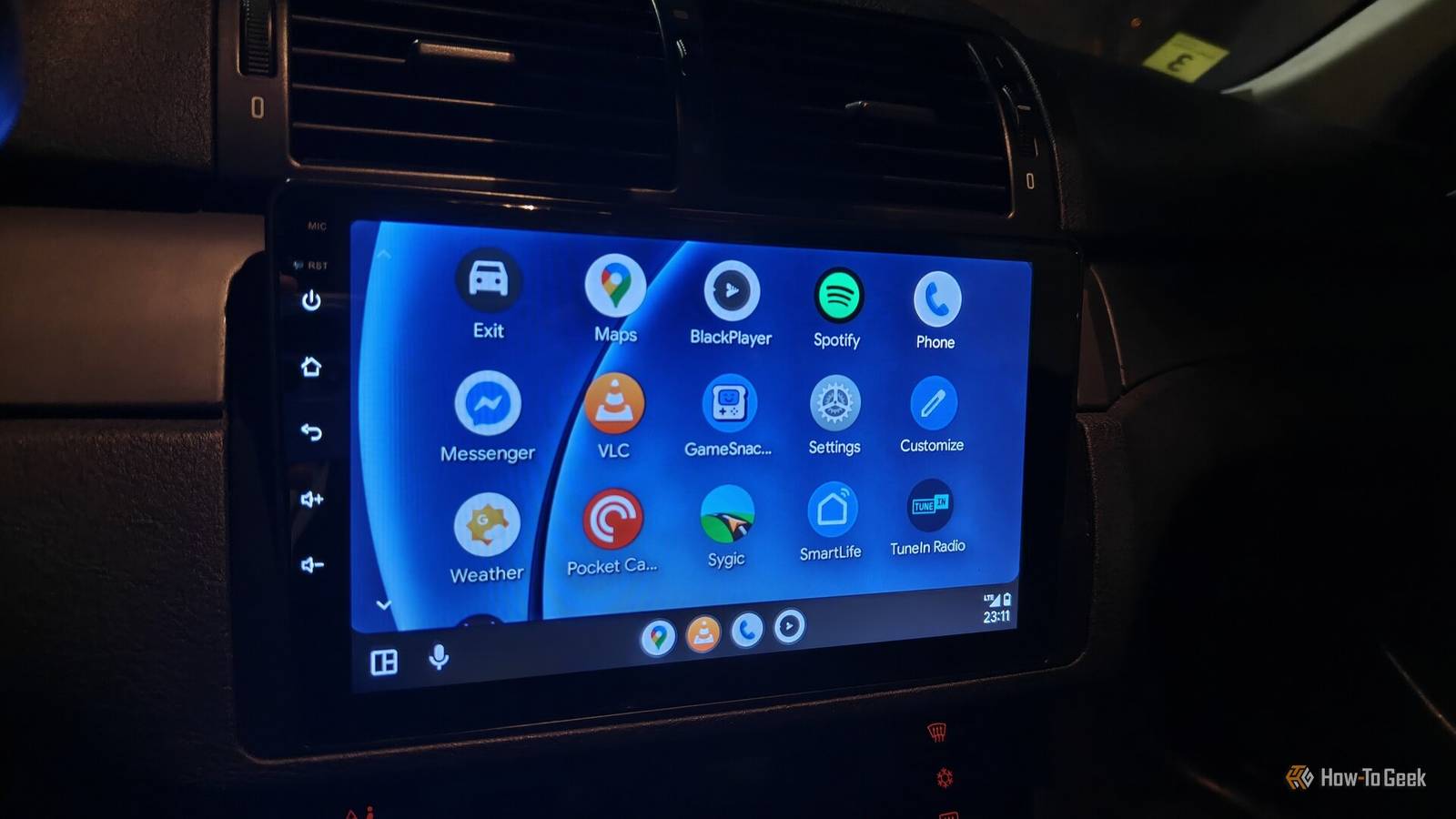
I've never done anything like that before, but since I use Android Auto so much, it's really the only option right now.I have three shortcuts that I use: one for my commute, one for communication, and one for when I park.The shortcuts make sense and are easy to use No more misheard Android Auto voice commands Instead of needing to rely on vocal processing to talk to my smart home/phone/tablet, I used Android Auto's custom home assistant shortcuts.
It's the same type of command I would use to open my garage door or turn on my porch lights through Google Home.The only difference is that I tap the Android Auto shortcuts on the screen instead of saying them out loud.It feels more reliable that way.
Using commands this way doesn't replace cloud use.Android Auto still needs to access the cloud to run my Google Home routines.Now they're just dashboard tiles I can click.
That's better than voice for me.Under Settings -> Android Auto, I set up a custom launcher.After that, I used the plus button to add a shortcut to the launcher.
Then it was a matter of setting up the text commands.I did this for all three of my commands.The first one I set up was a simple one called Commute.
Navigate to Work, check traffic delays along the primary route, and resume my latest album in Spotify.This one is useful because it gets my information ready and loads up an album, but also does exactly what I want without deviation.The issue with using a voice command is that the system often misunderstands me.
That's happened in Android Auto before Gemini, Gemini, and in Google Home when I'm just chilling in my office.So this one does a lot to remove those issues.The second one I started using is the one that auto-informs my wife when I'm on my way home and have arrived at home.
I call it ETA.It's a pretty easy one: Send a text message to [wife's-name] saying: Heading home now, see you in 20 minutes.The last one will turn on my porch lights and open my garage door.
I already had a Google Home routine that did this when it detected my presence, but it's kind of hit-and-miss.The dashboard button version of the command is much more convenient.I can just hit it real quick as I pull into the driveway.
I called it Parking.Here's the command: Open the garage door and turn on the driveway LED lights.Once I made these, I tested them out.
They worked well, and I didn't run into any issues with the tasks.Getting creative with Android Auto is fun but feels like a novelty A final assessment and thoughts on the experiment This was a fun and interesting experiment to try.I definitely like the consistency the tasks provide, but the novelty kind of wore off quickly.
I had to give Gemini permissions to access my Contacts, Phone, and Google Home apps.Not sure how I feel about that.That also might not be the case for every user, and your phone might request different permissions.
Always review permission prompts before accepting them.And there's always a potential caveat: the backend can fail or handle specific tasks in a weird way.Some tasks still might fail, even when used as buttons.
I have yet to experience that.But I've also never seen that family of skunks that live near my office, but I they're there.My point is, just because I didn't experience it doesn't mean it can't happen.
Android Auto is always evolving, but still customizable Voice activation can be very useful to some people.Me? I'm firmly of the opinion that someone should text you first, just to make sure you're taking phone calls.I think using Google Home-style commands as routines you can trigger with a button is better than talking to Android Auto, but that might just be unique to people like me.
As always, your experience may differ.Related Android Auto ruined my audio quality, and this is the only app that fixed it Music playback on Android Auto didn't sound quite right.I found out why and found an app that fixed it.
Posts By David J.Buck
Read More