Adobe Premiere is one of the most popular video editors out there today, but as time has gone on, I've realized that I don't use it nearly enough to justify the cost of a subscription.I tried 5 alternative editors, but one stood out from the crowd.Premiere Pro is great—but subscriptions aren’t Subscription fatigue is real I’ve spent many years editing with Adobe Premiere, and it is definitely one of the best tools out there.
The trouble for me isn’t the program itself, but the cost: a recurring subscription.When you look at a single payment of $20 per month, it seems harmless.But as the months and years pile up, the total becomes hard to ignore.
You’re probably already juggling a dozen services on a monthly basis.Adding another bill just to edit video can feel overwhelming.I certainly don't edit enough video footage to justify Premiere's cost—more than $200 yearly at a minimum.
What I needed in a replacement Finding an alternative isn’t as simple as downloading the first free editor that pops up.Many free tools fail when you try anything beyond a quick cut.I was looking for something that could match Premiere's features without a recurring subscription cost.
Stability and performance matter too.There are plenty of editors out there that have a good feature set but are plagued by crashes, weird driver support bugs, and poor optimization.Premiere isn’t flawless, but I've never found that it has any consistent reliability issues.
Any replacement had to match or exceed that reliability factor.I tried so many Premiere alternatives There are several great free or freemium options available I tested several alternatives before I found something that felt right.There were several programs that impressed me all around, and I'd recommend you try all of them.
Lightworks — Solid features, but I often found myself looking around the user interface for the button I wanted.If I didn't have a pre-existing bias towards Premiere, Lightworks would be a good choice.Shotcut — Shotcut is very capable software, and I have no major complaints.
It was a reasonable contender.Kdenlive — Kdenlive feels closest to a real Premiere alternative in the open-source world.It offers a strong feature set and a familiar layout.
OpenShot — OpenShot is easy to pick up quickly, and is great for simple editing.After tinkering with it for a while, I think it would be a bit too limited for complex projects.However, one stood head and shoulders above the rest.
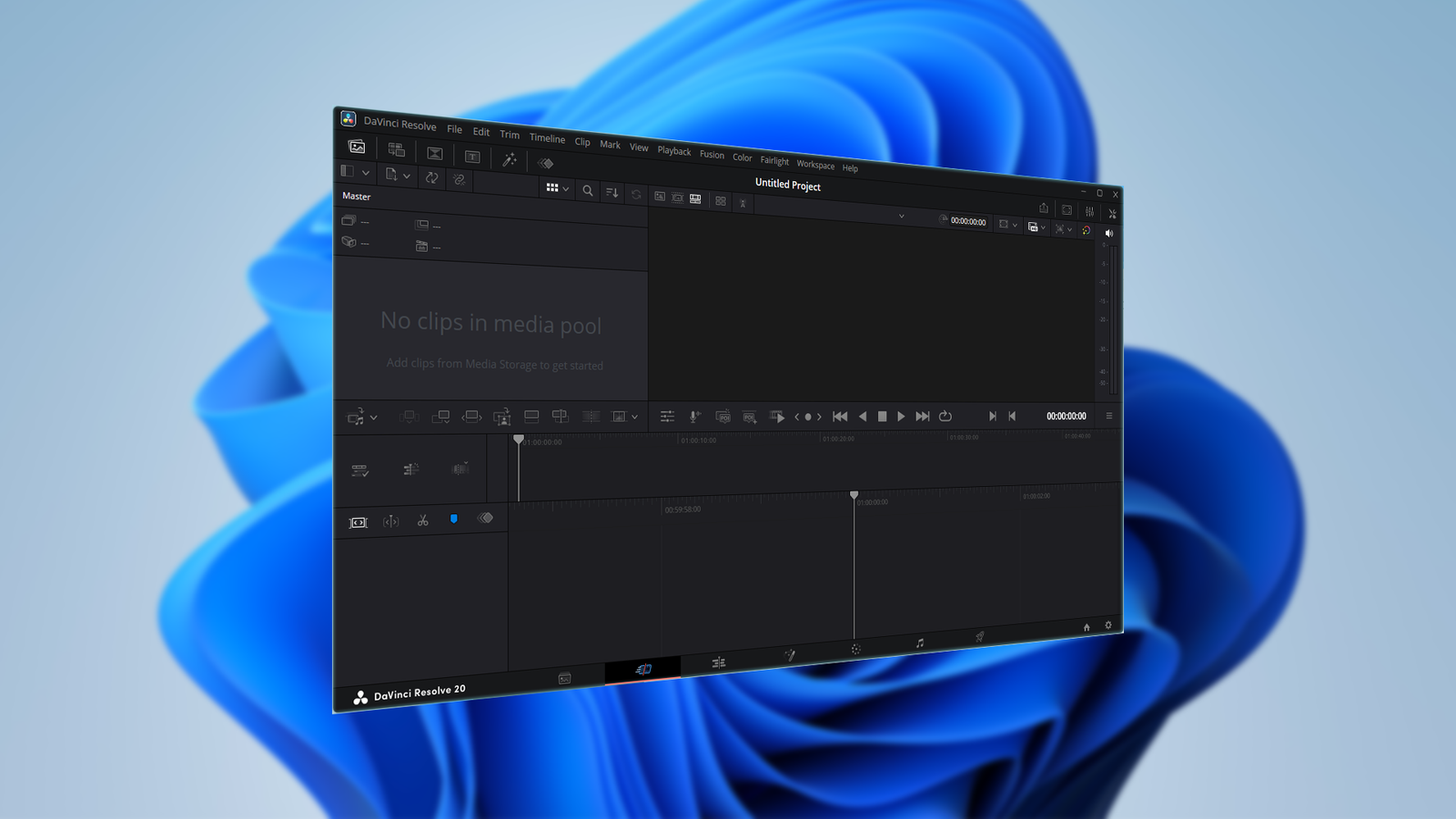
DaVinci Resolve is on another level A professional-grade tool for free In my search, DaVinci Resolve was by far and away the most impressive option, especially considering the feature set.Even the free version is a direct competitor with Adobe Premiere.Resolve offers a full post-production suite.
You can do everything you might need, including editing, color grading, visual effects, and audio.It is an all-in-one replacement for several of Adobe's tools.The user interface is quite different from Premiere, but after using it for a while, that isn't a dealbreaker.
It is exceptionally capable software that is available for .The little bit of time required to learn a new interface is well worth the effort.Color grading alone blows everything else away DaVinci Resolve is famous for its color grading, and I can see why.
I'm not a professional working on films or TV shows day in and day out, but it is obvious why the tool set would appeal to those that are.It is easy to use and capable.Performance is excellent I was surprised by Resolve's speed.
Scrubbing through footage is smooth and playback is steady.I encountered no problems handling high-resolution footage.Related How to Enable Hardware-Accelerated GPU Scheduling in Windows 10 and Windows 11 Want to make your apps and games a bit smoother? Try this.
Posts 8 The paid version is an incredible bargain The free version covers most needs, but if you decide to upgrade, the paid tier costs you $295 once—no subscriptions.That is a welcome change from Adobe's subscription model.Free doesn't mean inferior If you’re tired of paying for a tool that feels like renting your own workflow, consider Resolve as an alternative.
It offers professional-grade features at a price that makes sense—and you keep ownership of your projects without the subscription trap.DaVinci Resolve DaVinci Resolve is a professional video editor that combines editing, color grading, and visual effects into one simple application.It is based around a non-linear editor and a dedicated audio suite, too.There is a free version, but there is also a paid version with additional features that is available for a one-time payment.See at Blackmagic Design Expand Collapse
Read More