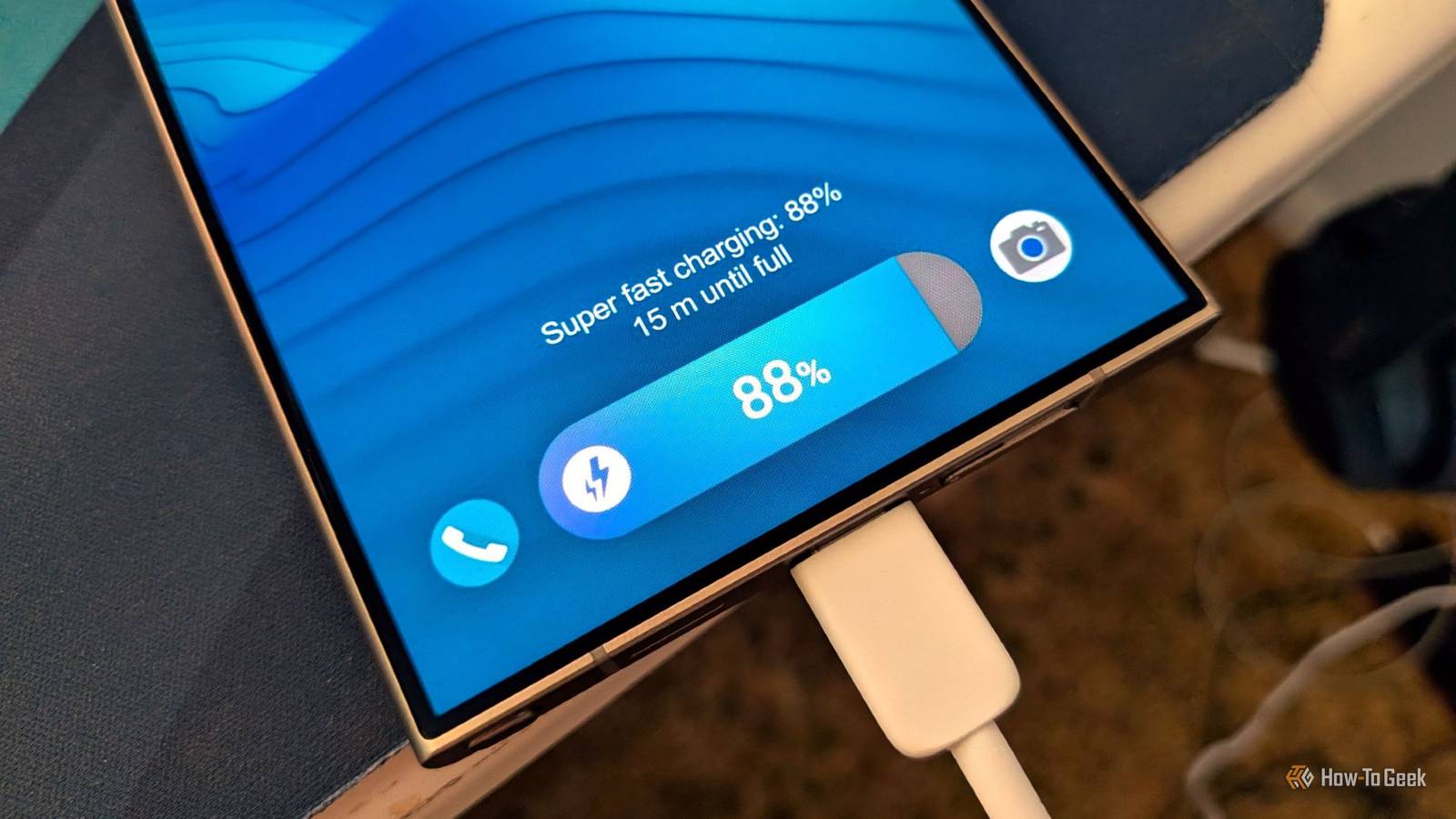
Recently, people have become more cautious about their phone's battery health than about fast charging.For years, my bedtime routine has been to plug my phone in and fall asleep.This way, I stop reaching for my phone frequently at bedtime, which improves my sleep.
While my sleep has improved, my Galaxy S25 Ultra's battery life has significantly declined in just a year and a half.Though modern power management chips and software tweaks help prevent battery damage, they cannot eliminate the effects of heat and natural battery aging.Charging generates heat, and prolonged exposure to high temperatures can harm your phone's battery over time.
Why keeping your battery at 100% can speed up aging How high voltage puts more stress on lithium-ion cells As your phone's battery capacity approaches its maximum charge limit, its voltage rises, putting additional strain on its internal materials.Modern phones won't explode or mechanically overcharge, thanks to advanced power-management integrated circuits.But keeping cells under constant flow-charge tension remains the primary cause of battery degradation.
Also, some phones periodically resume charging after the battery level drops slightly below 100%, creating repeated, shorter cycles.Ultimately, with overnight charging habits, we stress-test our battery — around 4.4V or more for six to eight hours straight — triggering unwanted chemical reactions and structural changes in the cathode that gradually reduce the battery's ability to hold a charge.This is exactly what happened to my Galaxy S25 Ultra, which began draining faster, as shown by Screen On Time (SoT).
Shift to an adaptive routine Let your phone manage the final 20 percent overnight Close If changing your overnight charging habits permanently leaves you with midday battery anxiety, you do not have to forfeit overnight charging entirely.The real chemical damage stems from parking a cell at 100% for longer periods, not the brief window it spends fully charged right as your morning begins.Modern Android devices now include smart options designed specifically for this scenario.
On a Google Pixel, this is called Adaptive Charging; on Samsung devices, it's called Sleep Time Protection.To enable this on a Galaxy phone, go to Settings -> Battery, then open Battery Protection.Make sure Sleep time protection is enabled there.
On Pixel, you can find the Adaptive Charging option under Battery -> Battery Health.When enabled, these modes monitor your typical sleep patterns and sync with your active morning alarm.During overnight charging, the phone fast-charges to 80% before you fall asleep, suspends charging throughout the night, and trickle-charges the remaining 20% just before your alarm goes off.
You still wake up to a full 100% battery, but your phone spends roughly 20 minutes at maximum voltage instead of 6–7 hours.Adaptive charging features rely heavily on registered morning alarms or consistent sleep routines.If your work shift rotates unpredictably, or you wake up at different times every day, setting a fixed charging limit is a much more reliable option.
Set a charging limit that works for you Choose between maximum protection and convenience For a long time, enforcing a hard battery limit (say 90%) required rooting your phone or using some third-party apps.Now with the latest Android builds, it's baked right into the operating system.On a Pixel running Android 11 or later, you can go to Settings, tap Battery settings, select Battery Health, and go to Charging Optimization to set your battery limit to 80%.
On a Samsung device, go to Settings -> Battery -> Battery Protection, select Maximum, and adjust the slider to your preferred threshold; typically 80%, 85%, 90%, or 95%.It is recommended to set your limit at 80%, which offers maximum protection to your battery.Once configured, the phone cuts off charging current the moment it hits your ceiling.
From there, it draws power directly from the wall to run background syncs without repeatedly pinging the battery.Related Your Android phone's battery has a limited lifespan: Here's how to check it Your phone's battery is slowly dying.Posts 1 By Joe Fedewa Disable fast wireless charging on your nightstand Stop bedside charging pads from trapping heat overnight If your bedtime routine involves leaving your phone on a wireless charging pad on your nightstand, you are likely exposing your battery to far more thermal stress than you realize.
Wireless charging is inherently less efficient than cable and tends to generate more heat due to electromagnetic induction.If your wireless charging pad and phone support fast wireless charging, leaving it enabled overnight to charge can worsen the situation.While Google Pixel manages thermal throttling in the background, Samsung devices let you manually dial back these charging speeds to temperature control, which specifically helps during overnight charging.
On your Samsung Galaxy device, go to Settings -> Battery, then enter the Charging settings menu, and toggle off Fast wireless charging.If you frequently switch between wired and wireless charging overnight, it's also recommended to toggle off Fast charging in the same menu.Protect your battery while you sleep I have officially broken my habit of needing that 100% battery icon every morning.
Enforcing a strict 80% limit and disabling bedside fast charging protects my phone's battery in the long run.Even if you can't break your full-charge habit, switching to an adaptive routine in your Android phone's settings ensures you aren't needlessly stressing your device all night.
Read More